


Font size settings
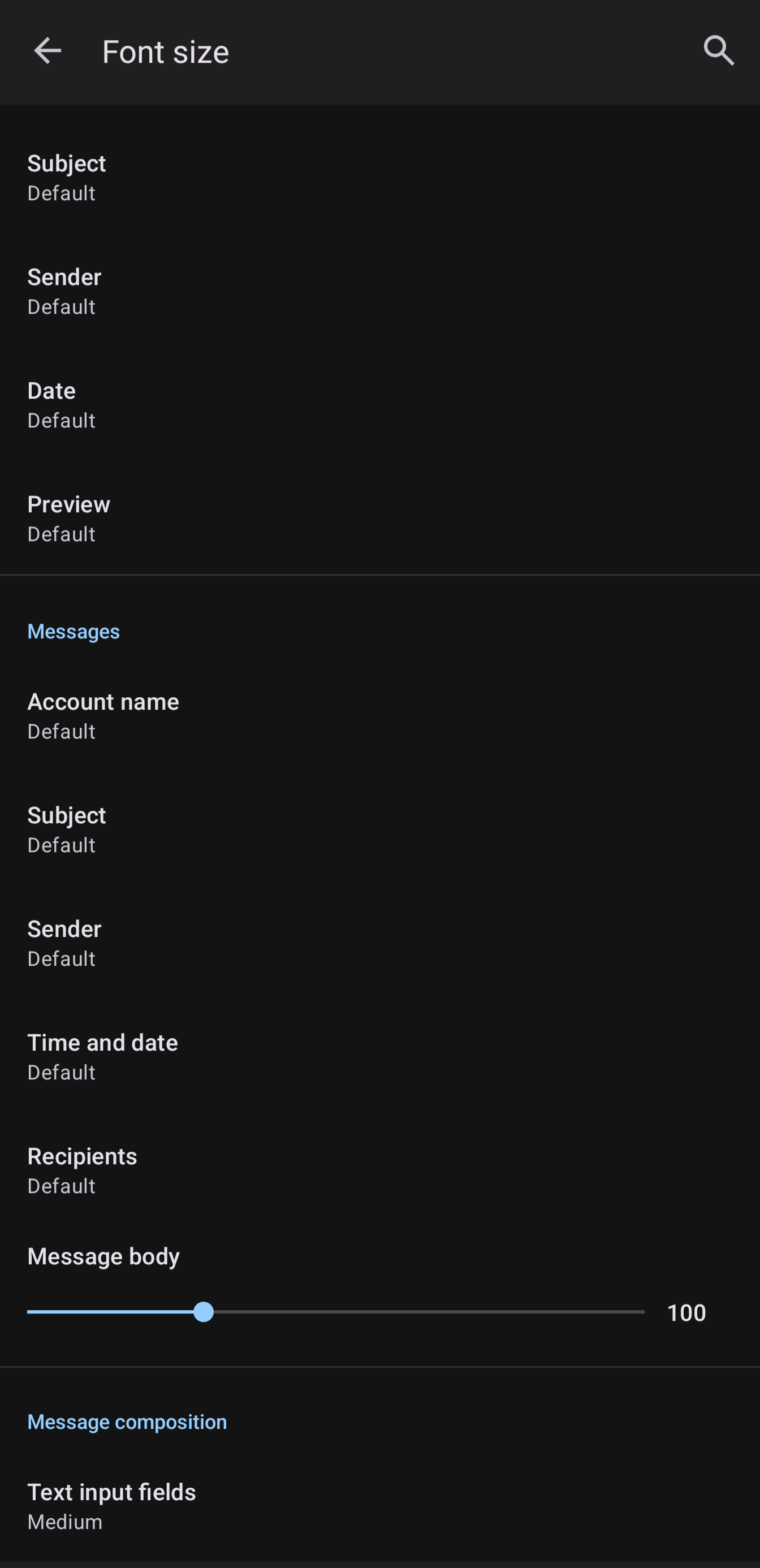
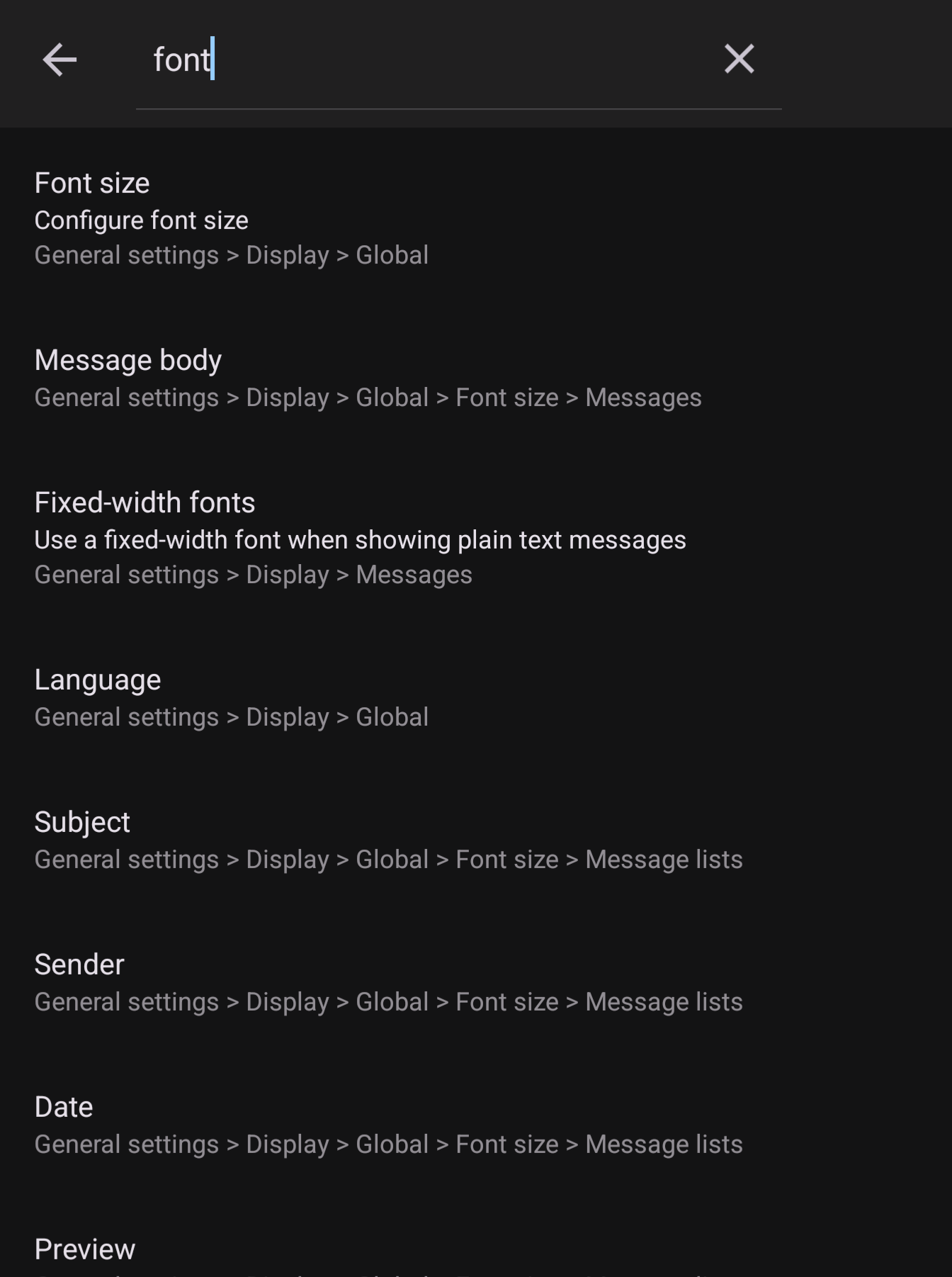
The font size settings appear to have been removed from General Settings or anything below that. They can be found using the search function, and they do work when changed, but I've seen the font size go back to default more than once. So, at the moment, they're kind of hidden and ephemeral.
Усі відповіді (4)
Font settings should not be there at all. Thunderbird for Android should be using the device's font settings.
What version of THunderbird and what device are you using?
It was certainly there when I installed it a couple of months back, and the font size settings persisted until the complaint above. I then managed to reset them (the font size settings were still there under the in-settings search function) but they have now reset again.
Pixel 8 Pro, Android latest, Thunderbird latest
As of now, these settings can still be made, see pics (via search function under General Settings).
And, if that wasn't clear yet: I want to keep these settings, they're fine-grained and I want them independent of phone settings.
What version number are you using please?
That would be 11.1.