


Unable to Use Microphone in Google Meet Despite Permissions – Works Fine in Chrome

Hello,
I'm facing an issue where my microphone does not work in Google Meet when using Firefox, even though I’ve granted all necessary permissions. This problem is specific to Firefox, as the microphone works perfectly fine in Google Chrome.
I prefer using Firefox because of its convenient screenshot features, but this microphone issue has caused major inconvenience during important meetings.
Kindly help me resolve this issue.
Thank you.
Усі відповіді (6)
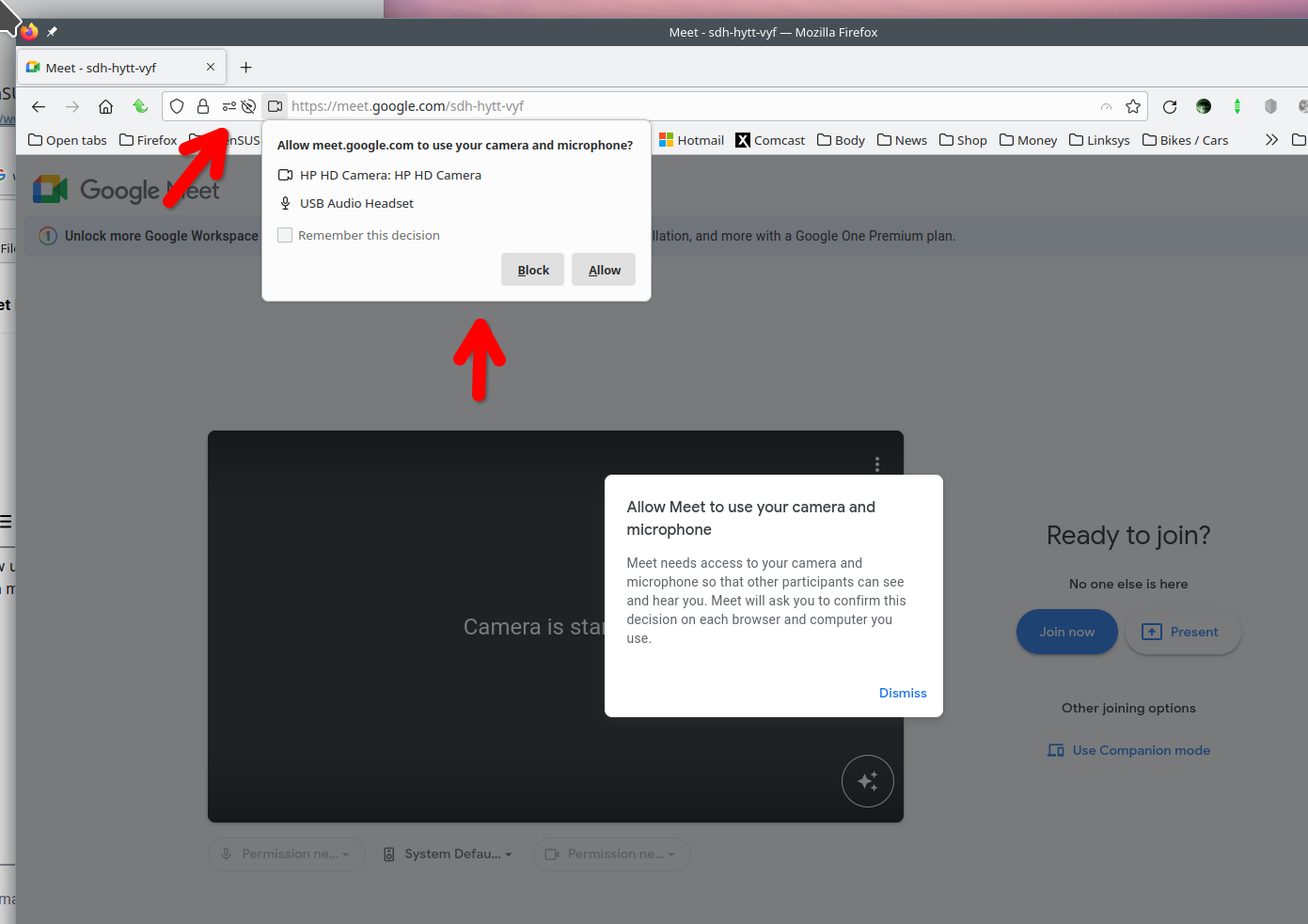
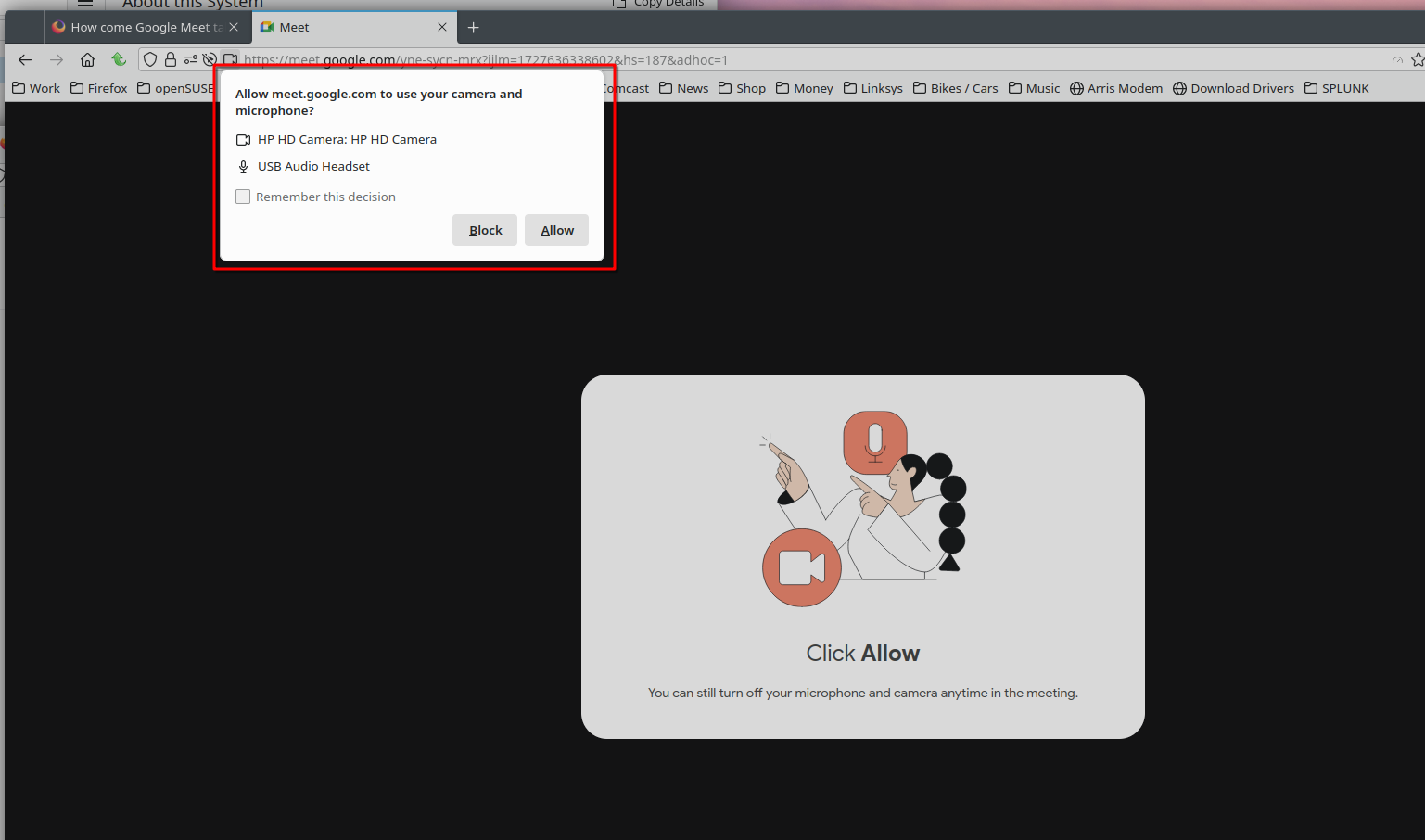

I have a similar problem, in google meet and also zoom.com's test page https://www.zoom.us/test
I can enable the microphone, the page loads, but no microphone sound detected (the bar does not move up with sound). On the zoom page it gets an error about the camera but the camera picture is there.
but this page works flawlessly https://mozilla.github.io/webrtc-landing/gum_test.html
pocket50 said
I have a similar problem, in google meet and also zoom.com's test page https://www.zoom.us/test I can enable the microphone, the page loads, but no microphone sound detected (the bar does not move up with sound). On the zoom page it gets an error about the camera but the camera picture is there. but this page works flawlessly https://mozilla.github.io/webrtc-landing/gum_test.html
Show the issue. Post screenshots like mine so we can see the important section of the address bar.

I'm having the same (or at least a very similar) problem. I use Google Messages to place calls. Has worked fine for the last few years. In the last 24 hours, I'm getting the error that the page is "Unable to connect to your microphone" (see image 1). However, looking at the permissions for the page, use microphone is clearly enabled (see image 2).
Any suggestions on what might be causing this error? FWIW, problem is restricted to Firefox -- microphone works in Edge and Chrome.
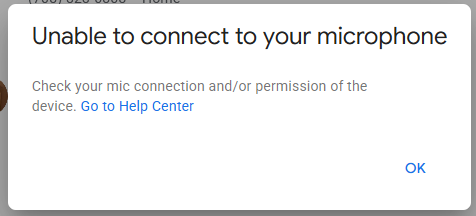
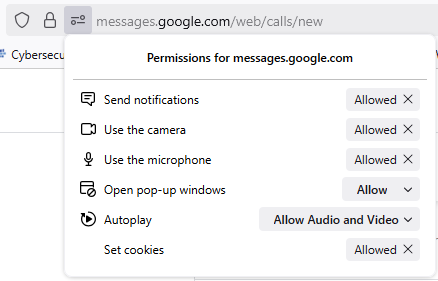
Змінено mozilla757
Issue appears to have resolved itself by clearing cookies and site data. To accomplish this, I went to the web site I was having trouble with, then hit CTRL-I, which launched the "page info" pop up. Under the "Security" tab, I clicked the "Clear Cookies and Site Data" button, which ultimately deleted the cookies and whatnot and logged me out of Google. Reloading the page and logging back in, the problem was resolved.

I have a similar problem, but for me it was the microphone's volume control mysteriously moving towards zero over the course of 1-10 seconds, which could be mistaken for not working.
I'm still looking for a solution apart from opening the microphone volume control and holding it at 100% while talking.