


Search engine has stopped working on my browser

My search engine has stopped working. I just get blank pages when I enter any subject in the search bar. I am forced to open a private window which always works without issues. Closely related to this problem I believe, is the fact that any online forms I try to complete and submit will not submit. Again if I copy and paste the address into a private window, I can complete and submit without any issues.
It is getting very frustrating to keep having to go private windows.
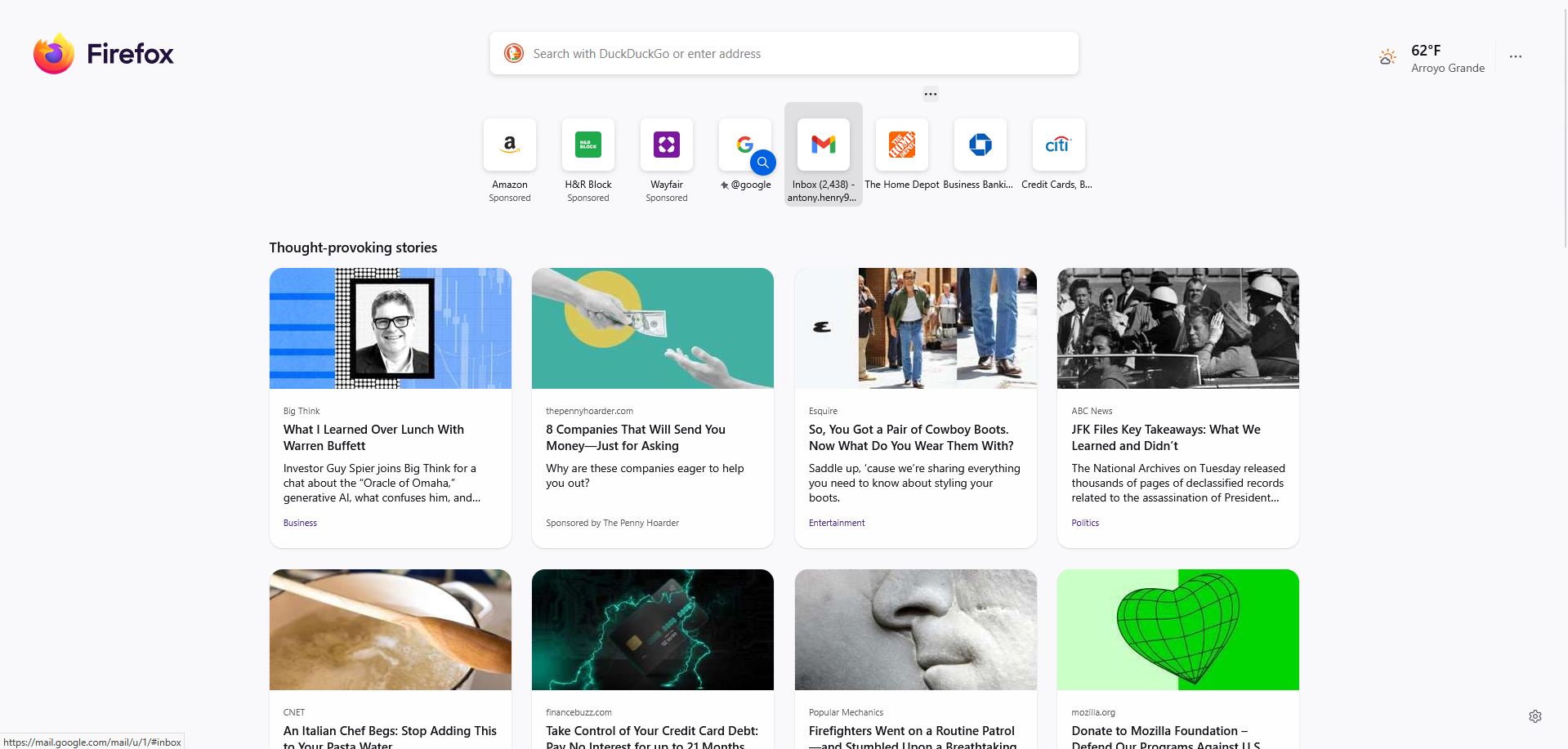
When I open a new tab, it opens fine, I get all the articles as per normal. But when I enter my search criteria I get nothing (see attached screenshots)

Обране рішення
This is a known issue with the MetaMask extension. You need to change a setting to resolve recent issues with incomplete/broken pages: https://github.com/MetaMask/metamask-extension/issues/31094
Читати цю відповідь у контексті 👍 0Усі відповіді (3)
Вибране рішення
This is a known issue with the MetaMask extension. You need to change a setting to resolve recent issues with incomplete/broken pages: https://github.com/MetaMask/metamask-extension/issues/31094
Thank you so much for your response. That appears to have cured my problem.
The extension authors have a version 12.12.1 update as you can see at https://addons.mozilla.org/firefox/addon/ether-metamask/versions/