


Webcam not being detected, specifically only on Google Meet on Firefox

As per the subject, I can't seem to get my webcam to start specifically on Google Meet on Firefox. The microphone works fine and the red webcam symbol beside the URL appears, but I do not get any video feed, only microphone audio. The webcam and microphone both function on https://webcammictest.com/ and I have allowed the camera and microphone privacy permissions for Google Meet on Firefox. I have also refreshed Firefox and they work just fine on Chrome, but I would still prefer using Firefox for my meetings. I am using Windows 10 22H2 and Firefox is at Version 136.0.1, which supposedly are up to date. Am I missing something?
Усі відповіді (4)

Windows home or pro? Any security software besides MS Defender? If Windows Pro version, try testing in Windows Sandbox (VM) to see if you have the same issue. https://www.howtogeek.com/399290/how-to-use-windows-10s-new-sandbox-to-safely-test-apps/ It works for me in linux and windows. see screenshots Post a screenshot of the page.
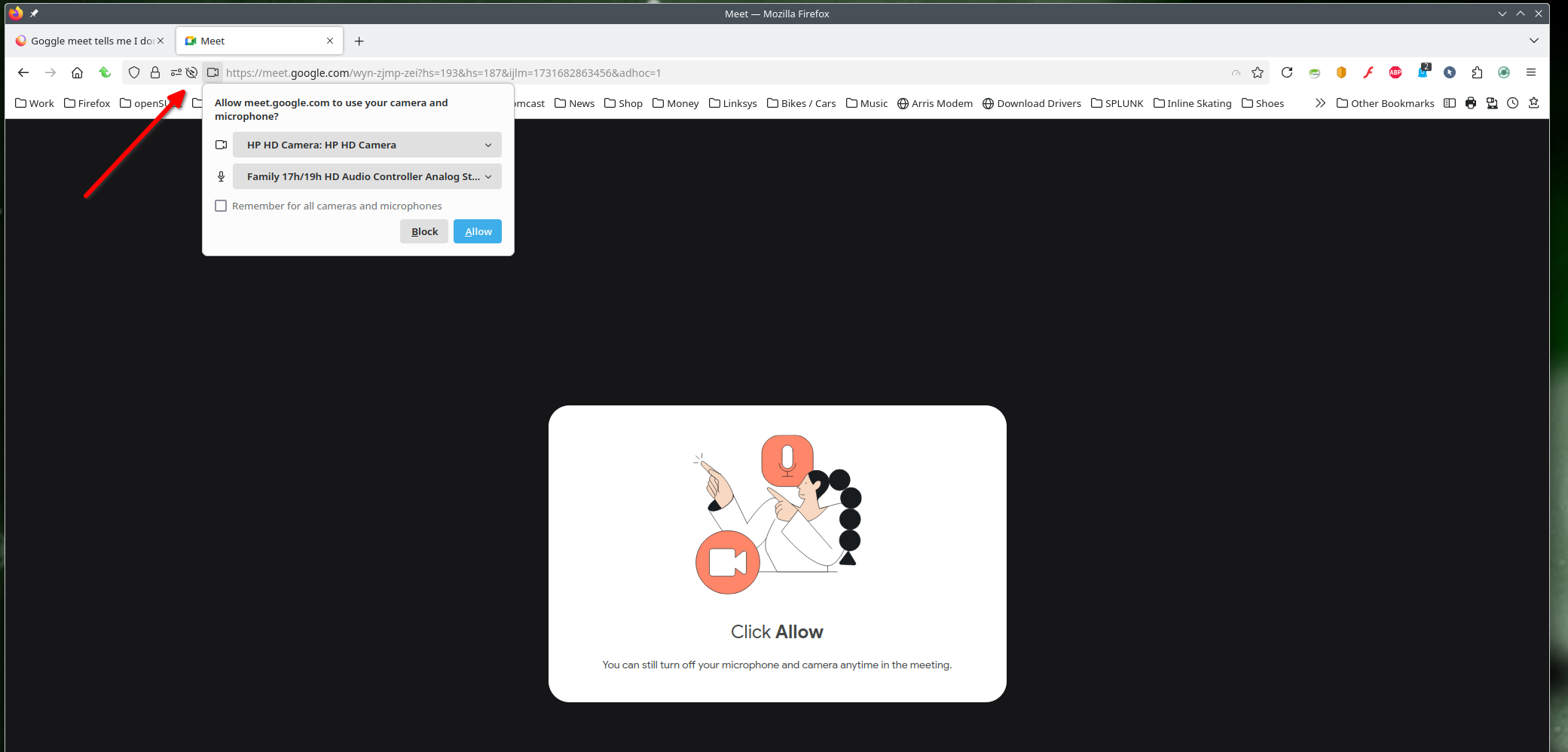
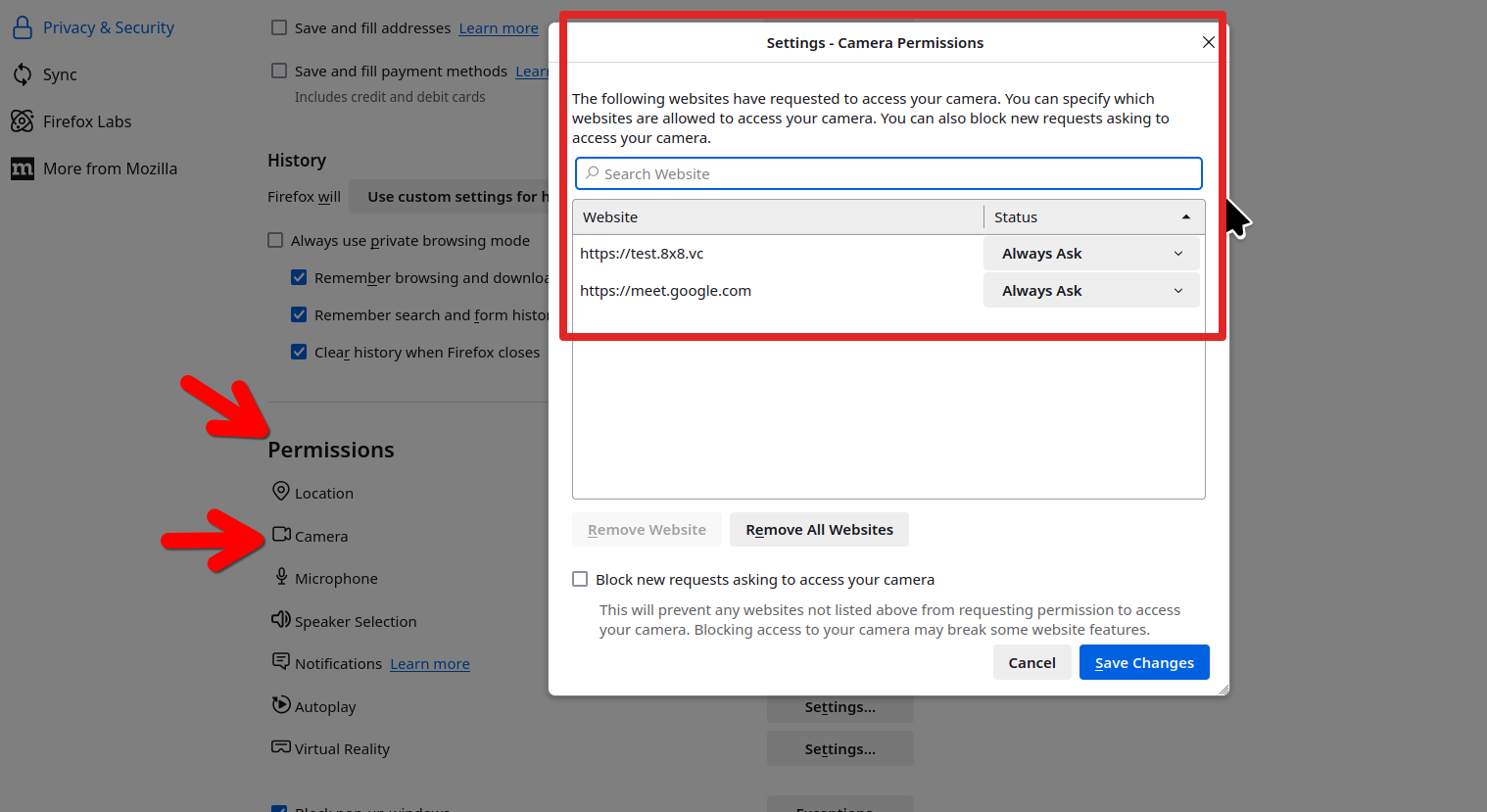
Змінено jonzn4SUSE
Here's windows. see screenshots
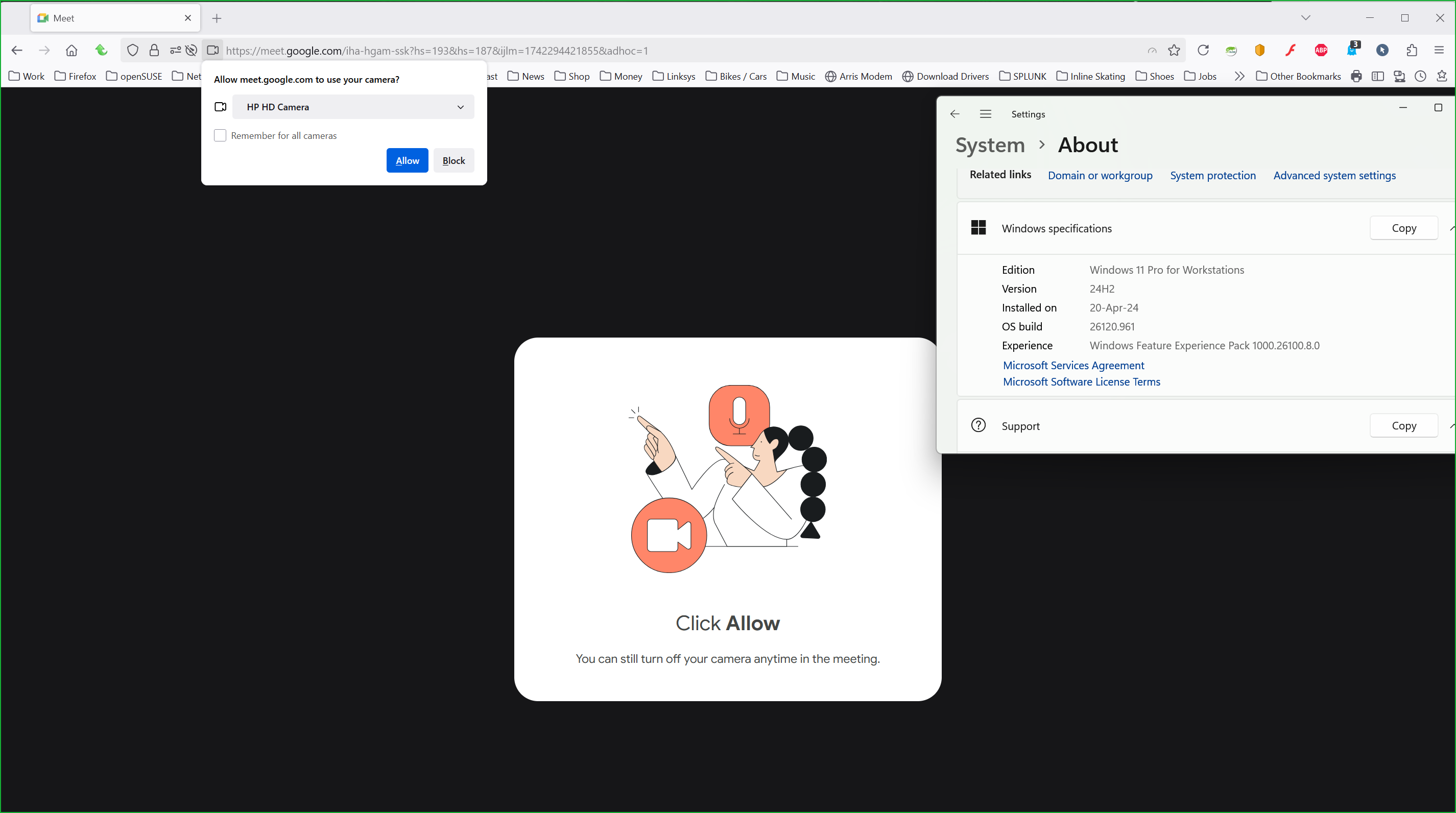
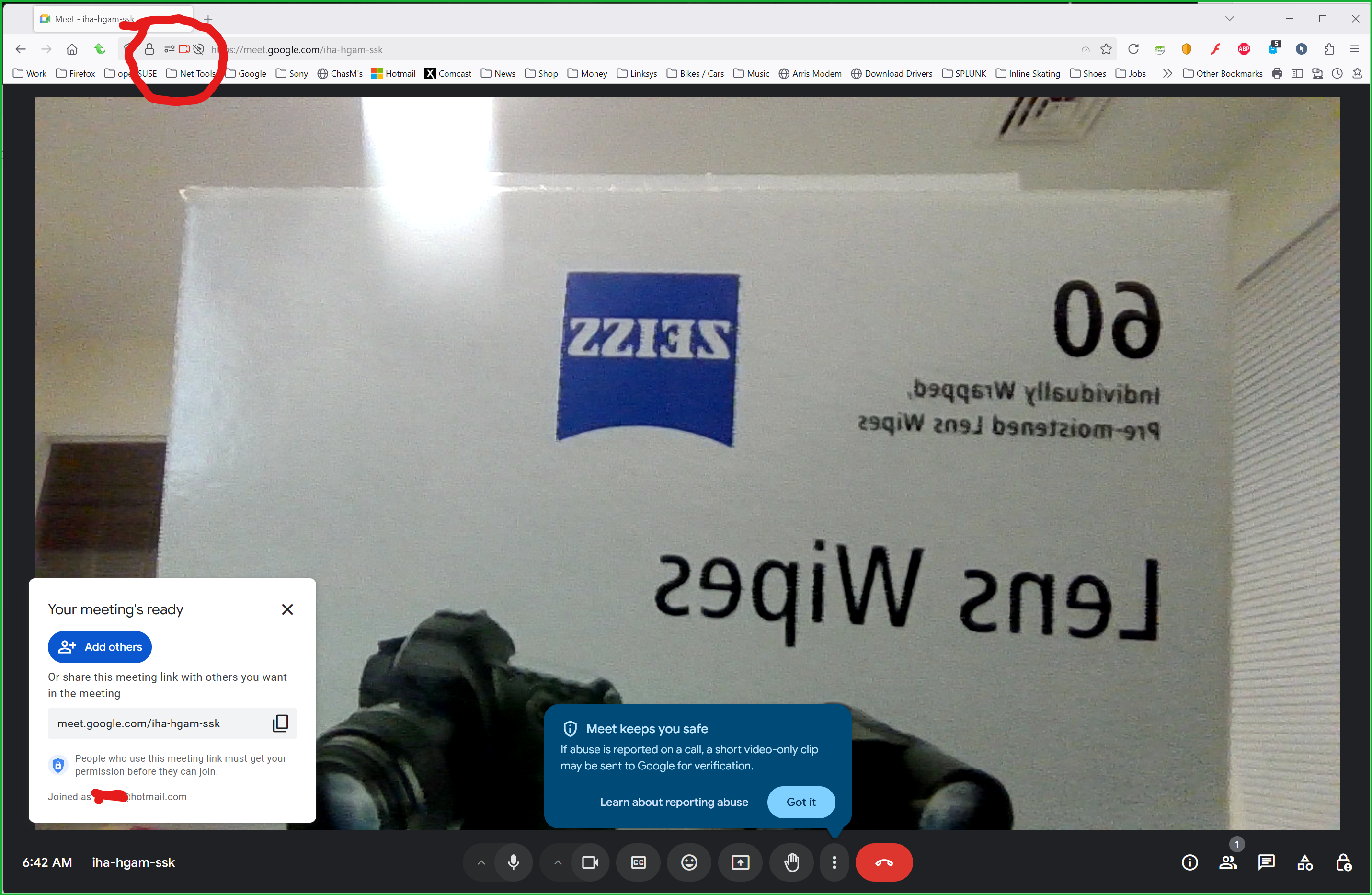
jonzn4SUSE said
Windows home or pro? Any security software besides MS Defender? If Windows Pro version, try testing in Windows Sandbox (VM) to see if you have the same issue. https://www.howtogeek.com/399290/how-to-use-windows-10s-new-sandbox-to-safely-test-apps/ It works for me in linux and windows. see screenshots Post a screenshot of the page.
I use Windows 10 Home unfortunately, and I don't use any other security software.
Post a similar full browser screenshot, show the issue please.