Windows 10 reached EOS (end of support) on October 14, 2025. If you are on Windows 10, see this article.

Шукати в статтях підтримки

Остерігайтеся нападів зловмисників. Mozilla ніколи не просить вас зателефонувати, надіслати номер телефону у повідомленні або поділитися з кимось особистими даними. Будь ласка, повідомте про підозрілі дії за допомогою меню “Повідомити про зловживання”

Докладніше

Ця тема перенесена в архів. Якщо вам потрібна допомога, запитайте.

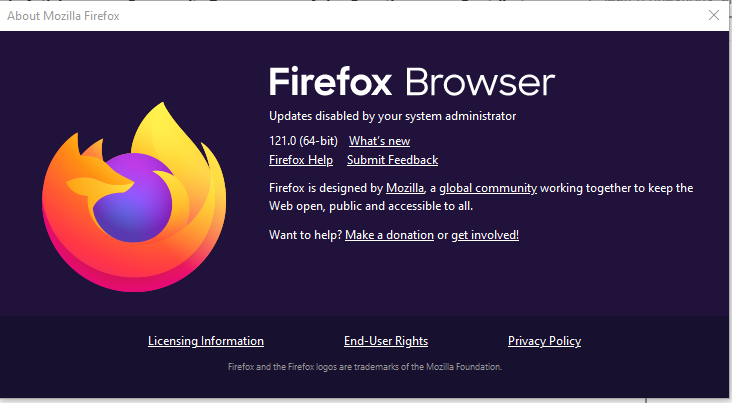
updates disabled by your system administrator

  • 2 відповіді
  • 1 має цю проблему
  • 991 перегляд
  • Остання відповідь від phillstroud
  • Вирішено

So I need to update my Firefox Browser to 128 BUT somehow "Updates disabled by your system administrator." and as I am the only user I have never set up an administrator.

So I have had a look and I don't understand most of what I am reading.

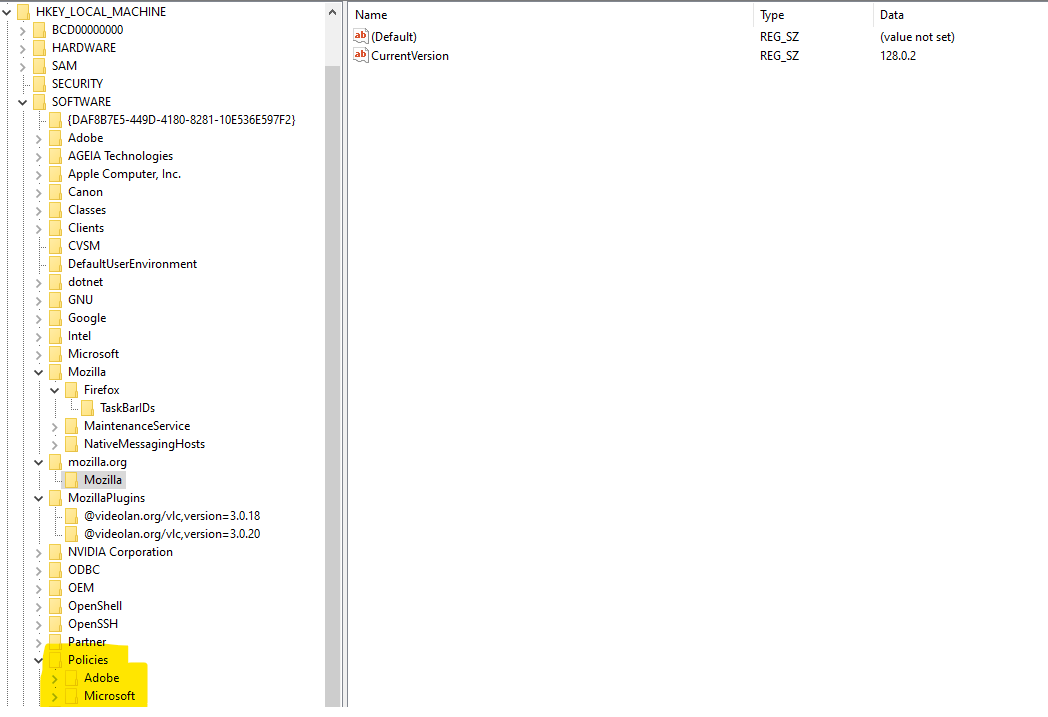
So about:policies.... DisableAppUpdate true So how do I change that? I have looked at Reg Editor but have no idea what I am looking at.

It took me a long time to update to Firefox 121 because I did not like some of the changes Mozilla did to it like spacing between Bookmarks in the dropdown so to update again is a big thing for me. Attached as much as I think is relevant. Any help will be much appreciated.

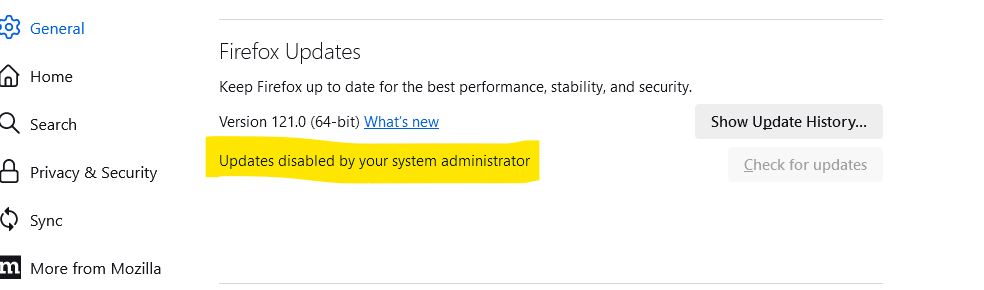
So I need to update my Firefox Browser to 128 BUT somehow "Updates disabled by your system administrator." and as I am the only user I have never set up an administrator. So I have had a look and I don't understand most of what I am reading. So about:policies.... DisableAppUpdate true So how do I change that? I have looked at Reg Editor but have no idea what I am looking at. It took me a long time to update to Firefox 121 because I did not like some of the changes Mozilla did to it like spacing between Bookmarks in the dropdown so to update again is a big thing for me. Attached as much as I think is relevant. Any help will be much appreciated.
Вкладені знімки екрана

Усі відповіді (2)

Вибране рішення

jonzn4SUSE

Thank you so much for your reply.

It did take me a bit of rooting around but finally found what I was looking for in one of the hot keys and deleted the DisableAppUpdate policies and all working as it should.

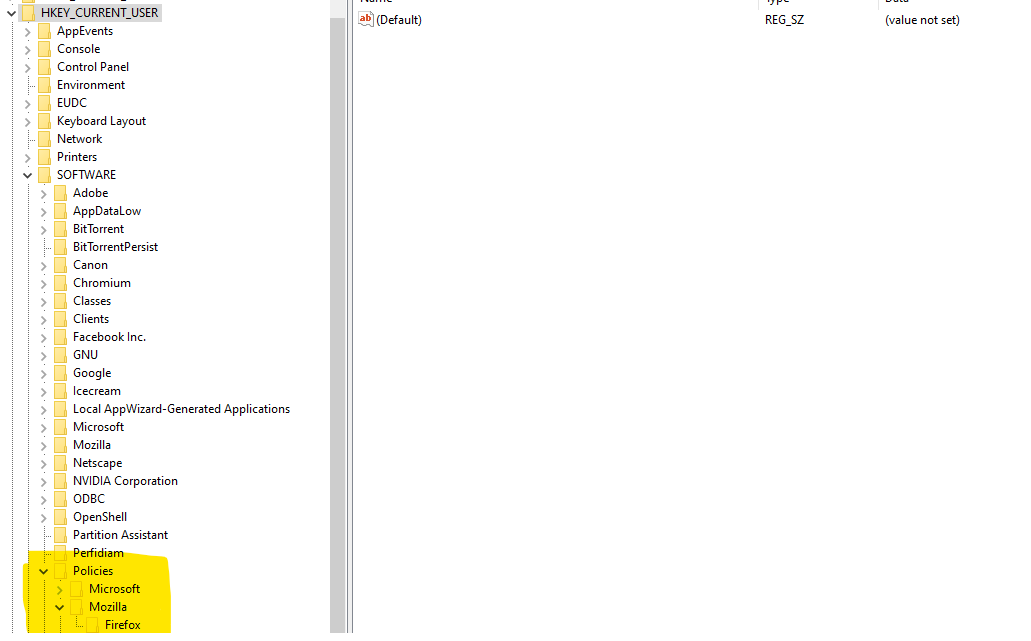
As you can see from the attached it was not where it was expected to be. I found it under HKEY_CURRENT_USER Policies Mozilla Firefox

Again thank you for your help. Haha not bad for an old guy hey.