


Windows 10 reached EOS (end of support) on October 14, 2025. If you are on Windows 10, see this article.

Шукати в статтях підтримки

Остерігайтеся нападів зловмисників. Mozilla ніколи не просить вас зателефонувати, надіслати номер телефону у повідомленні або поділитися з кимось особистими даними. Будь ласка, повідомте про підозрілі дії за допомогою меню “Повідомити про зловживання”

Докладніше
Ця тема перенесена в архів. Якщо вам потрібна допомога, запитайте.
Архівовано

Youtube videos are zoomed in, I can't see the entire video - Firefox for Android

tom0193

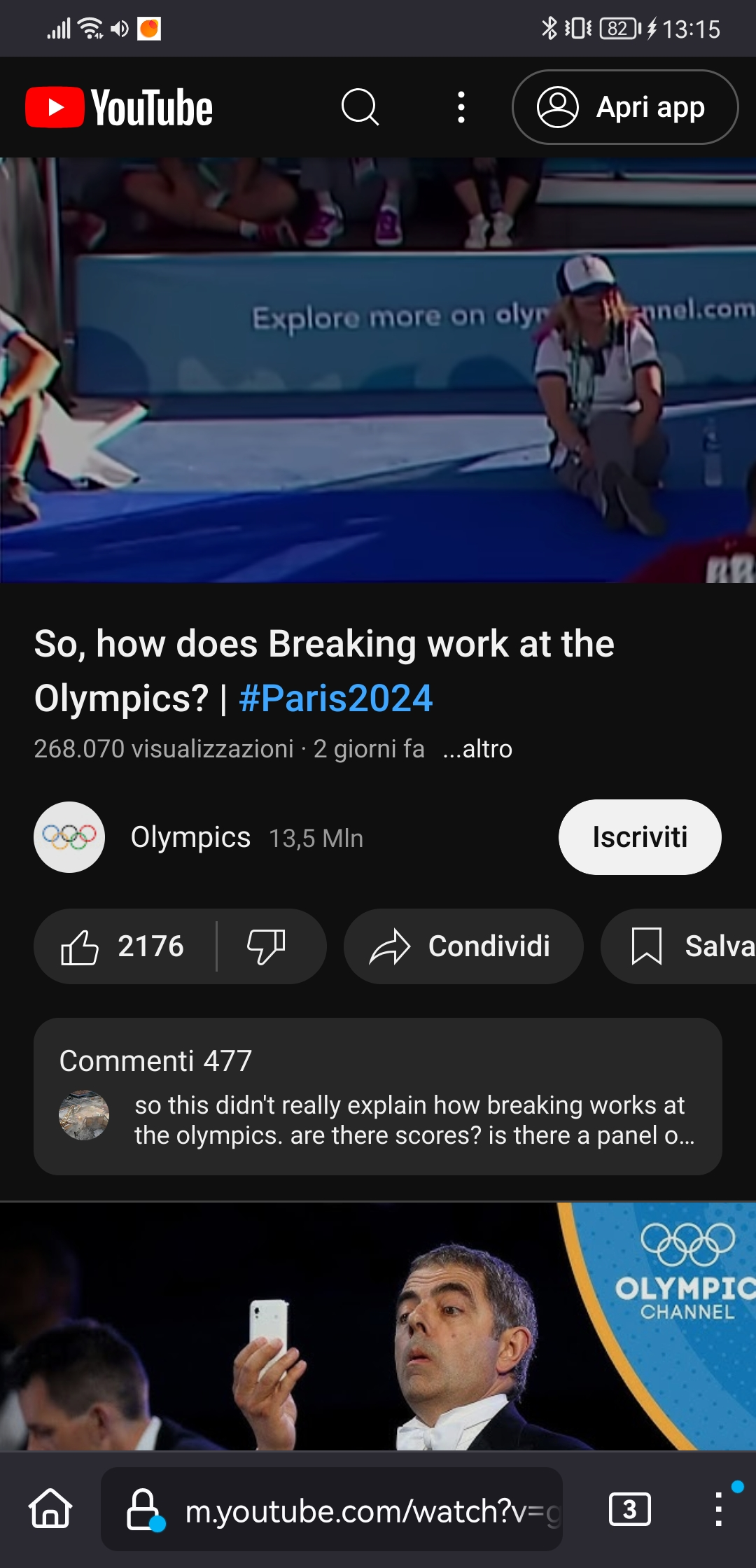
Since the 129.0 update, Youtube videos on Firefox for Android are played extremely zoomed in, which makes it impossible to see the entire video image. Only the upper left corner is shown. If I increase the quality of the video, I can see a bigger portion of it, but still not the entire video. Audio works fine. This issue is not present in Chrome or Opera. I use a Huawei P20 Pro with Android 10, and I suspect that this issue is related to Huawei because other Huawei users are reporting it (on Reddit, for instance). I've tried disabling add-ons and deleting app data, but it didn't work. Also updating to 129.0.2 didn't fix the issue.

Could you please look into it?

Thank you
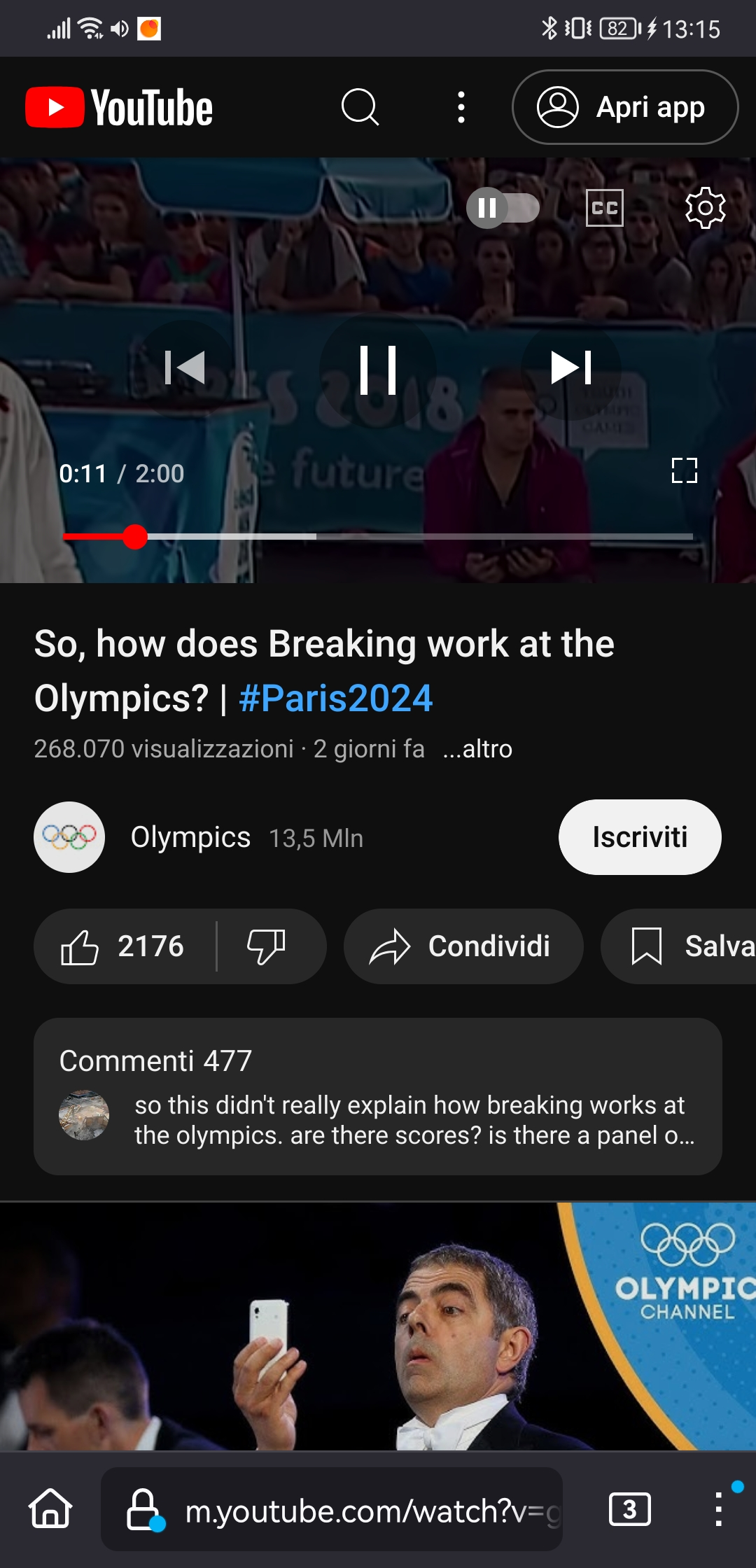
Since the 129.0 update, Youtube videos on Firefox for Android are played extremely zoomed in, which makes it impossible to see the entire video image. Only the upper left corner is shown. If I increase the quality of the video, I can see a bigger portion of it, but still not the entire video. Audio works fine. This issue is not present in Chrome or Opera. I use a Huawei P20 Pro with Android 10, and I suspect that this issue is related to Huawei because other Huawei users are reporting it (on Reddit, for instance). I've tried disabling add-ons and deleting app data, but it didn't work. Also updating to 129.0.2 didn't fix the issue. Could you please look into it? Thank you
Вкладені знімки екрана

Усі відповіді (1)

Hey Tom, If you are having issues with video zoom, try pinching the video with 2 fingers inwards. This should set the zoom level back to normal.