


WhatsApp does not open in FireFox 119.0

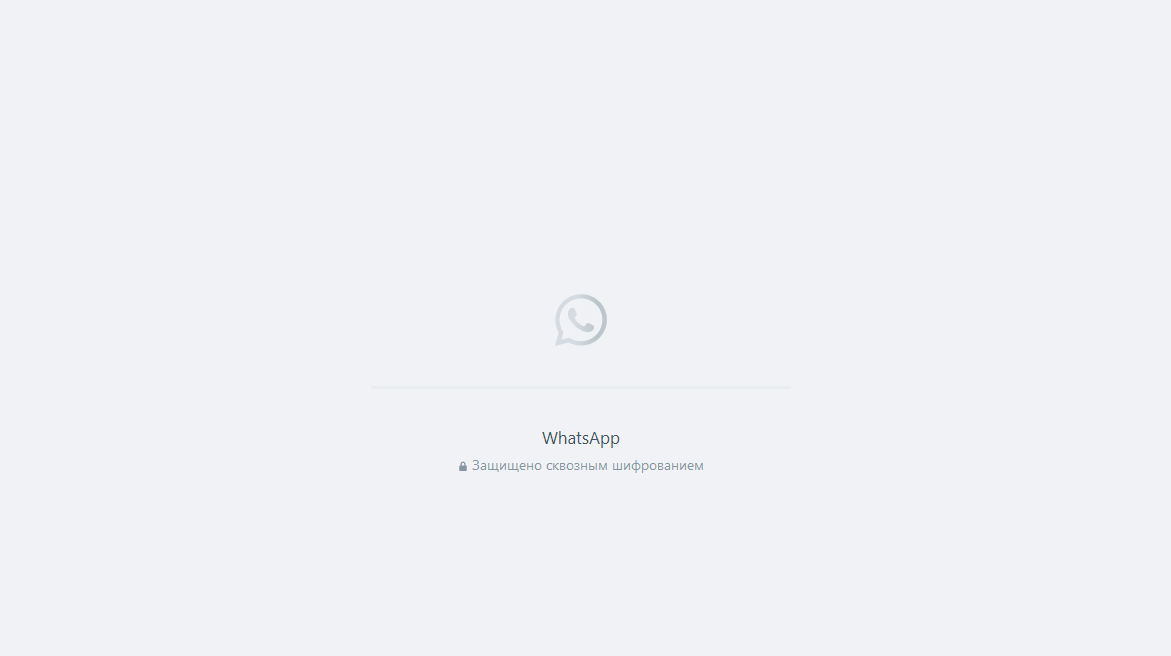
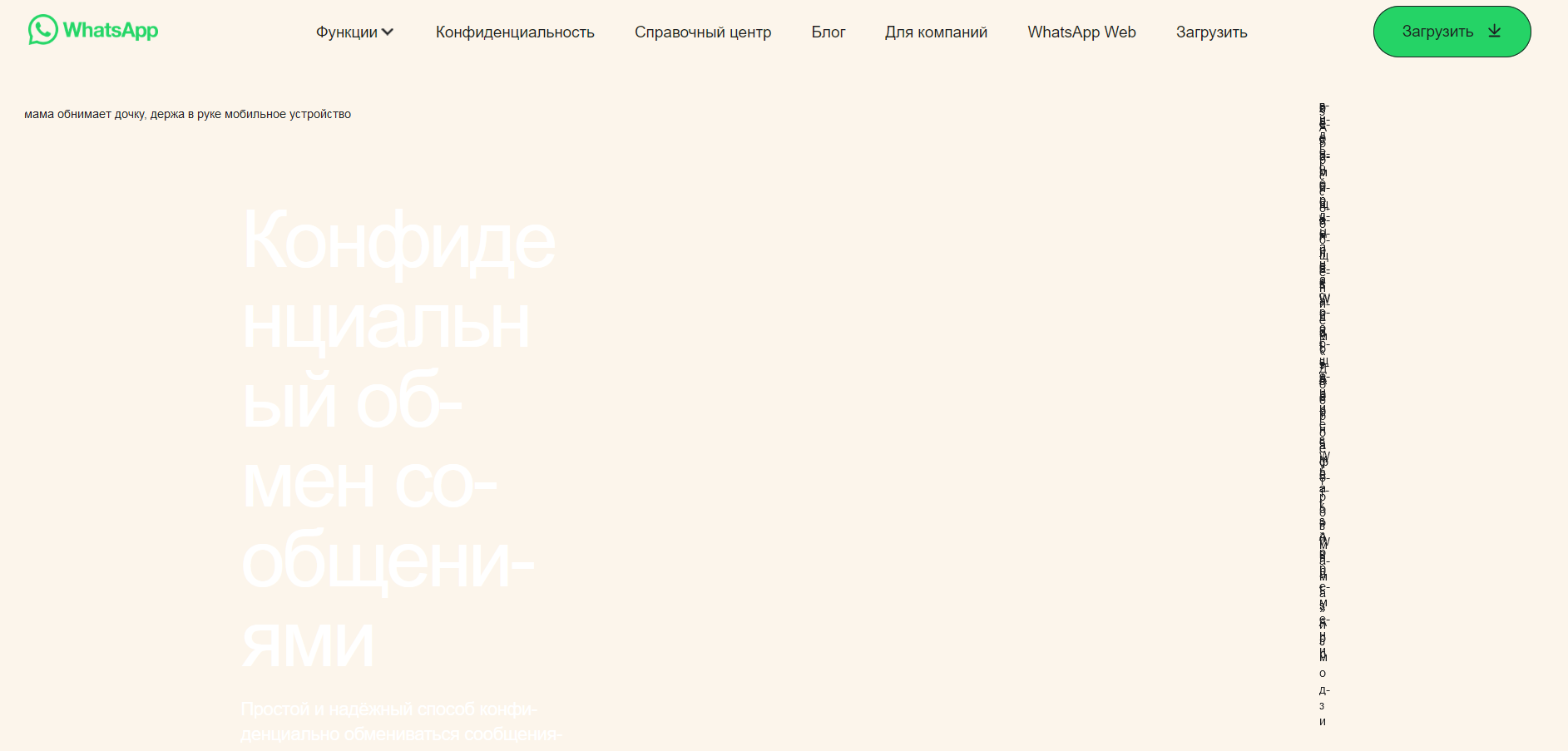
WhatsApp Web endless loading and general website whatsapp.com does not open correctly in FireFox 119.0. I tested other browsers: Chrome, Brave, Opera - everyone opens WhatsApp normally. I also tested FireFox on other devices with a clean installation - the problem persists.
FireFox 119.0, Windows 10, Windows 11.
Обране рішення
cor-el said
What does the hardly seen white text in the second screenshot mean ?
Just broken content on the site. The problem does seem to be content blocked by the browser. At the moment the problem is not reproducible because this problem went away in Firefox 119.0.1.
Читати цю відповідь у контексті 👍 0Усі відповіді (4)
Make sure you are not using a private window and don't have private browsing mode enabled ("Never Remember History").
zeroknight said
Make sure you are not using a private window and don't have private browsing mode enabled ("Never Remember History").
No, and I use normal browsing mode. I've already tried all modes: normal, private, without mods, without enhanced tracking protection, cleaned cookies...
Змінено alexx-design
What does the hardly seen white text in the second screenshot mean ?
You can check the Web Console (Tools -> Web Developer) for messages about blocked content and about the presence of mixed or unsafe content.
You can check the Network Monitor to see if content is blocked or otherwise fails to load.
If necessary use "Ctrl+F5" or "Ctrl+Shift+R" (Mac: Command+Shift+R) to reload the page and bypass the cache to generate a fresh log.
Вибране рішення
cor-el said
What does the hardly seen white text in the second screenshot mean ?
Just broken content on the site. The problem does seem to be content blocked by the browser. At the moment the problem is not reproducible because this problem went away in Firefox 119.0.1.
Змінено alexx-design