Windows 10 reached EOS (end of support) on October 14, 2025. If you are on Windows 10, see this article.

Avatar for Username

Шукати в статтях підтримки

Остерігайтеся нападів зловмисників. Mozilla ніколи не просить вас зателефонувати, надіслати номер телефону у повідомленні або поділитися з кимось особистими даними. Будь ласка, повідомте про підозрілі дії за допомогою меню “Повідомити про зловживання”

Докладніше
Ця тема перенесена в архів. Якщо вам потрібна допомога, запитайте.
Архівовано

High cpu usage of fifefox dev edition

asdf2345 відповів
Yash

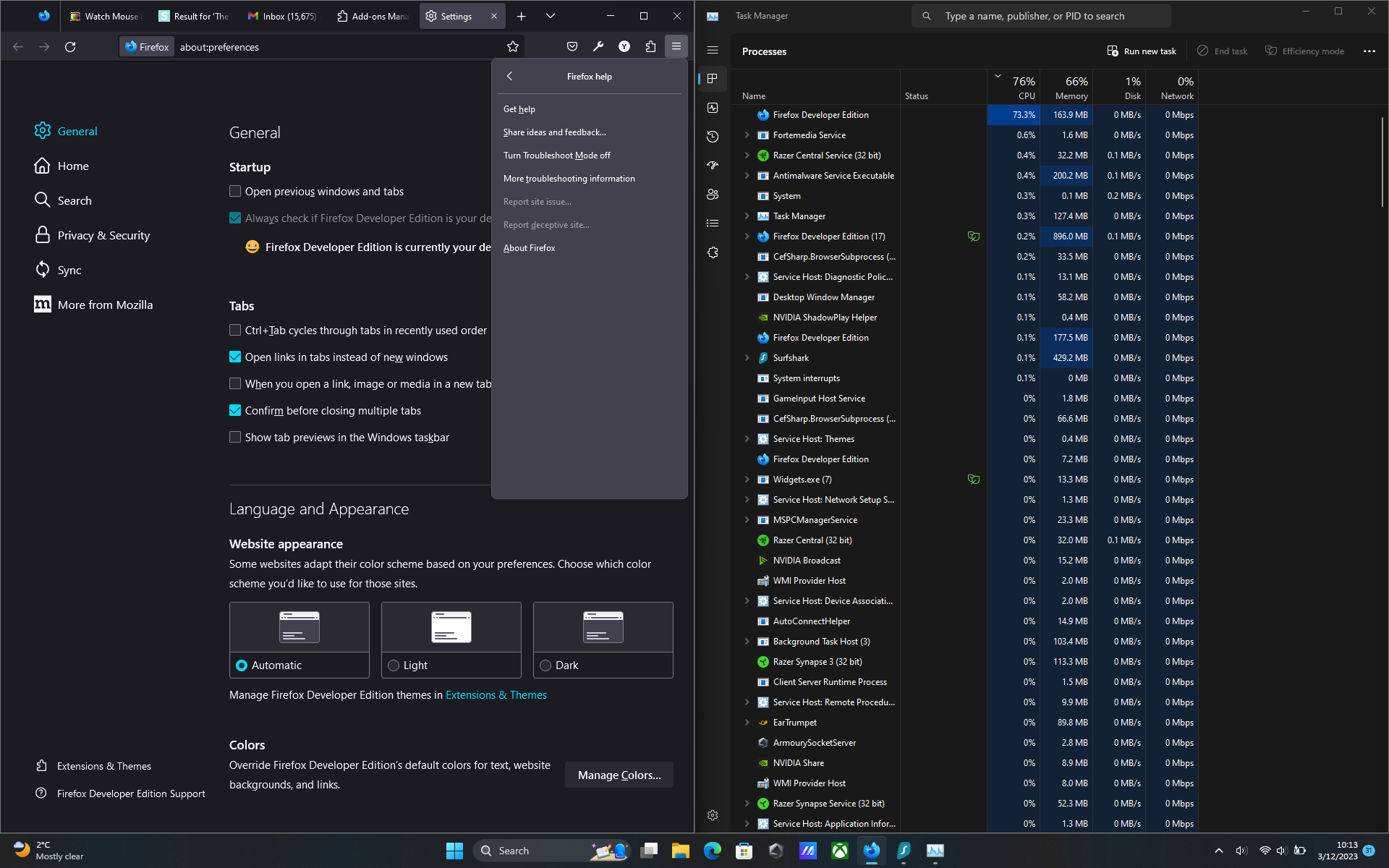
When watching youtube or even doing a little task with only one tab the cpu usage from a specific firefox process goes upto 90%. And I have did everything that was given in the following troubleshoot method "https://support.mozilla.org/en-US/kb/firefox-uses-too-much-memory-or-cpu-resources" but still the same result. I tried with troubleshoot mode on with disabling all extensions but the cpu usage was still high. I have also checked with firefox's own task manager tool but there wasn't a single process that was using full cpu. I'll be attaching all screenshots below.
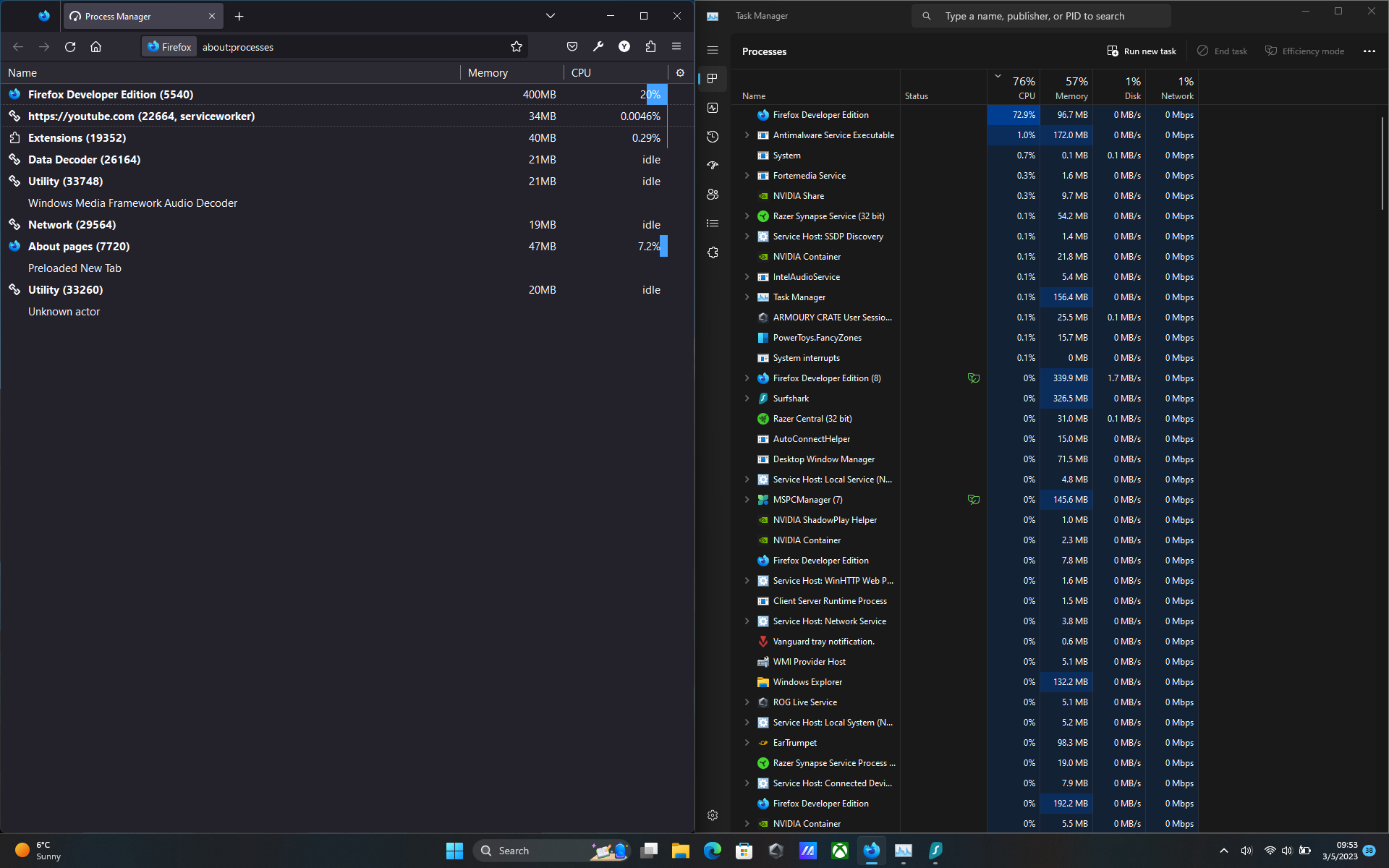
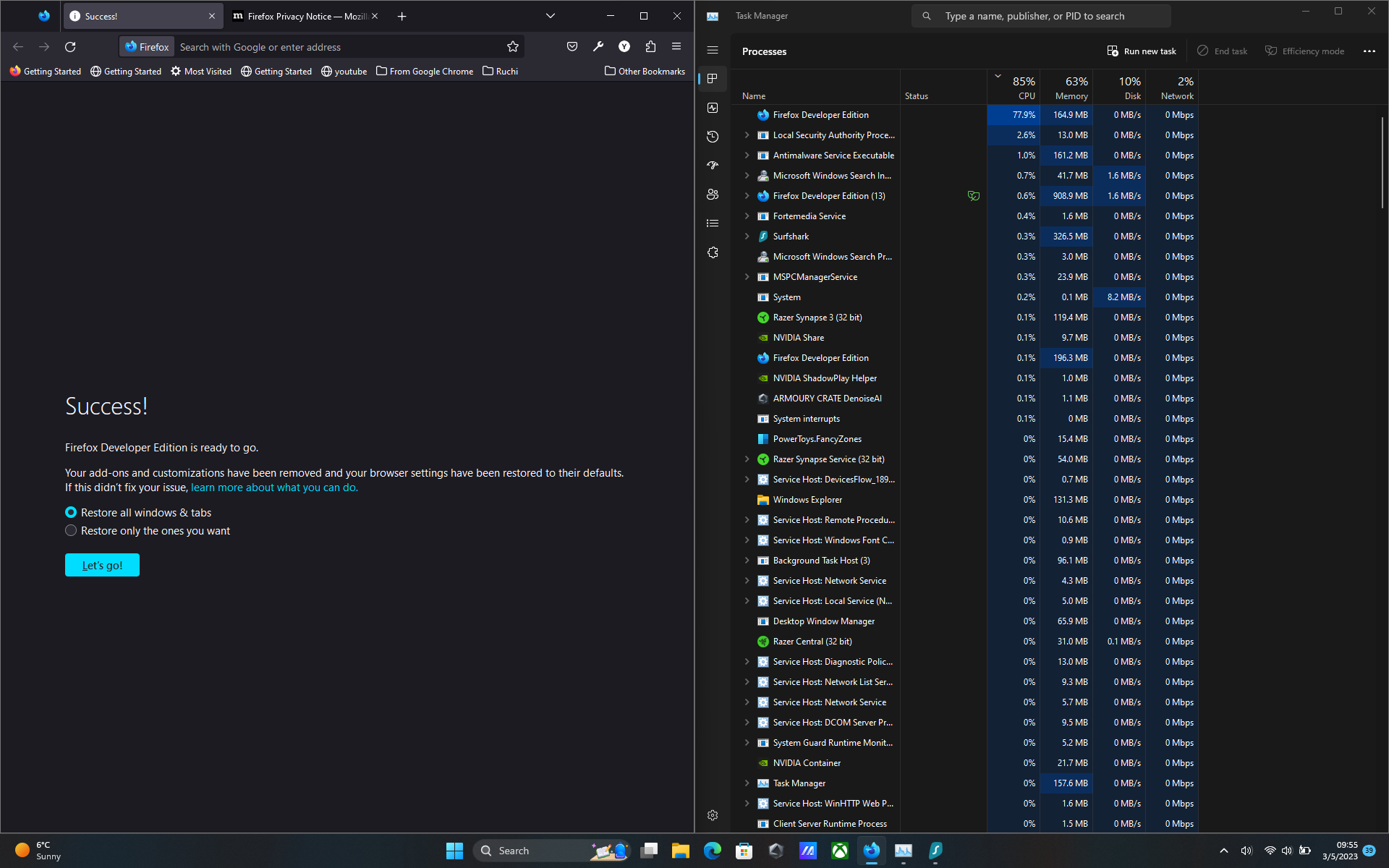
When watching youtube or even doing a little task with only one tab the cpu usage from a specific firefox process goes upto 90%. And I have did everything that was given in the following troubleshoot method "https://support.mozilla.org/en-US/kb/firefox-uses-too-much-memory-or-cpu-resources" but still the same result. I tried with troubleshoot mode on with disabling all extensions but the cpu usage was still high. I have also checked with firefox's own task manager tool but there wasn't a single process that was using full cpu. I'll be attaching all screenshots below.
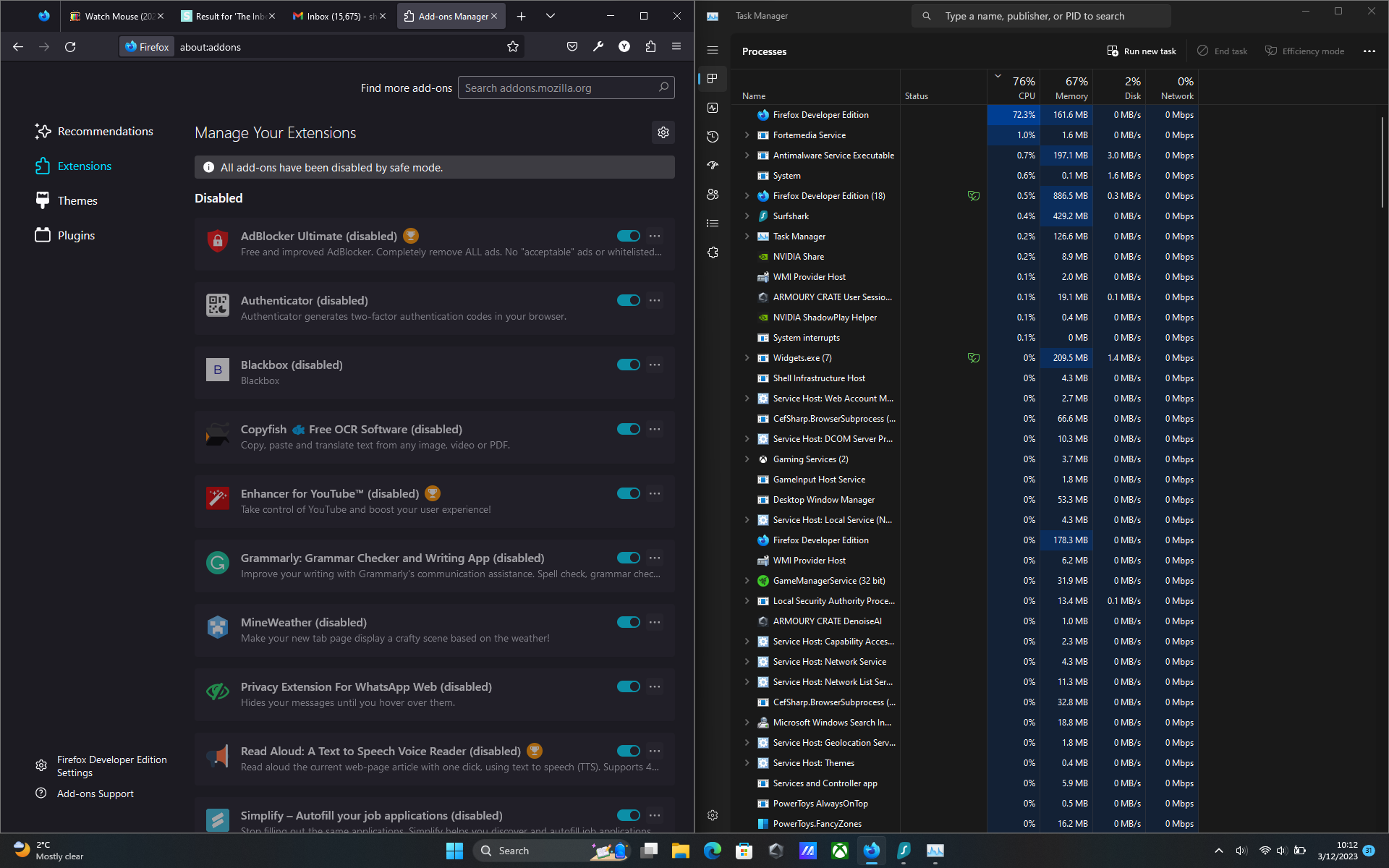
Вкладені знімки екрана

Усі відповіді (1)

I have this issue as well. I can close the process using task manager and that fixes the issue, but it pops up again later. No clue what's causing it. Might even be in stable by now.