Why Firefox keep crashing, plugin-container using lots of memory? Also, the browser page jump up and down when it crash?

Firefox keep crashing, plugin-container using lots of memory? Also, the browser page jump up and down when it crash?
Усі відповіді (1)

Start Firefox in Safe Mode {web Link} by holding down the <Shift>
(Mac=Options) key, and then starting Firefox.
A small dialog should appear. Click Start In Safe Mode (not Refresh).
Is the problem still there?
While still in Safe Mode,
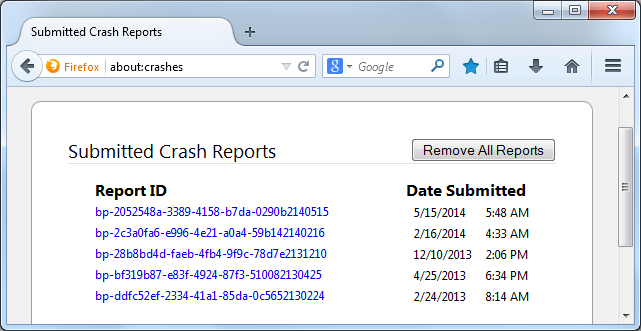
In the address bar, type about:crashes<enter>. Note: If any reports do not have BP in front of the numbers/letters, click it to submit them.
The crash report is several pages of data. We need the report numbers to see the whole report.
Using your mouse, mark the most resent 7 - 10 crash reports, and copy them. Now go to the reply box below and paste them in.
(Please don't take a screenshot of your crashes, just copy and paste the IDs. The below image is just an example of what your Firefox screen should look like.)