


Searching requires me to press enter again for it to work
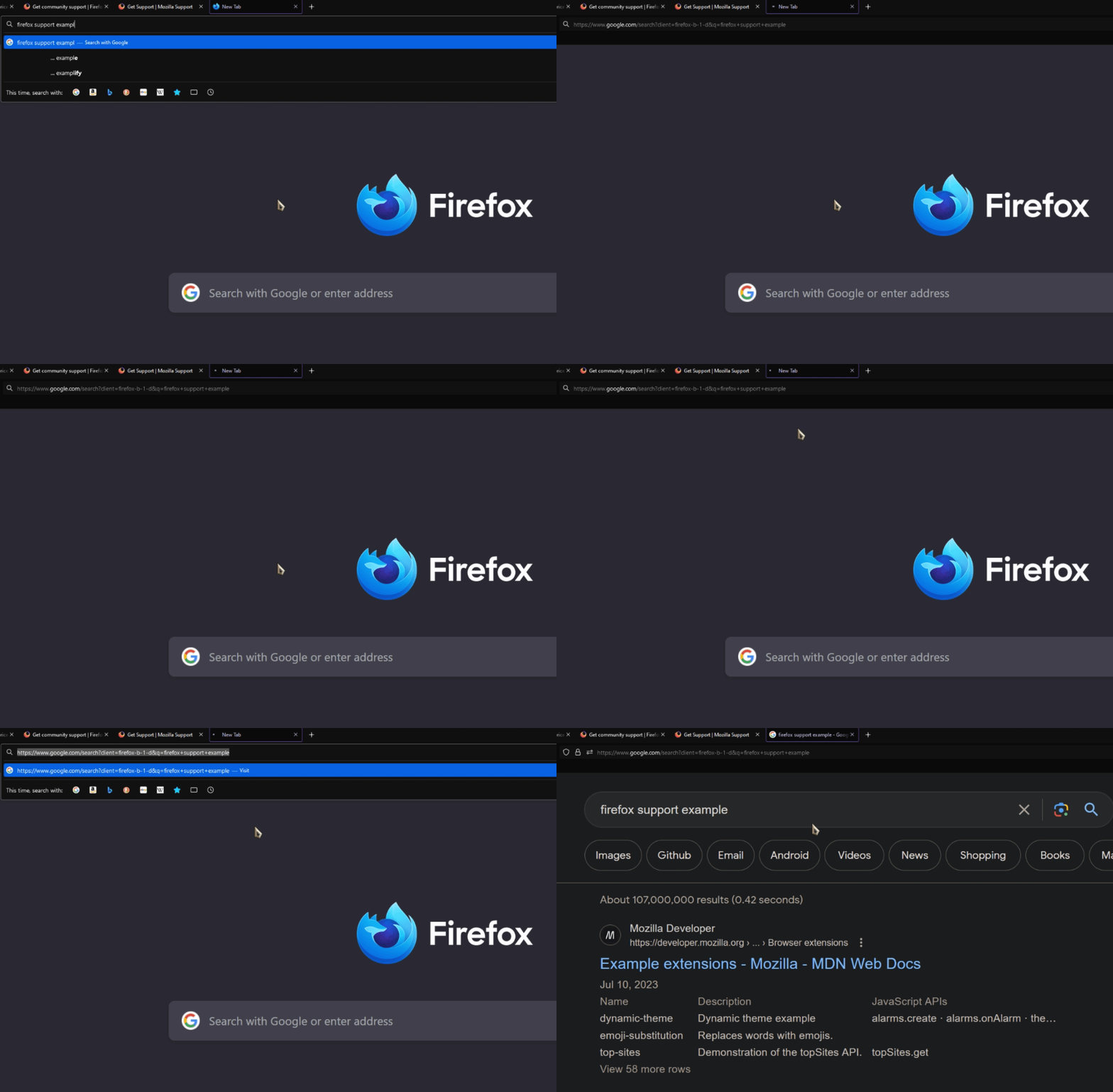
If I search for something in the address bar, Firefox will endlessly load. I need to click the address bar and hit enter to search again which will instantly load what I'm looking for. Same thing happens if I highlight a text and click search with google. URLs seem to work fine.
Tüm Yanıtlar (3)
Start Firefox in Troubleshoot Mode to check if one of the extensions ("3-bar" menu button or Tools -> Add-ons -> Extensions) or if hardware acceleration or if userChrome.css/userContent.css is causing the problem.
- switch to the Default System theme: "3-bar" menu button or Tools -> Add-ons -> Themes
- do NOT click the "Refresh Firefox" button on the Troubleshoot Mode start window
- https://support.mozilla.org/en-US/kb/diagnose-firefox-issues-using-troubleshoot-mode
- https://support.mozilla.org/en-US/kb/troubleshoot-extensions-themes-to-fix-problems
This could be a problem with the TLS 1.3 Early Data feature also known as Zero Round Trip Time Resumption (0rtt). You can try to set security.tls.enable_0rtt_data = false on the about:config page to disable this feature until this is fixed by Google or Mozilla to see if that helps.
See also:
- /questions/1376015 Issue with most Google sites on Firefox v100 64bit
I disabled all extensions in troubleshoot mode and it stopped happening. Tried figuring out which one is causing issues but then the issue stopped completely... Sometimes it reappears.

1 Clear History and Saved Data. Open Mozilla Firefox. 2 Remove Problematic Extensions. Some browser extensions / addons can cause your browser to behave abnormally. 3 Remove Potentially Unwanted Programs. 4 Verify All Mozilla Firefox Settings.
Regards, Jimmy