


Firefox for Mac 160 makes toolbar icons smaller

Since version 160x, Firefox for Mac has made my toolbar icons much smaller. This happens most noticeably on my two (Intel) iMacs; it is not as obvious on my Macbook Pro. I tried adjusting the settings in layout.css.devPixelsPerPx but it scales everything up or down, not only the toolbar icons.
Does anyone else have this issue and/or know how to get the toolbar icons to return to a reasonable size? TIA
ప్రత్యుత్తరాలన్నీ (3)
And if you compare screen shots between the devices, is the dimension the same just not as noticeable, or the actual size differs when compared directly? Can you attach any relevant screenshots here how badly it exhibits? Thanks!
Attached are screenshots of what the toolbar looks like using v159.0.0 and v160.0.1.
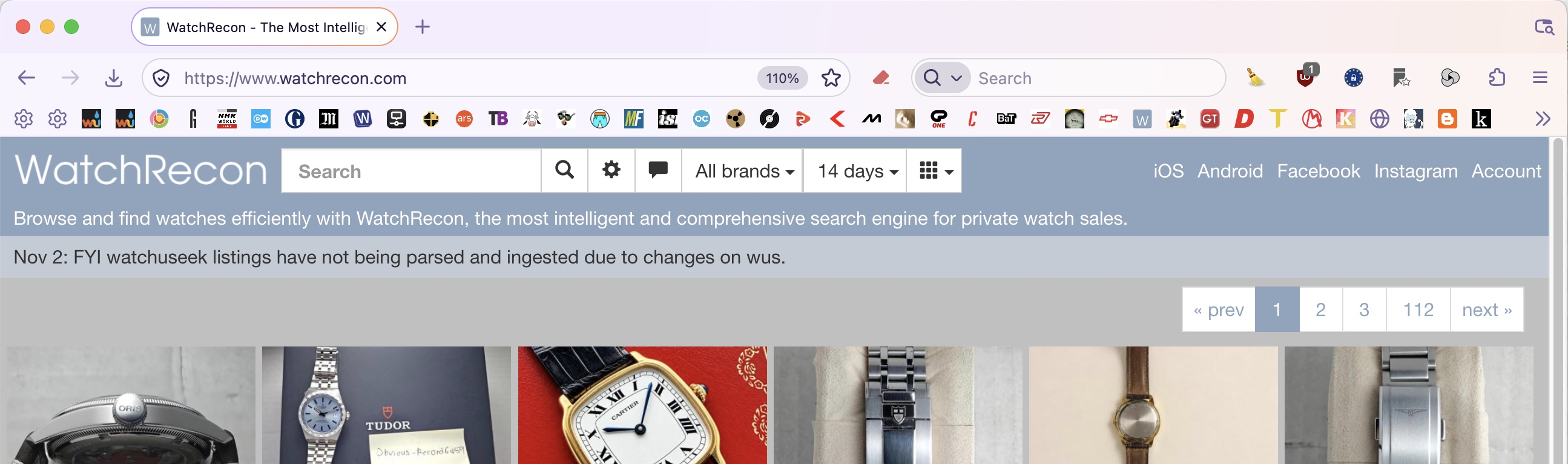
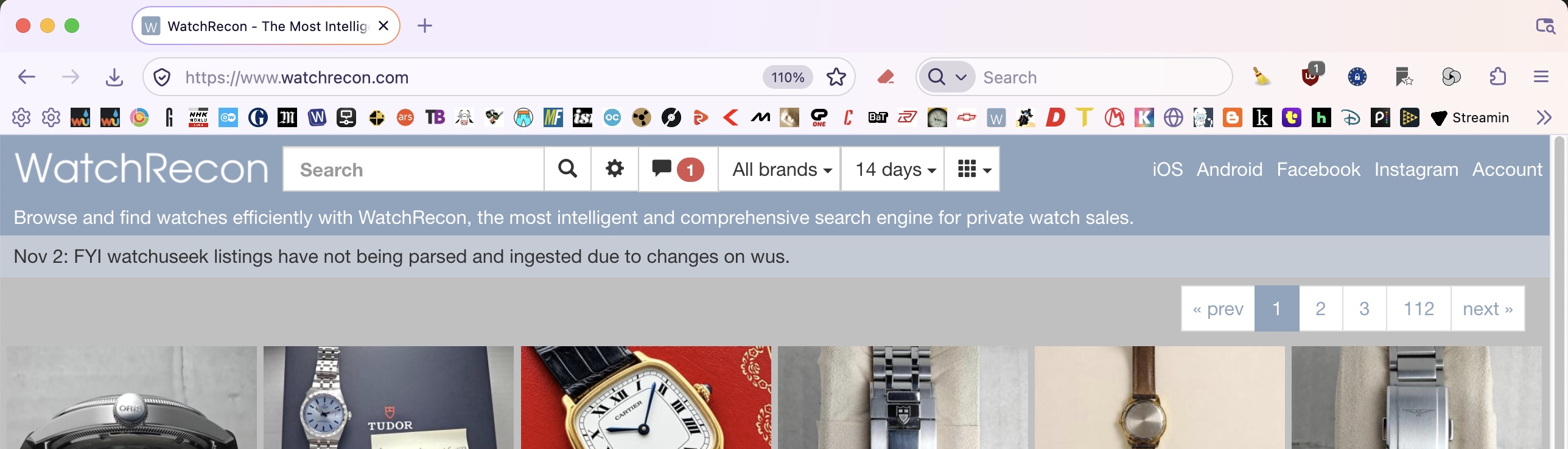
Looking closer, it seems that spacing between the toolbar icons is the issue. I do not use any extensions that impact toolbar icons.