Under Firefox Profiles, what are "cache2\entries"?
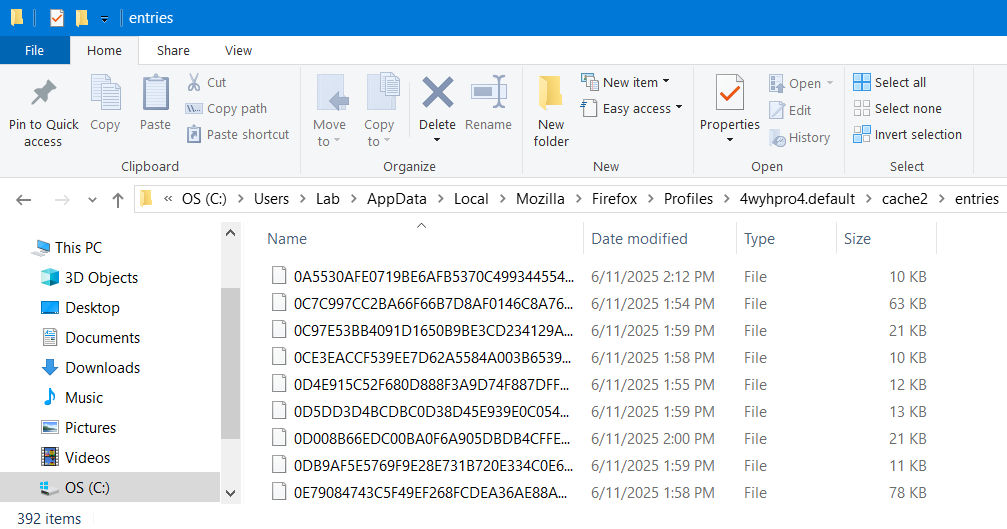
In particular, this is running Firefox 139.0.4 (64-bit) under Windows 10, and finding a huge file and activity here: C:\Users\Lab\AppData\Local\Mozilla\Firefox\Profiles\4wyhpro4.default\cache2\entries And, if I simply delete everything there, it seems like it regenerates fairly quickly, whether I've been using the browser or not. What are these strange entries, which look like this growing list:
In particular, this is running Firefox 139.0.4 (64-bit) under Windows 10, and finding a huge file and activity here:
C:\Users\Lab\AppData\Local\Mozilla\Firefox\Profiles\4wyhpro4.default\cache2\entries
And, if I simply delete everything there, it seems like it regenerates fairly quickly, whether I've been using the browser or not. What are these strange entries, which look like this growing list: