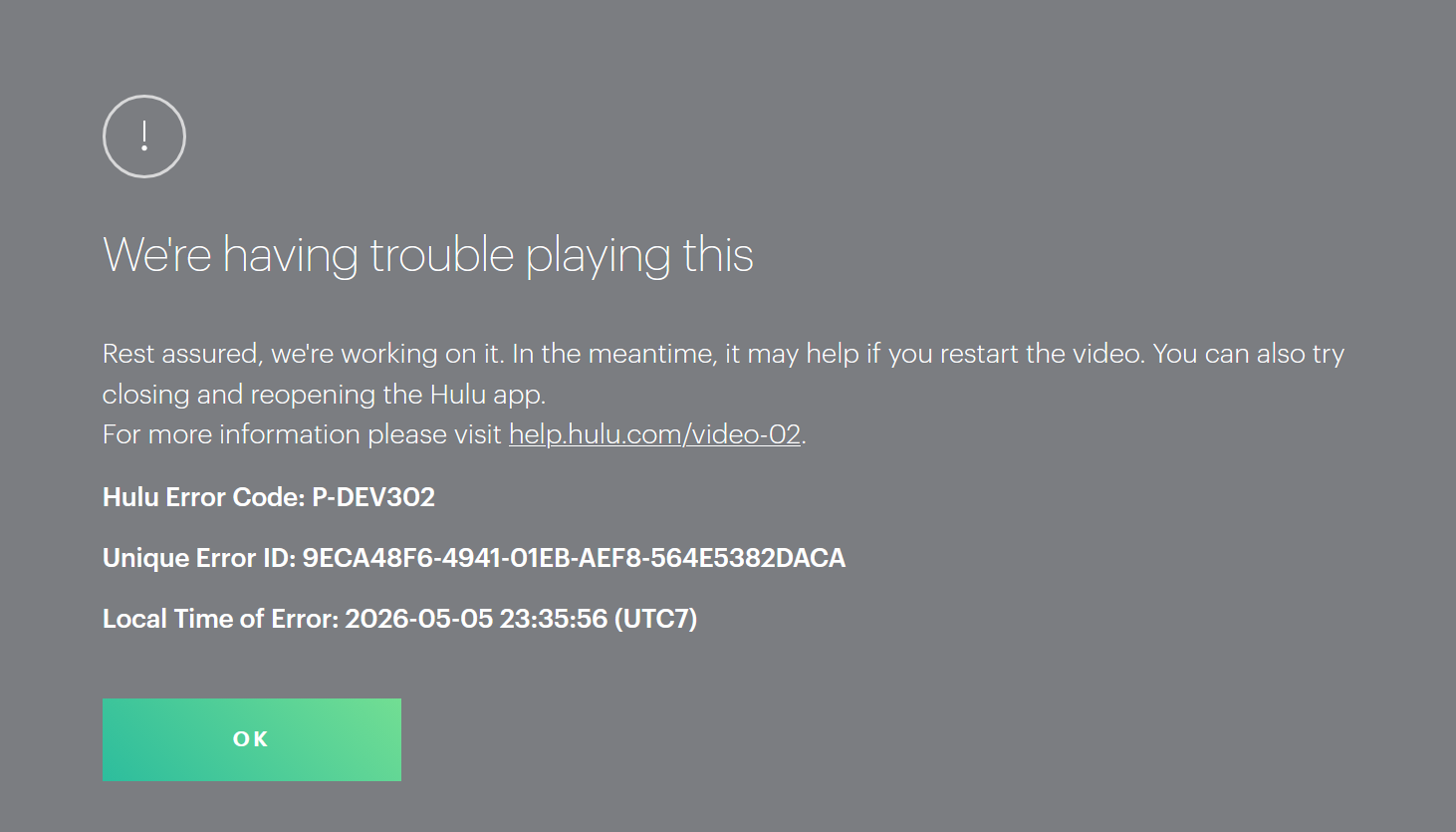
Unable to play a video on Hulu with my own Hulu account, which I have had no issues in the past doing, even with all my ad blockers and trackers enabled (Privacy Badger, uBlock Origin, AdBlocker Ultimate, Ghostery, and Malwarebytes).
I have tried disabling all of the above extensions, refreshing the website and still no luck.
I have also followed the instructions Hulu guides me to via a link on the screen (see attached screenshot) to their help page https://help.hulu.com/article/hulu-power-cycle?utm_source=hulu&utm_medium=error-message&utm_campaign=video-02
None of these have helped either.
My internet speed is fine, I checked it through 3 different internet speed testers to verify
Also checked my Wifi signal through our Google Home portal.
I've searched online for solutions and haven't found anything new to help or in the Mozilla Support forum.
My computer/laptop is up to date on all updates and software.
Appreciate any support, thank you!
Unable to play a video on Hulu with my own Hulu account, which I have had no issues in the past doing, even with all my ad blockers and trackers enabled (Privacy Badger, uBlock Origin, AdBlocker Ultimate, Ghostery, and Malwarebytes).
I have tried disabling all of the above extensions, refreshing the website and still no luck.
I have also followed the instructions Hulu guides me to via a link on the screen (see attached screenshot) to their help page [https://help.hulu.com/article/hulu-power-cycle?utm_source=hulu&utm_medium=error-message&utm_campaign=video-02 https://help.hulu.com/article/hulu-power-cycle?utm_source=hulu&utm_medium=error-message&utm_campaign=video-02]
None of these have helped either.
My internet speed is fine, I checked it through 3 different internet speed testers to verify
Also checked my Wifi signal through our Google Home portal.
I've searched online for solutions and haven't found anything new to help or in the Mozilla Support forum.
My computer/laptop is up to date on all updates and software.
Appreciate any support, thank you!
Attached screenshots