


PWA taskbar icon

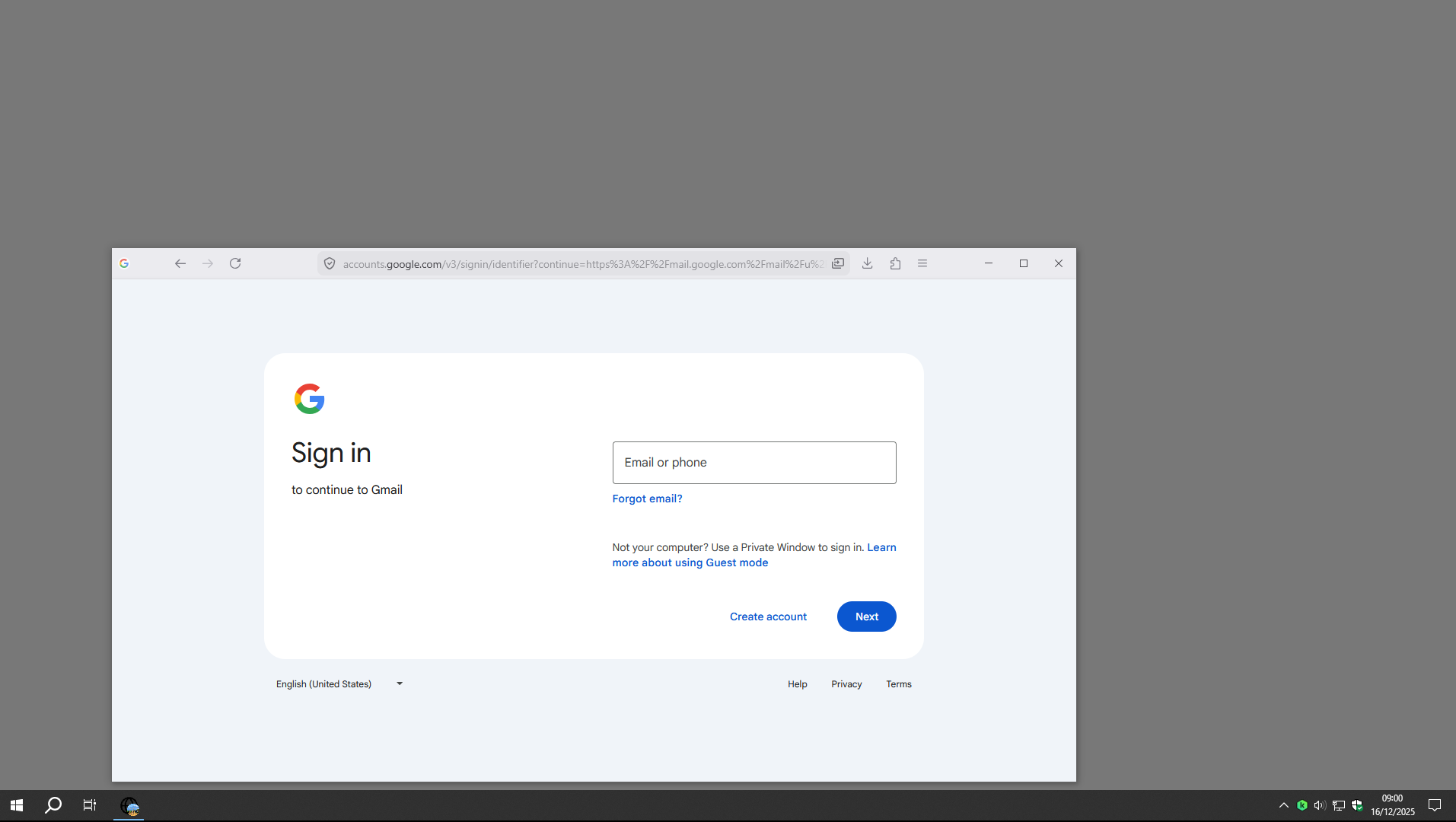
I've started using the new PWA feature in Firefox. Some of the websites I've installed show a generic globe from 4 black lines icon. I am assuming because the favicon is not available or something.
I've changed the shortcut icon by going into the Windows properties dialog. It does change the icon on the taskbar while the PWA is closed, but as soon as I open it, it reverts the globe icon.
Is there a way I can manually change the icon the PWA is using?
Сви одговори (2)
Hello
https://support.mozilla.org/en-US/kb/file-bug-report-or-feature-request-mozilla If you wish, you can send your comment, file a bug report.
Component: Web Apps. https://bugzilla.mozilla.org/buglist.cgi?product=Firefox&component=Web%20Apps
Manage Firefox profiles. https://support.mozilla.org/en-US/kb/profile-management
Screenshot 2, clarification, taskbar icon, that's my custom image profile avatar.
Similars discussions. https://bugzilla.mozilla.org/show_bug.cgi?id=2001110 https://bugzilla.mozilla.org/show_bug.cgi?id=1997752

Измењено од стране Agent virtuel
Thanks. It looks like the two bugs you linked match my issue.