I would like to determine which server I am using when connecting to the built-in VPN using the "Location:Recommended" setting.

I would like to determine which server I am using when connecting to the built-in VPN using the "Location:Recommended" setting.
Všetky odpovede (5)
Bonjour
Use built-in VPN in Firefox https://support.mozilla.org/en-US/kb/built-in-vpn
Just to see.
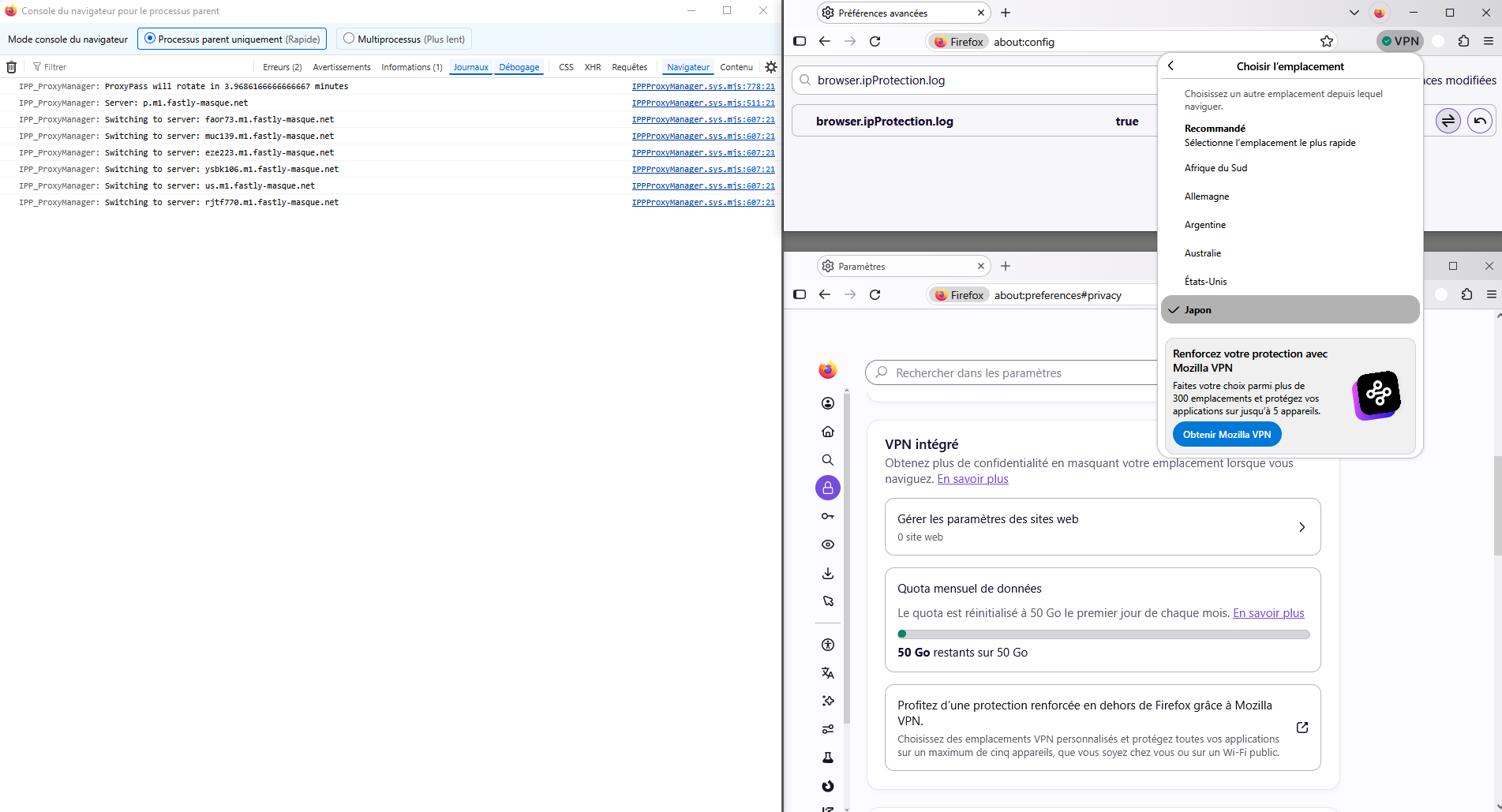
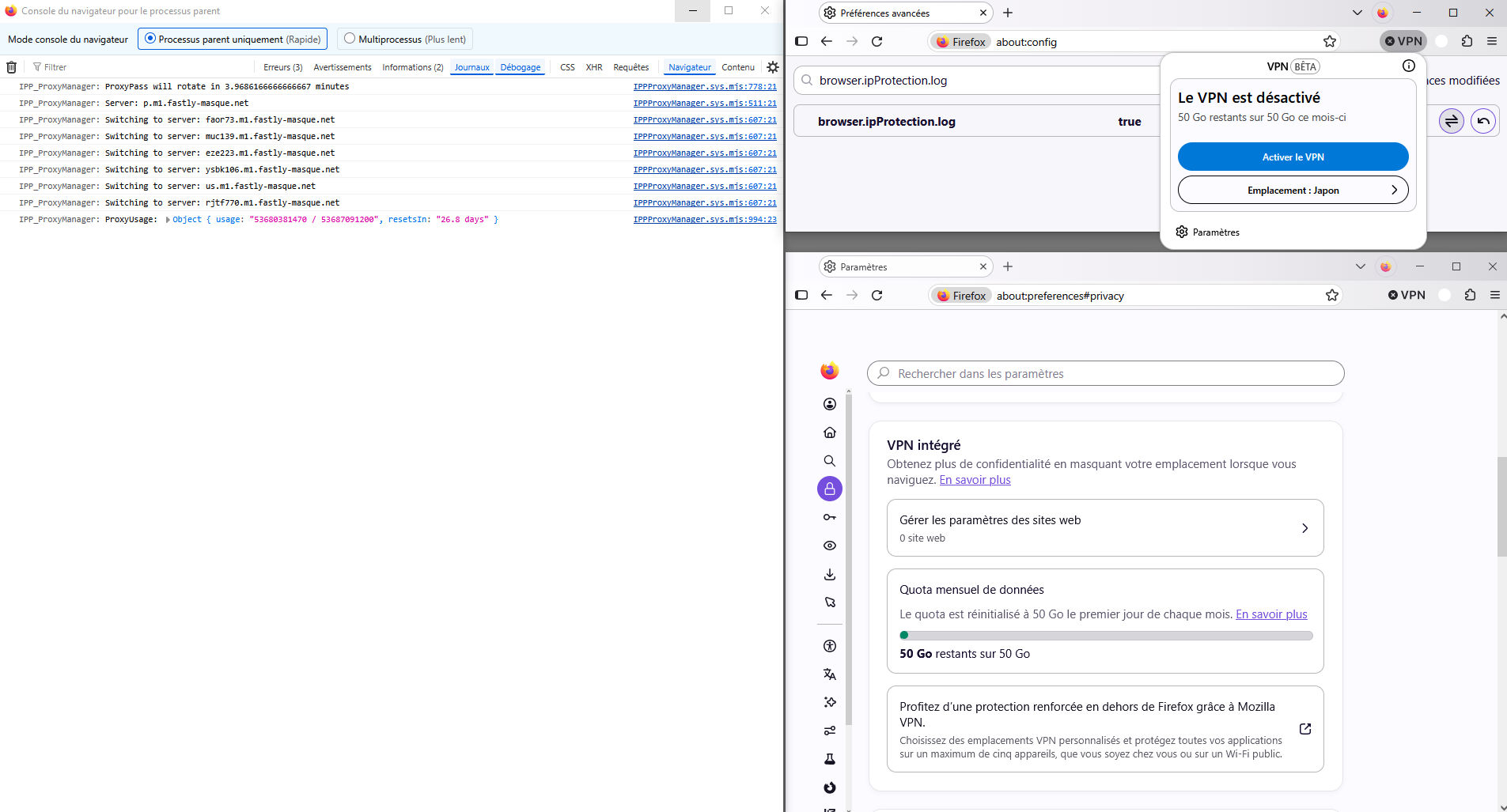
According to, about:config, the preference, browser.ipProtection.log, value true
1 - Go to configuration editor https://support.mozilla.org/en-US/kb/about-config-editor-firefox 2 - Enter a search term browser.ipProtection.log
3 - Open the Browser Console https://firefox-source-docs.mozilla.org/devtools-user/browser_console/index.html
Je vis en France. Utiliser le VPN intégré à Firefox https://support.mozilla.org/fr/kb/vpn-integre
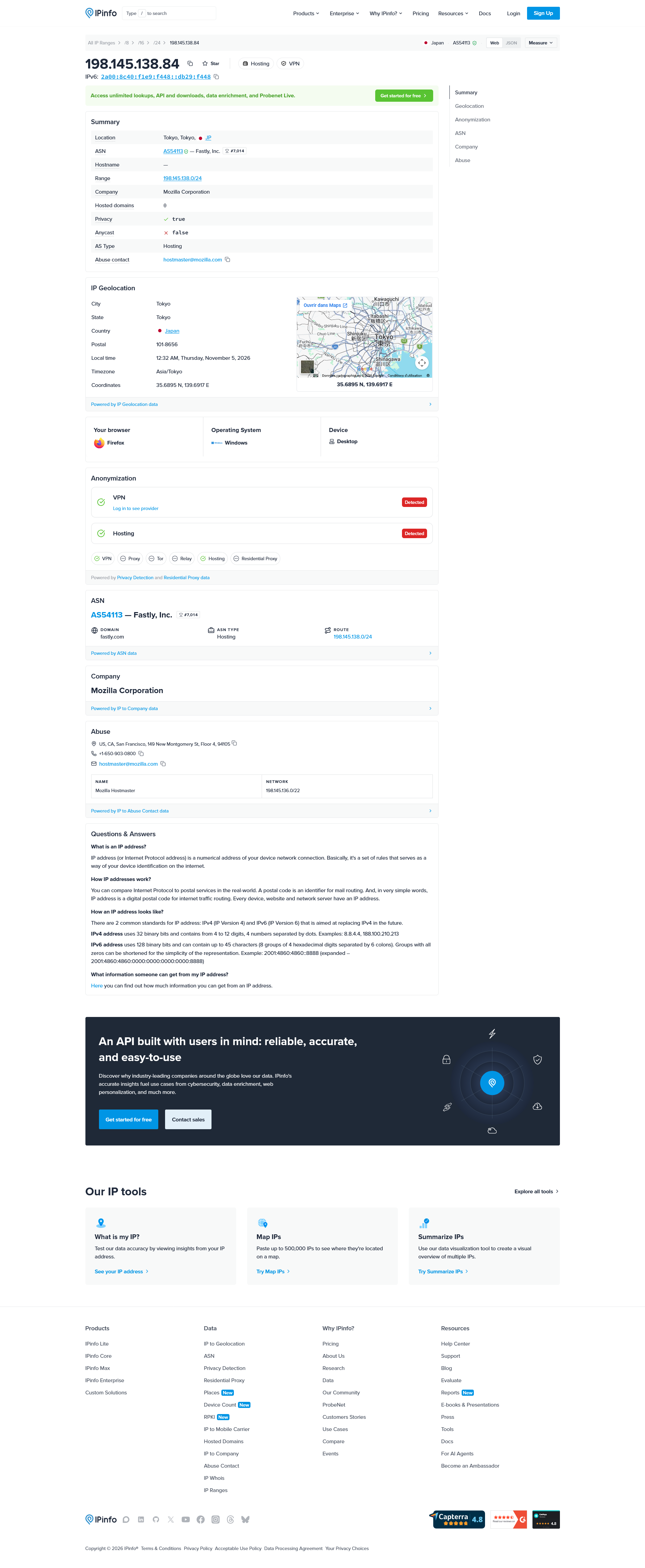
In order, Recommandé, Afrique du Sud, Allemagne, Argentine, Australie, États-Unis, Japon.
Upravil(a) Agent virtuel dňa
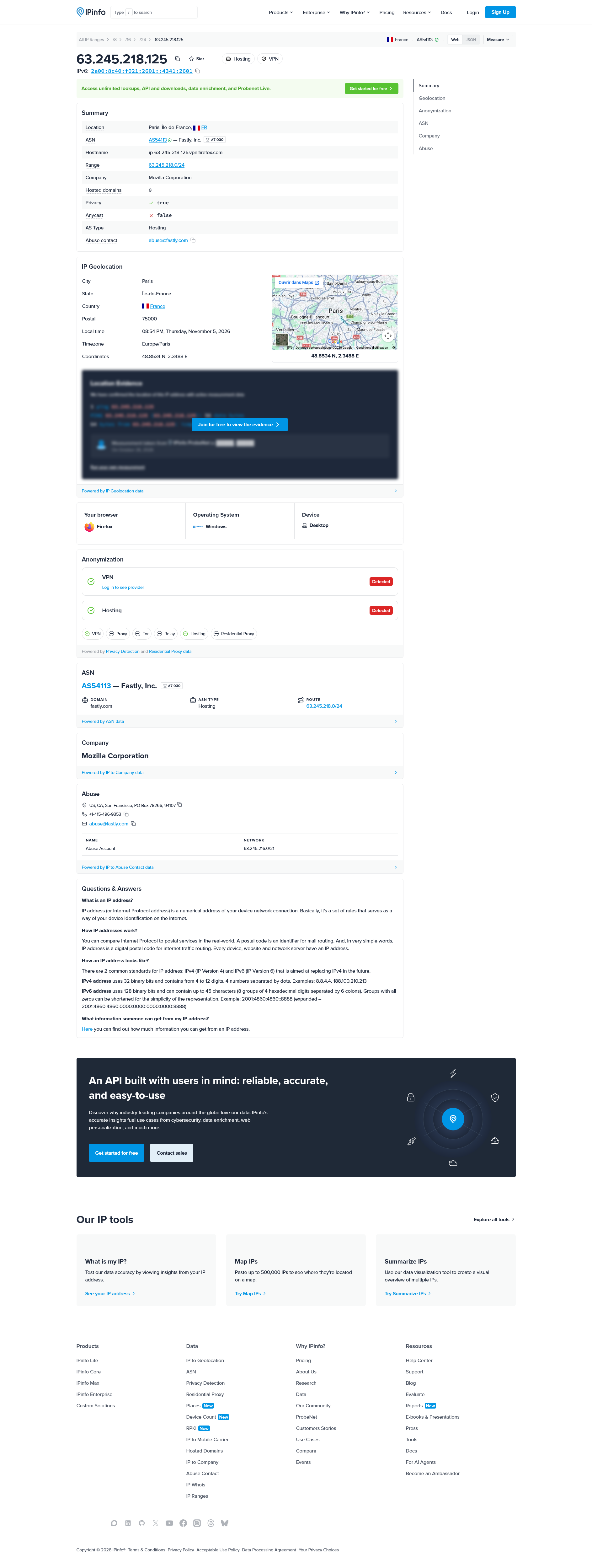
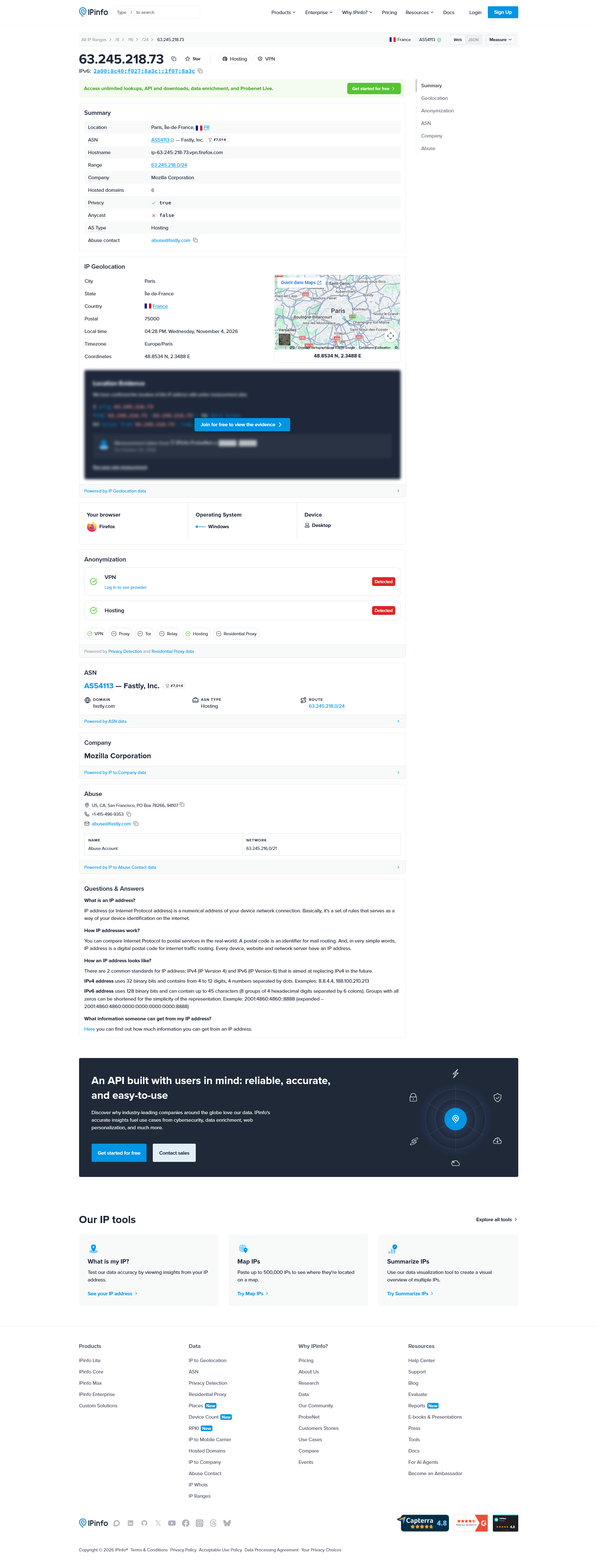
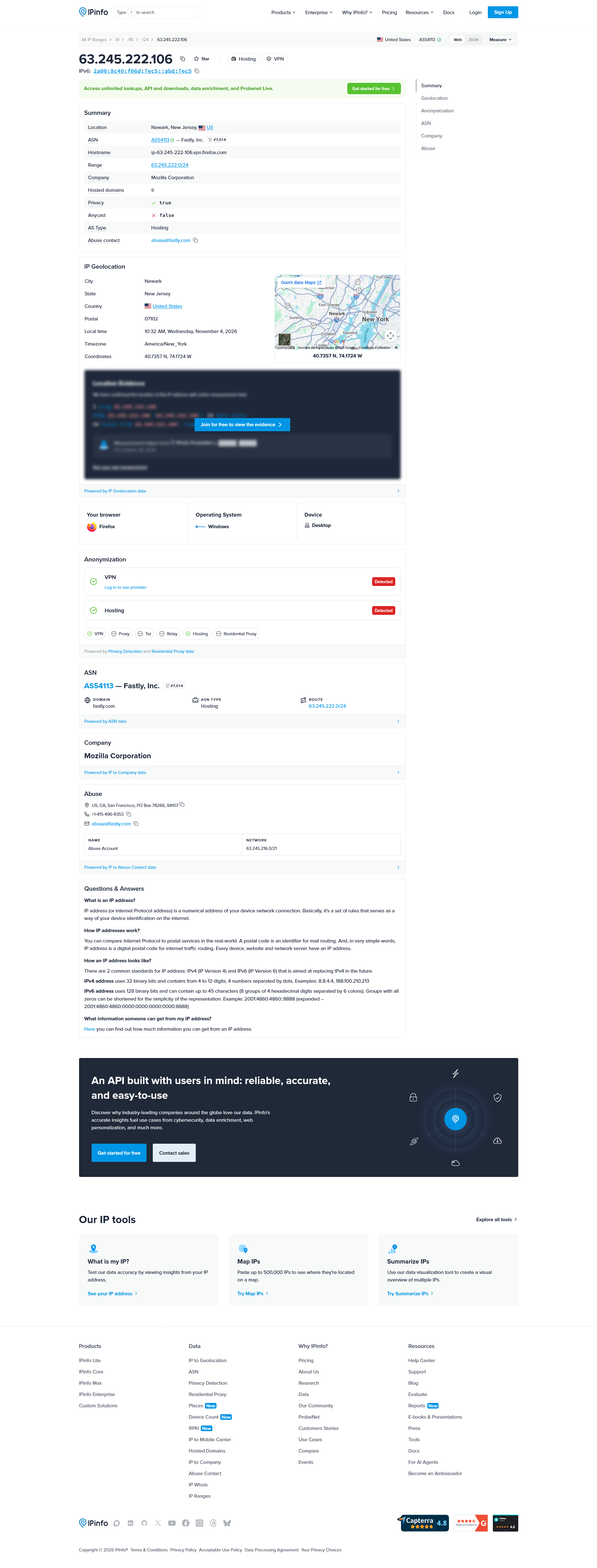
You basically go to an IP location site as ipinfo.io/what-is-my-ip to check where the connection appears to originate from.
Recommandé, ok ce n'est pas mon ip, néanmoins, je suis localisé, région Île-de-France, ma région de vie.
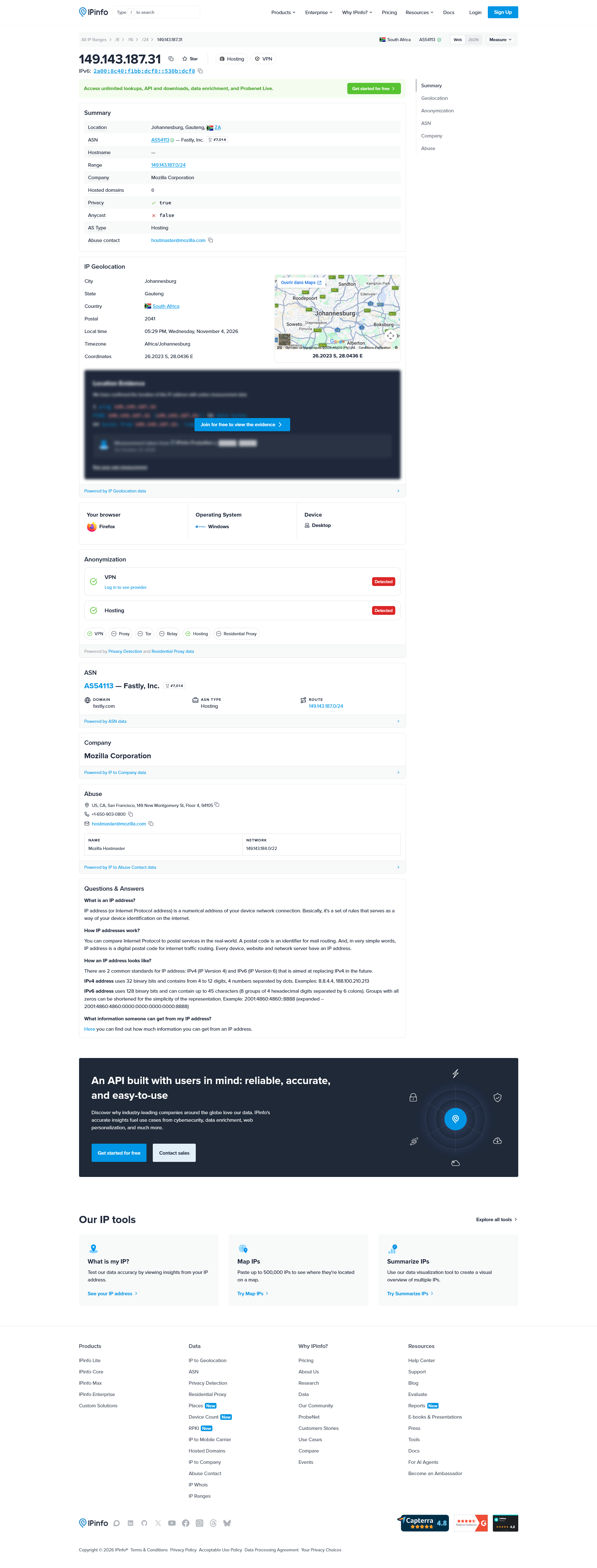
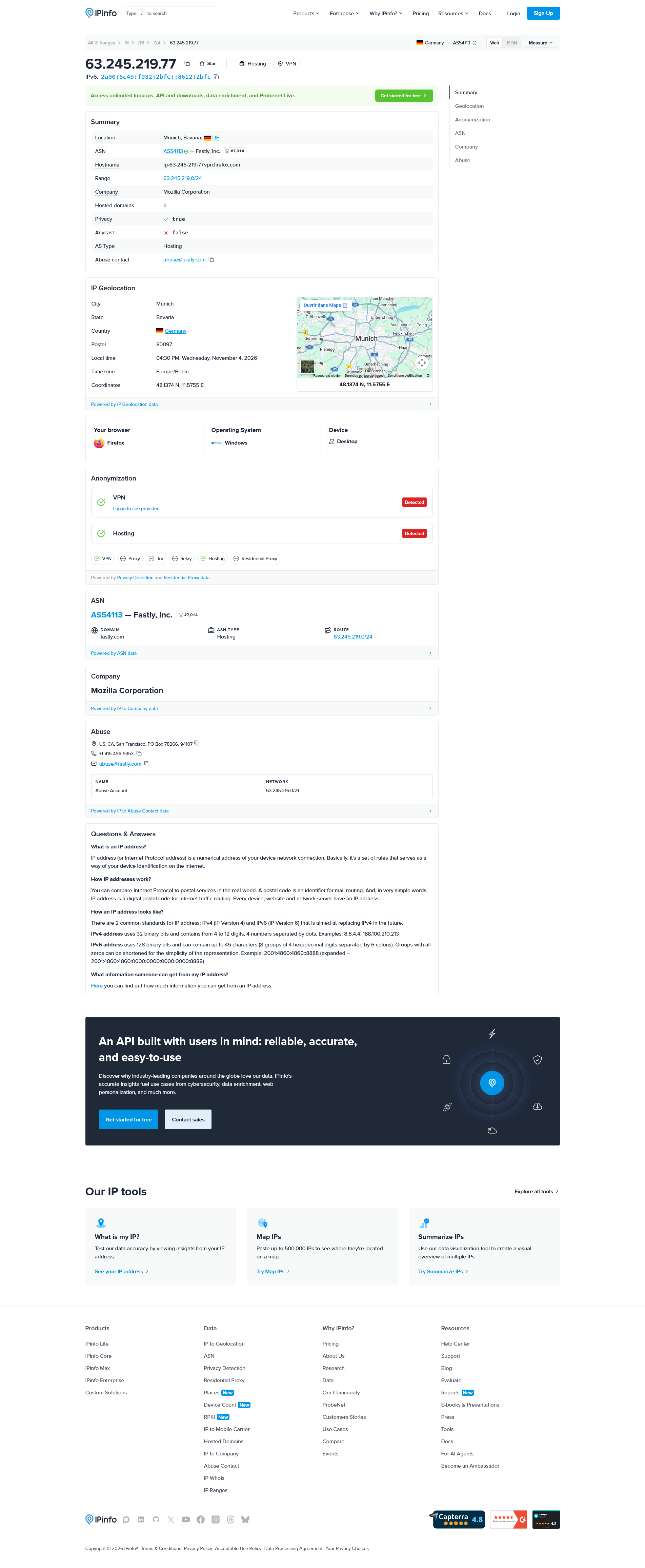
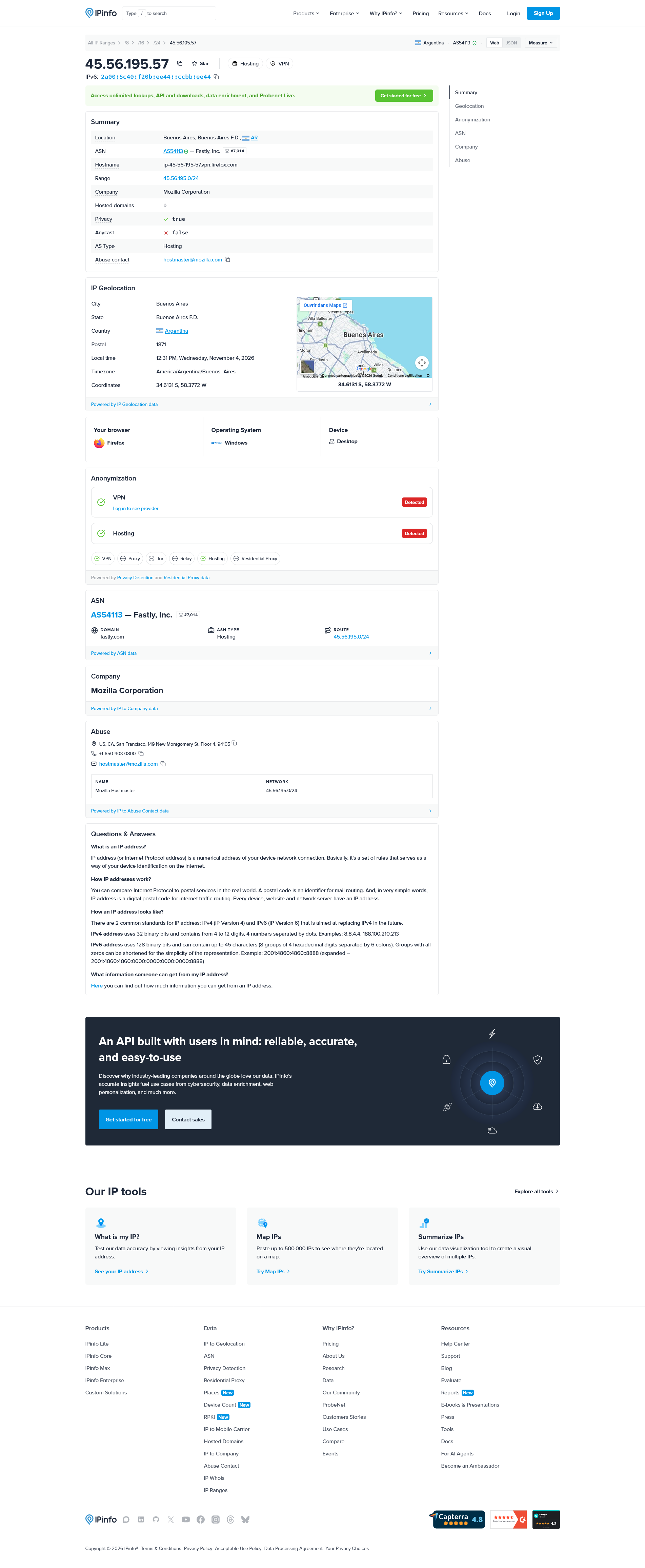
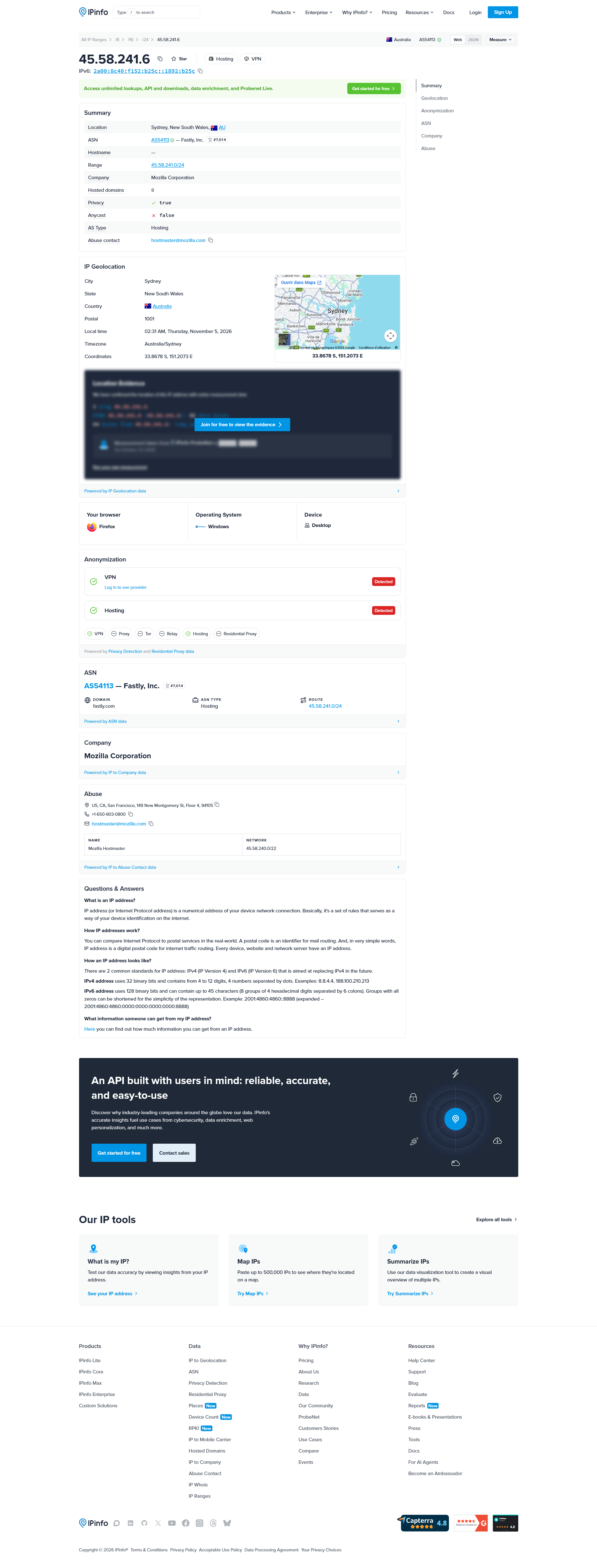
Upravil(a) Agent virtuel dňa
Bonjour
A space for users to give feedback, your feedbacks?
Bonsoir
Recommended, the location closest to you by default. Ce n'est pas mon ip.