How do I turn the tabs back to how they were before?
After an update (seemingly, I did not run 'sudo pacman -Syu'), the tabs have changed in look and to be frank i find the new layout ugly. How do I turn it back? Attached is a photo of the new tab groups, i couldn't get one of the circular tabs.
Vybrané riešenie
That works as well, I also discovered if one goes to about:config and sets "browser.nova.enabled" to false, it will go back to how it was.
Všetky odpovede (7)
Bonjour
A space for users to give product feedback https://support.mozilla.org/en-US/kb/what-mozilla-connect
A subject css https://www.reddit.com/r/FirefoxCSS/comments/1wu4i5z/help_adjusting_the_tab_group_shapesize_in_new_ui
Introduction, please read, contributors guide on Firefox advanced customization with css https://support.mozilla.org/en-US/kb/contributors-guide-firefox-advanced-customization
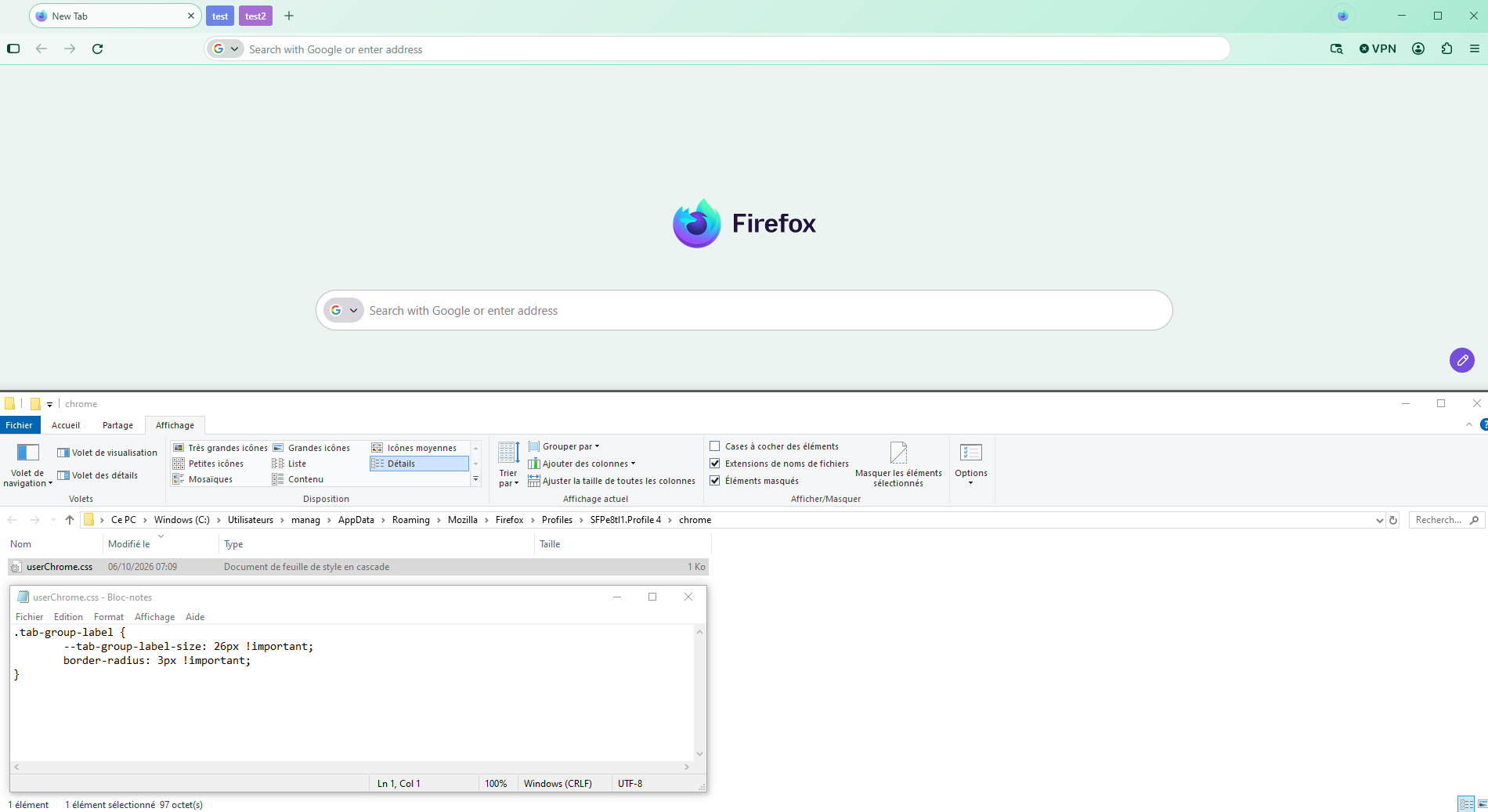
If you wish to try userChrome.css
.tab-group-label { --tab-group-label-size: 26px !important; border-radius: 3px !important; }
Copy/paste the code into your notepad Save Type: All files userChrome.css
Create a chrome folder Move userChrome.css to your chrome folder
Go to your profile folder https://support.mozilla.org/en-US/kb/profiles-where-firefox-stores-user-data#w_how-do-i-find-my-profile
Move your chrome folder to your profile folder
Go to configuration editor https://support.mozilla.org/en-US/kb/about-config-editor-firefox Enter a search term toolkit.legacyUserProfileCustomizations.stylesheets Double-click on the preference, to set its value to true
And restart Firefox
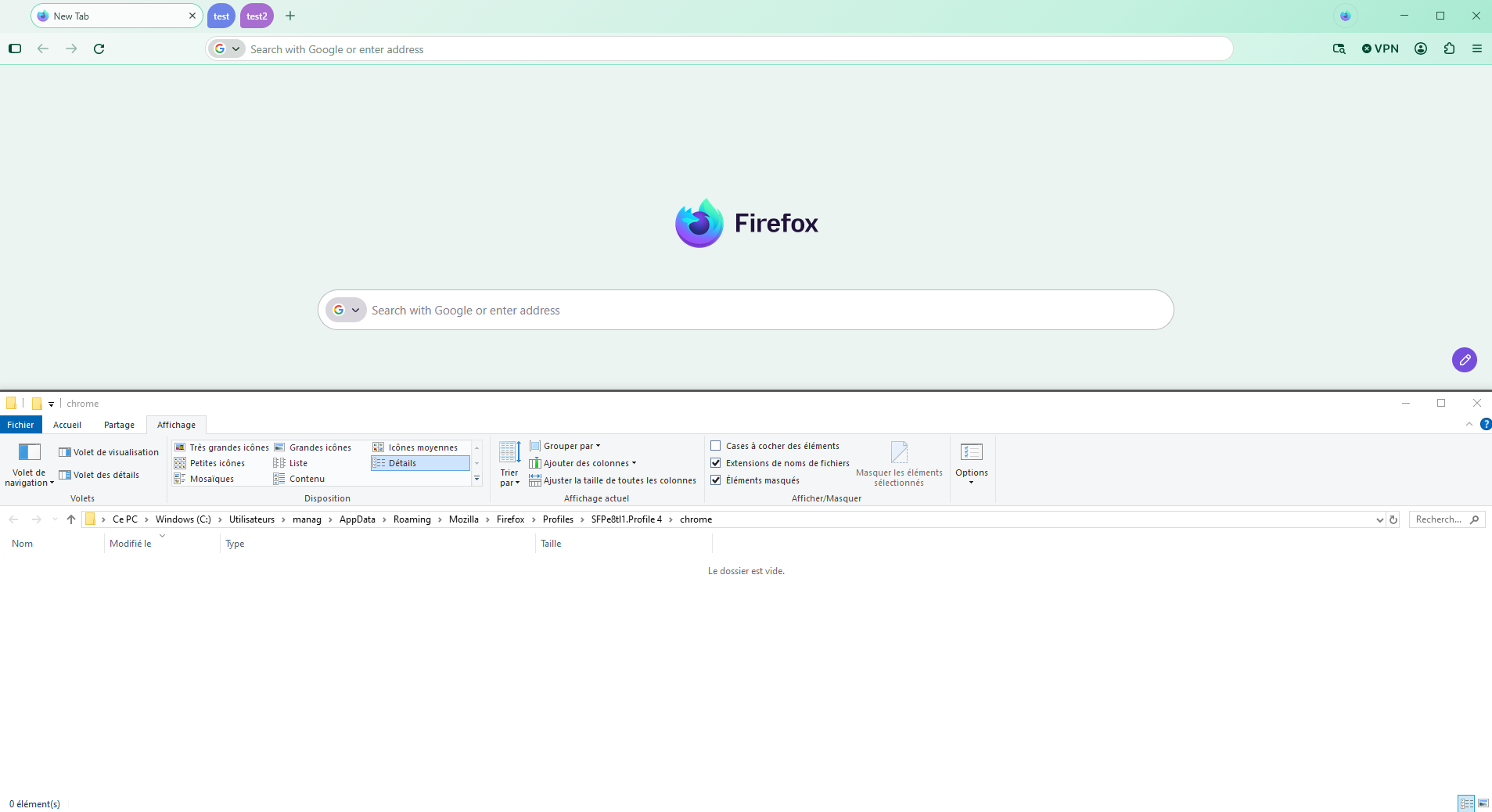
Below, the result of the test Without userChrome.css - With userChrome.css
Upravil(a) Agent virtuel dňa
Below, Linux, the result of the test of this userChrome.css
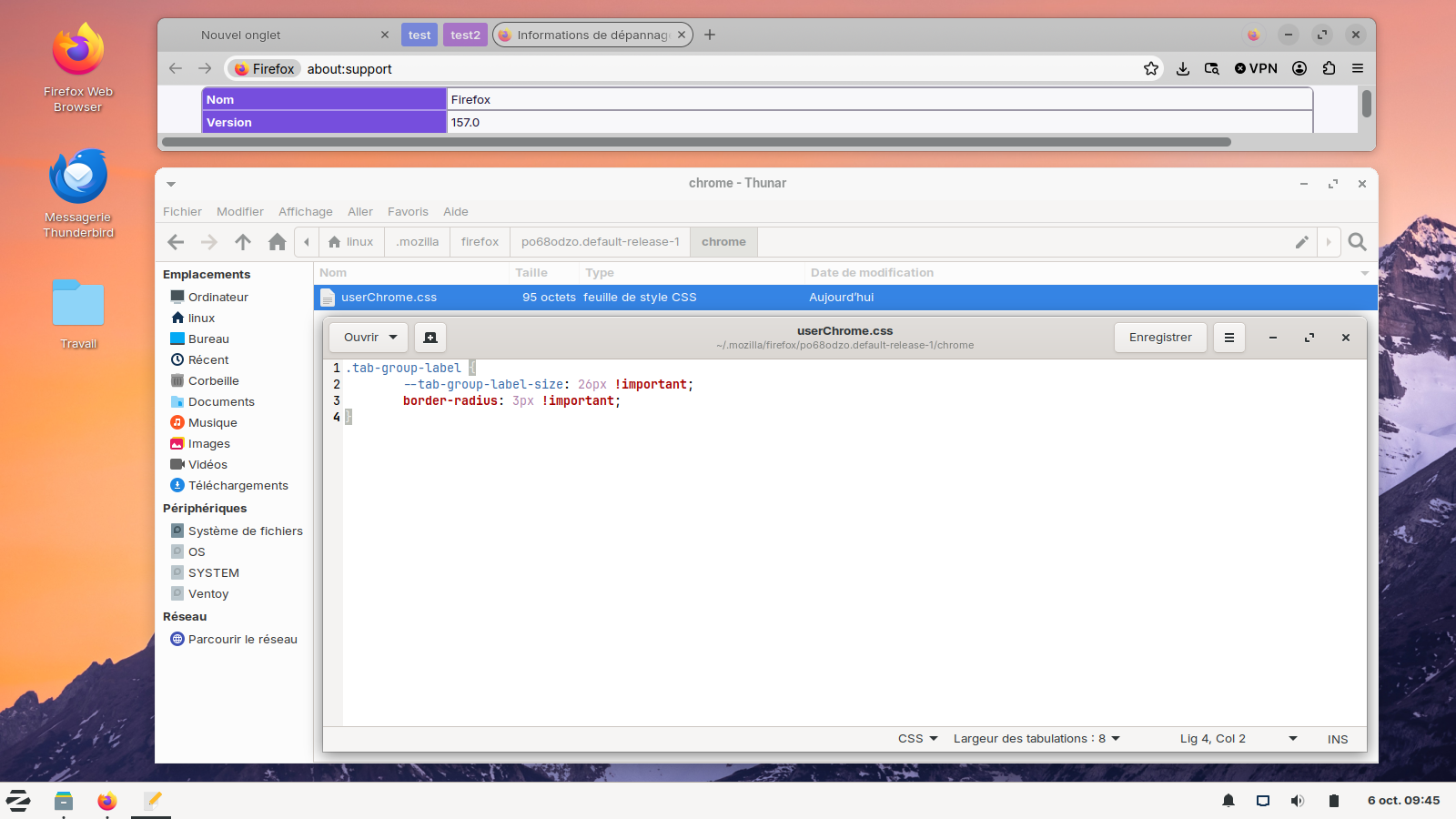
That should work for the tab groups, but I mean moreso for the entire circular interface. I want my rectangles back, if that makes sense. Attached are some more examples of what I mean. I basically want it to look how it looked in 156 while still being able to keep new features and support.
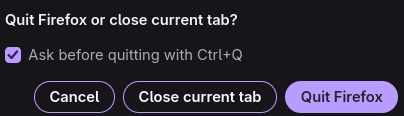
Bonjour
Take a look at the Mozilla Connect Community https://connect.mozilla.org
Bonjour
Just to see. https://connect.mozilla.org/t5/discussions/hate-the-rounded-corners-inside-firefox-disabled-them-in-windows/m-p/142075/highlight/true#M58044 https://www.camp-firefox.de/forum/thema/141025-auf-die-schnelle-nova-to-proton-ein-umfassendes-css/?postID=1295648#post1295648
You can add the code to the userChrome.css.
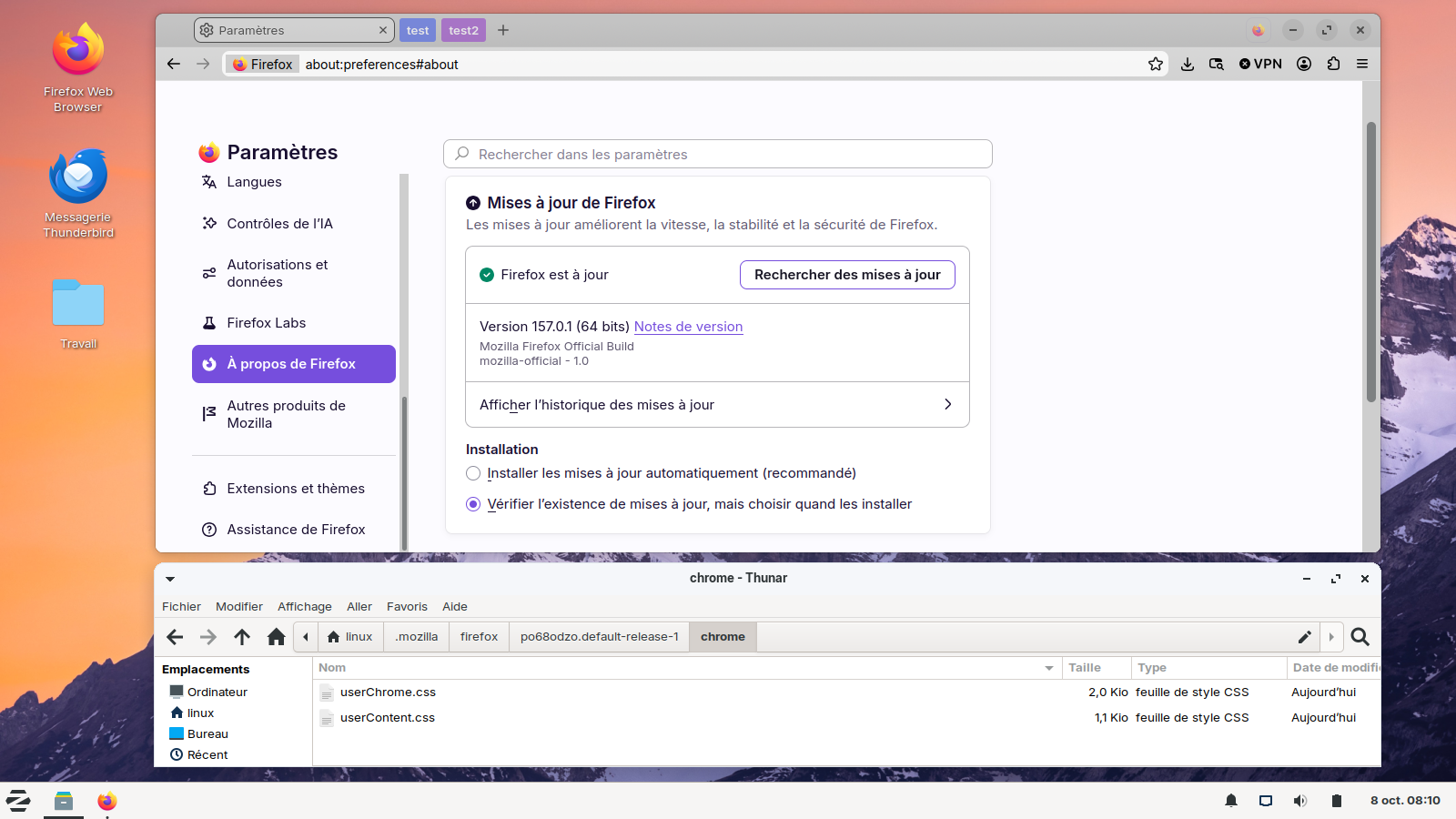
Below, userChrome.css and userContent.css, together.
Vybrané riešenie
That works as well, I also discovered if one goes to about:config and sets "browser.nova.enabled" to false, it will go back to how it was.
Bonjour
A space for users to give product feedback https://support.mozilla.org/en-US/kb/what-mozilla-connect
A simlar discussion thread https://support.mozilla.org/en-US/questions/1611802
As for me, i'm not a fan the Nova Style. I use, css, among others css, i use https://support.mozilla.org/en-US/questions/1610048, https://support.mozilla.org/en-US/questions/1611680#answer-1855268