how can i stop refresh on facebook

facebook constantly refreshes
Všetky odpovede (1)
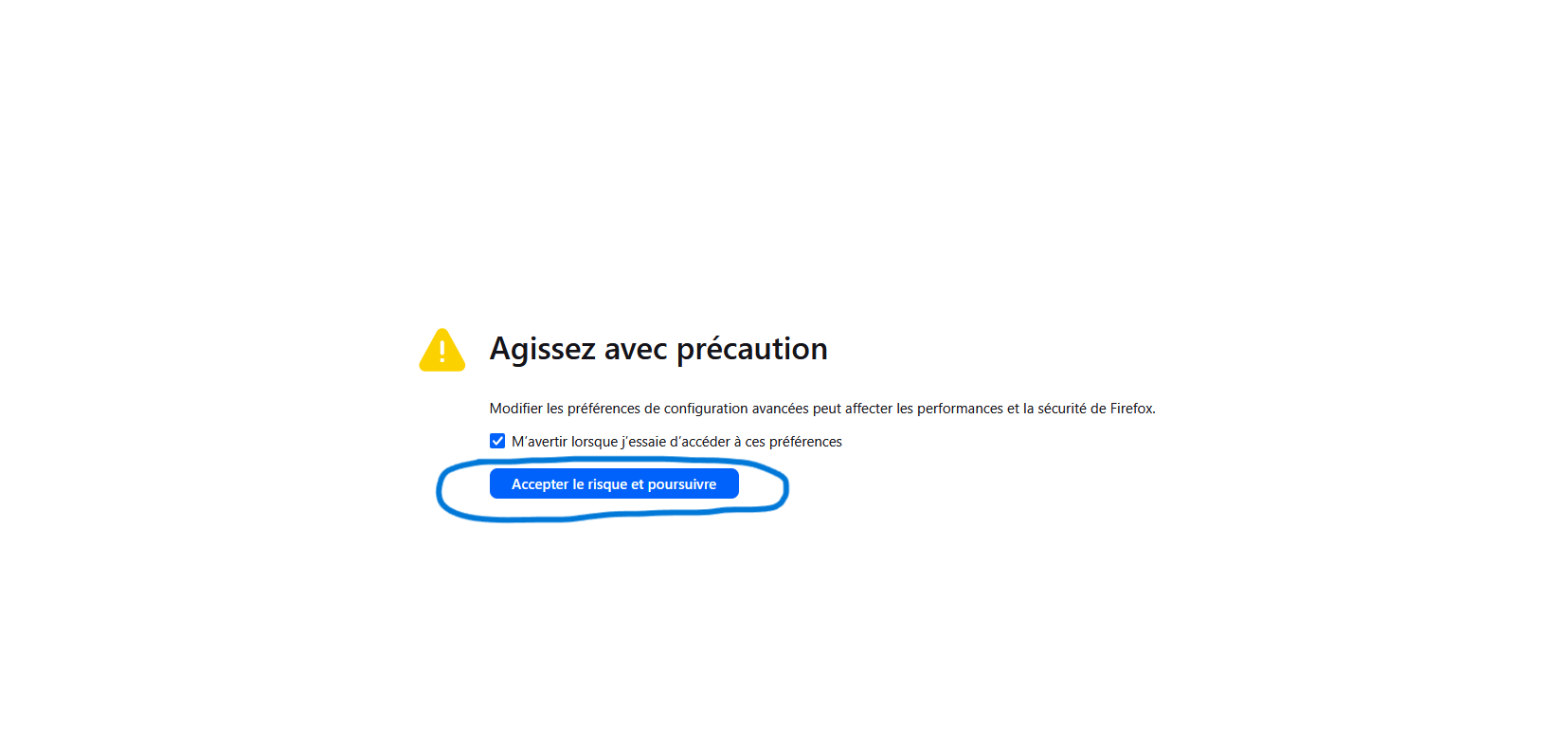
Hi, I think I have an idea why this is happening. I think it's an issue with ads—you probably have an extension that's blocking them. If you're using uBlock Origin, go to “My Filters” and paste this: "facebook.com## +js(aeld, /blur|focus|afterblur|mousemove|visibilitychange/)“ Then click ”Apply." If you're not using uBlock Origin, open a new tab and type “about:config” in the search bar at the top. Press Enter, then click “Accept the risks and continue.” You’ll be taken to a blank page with a search bar at the top. Type this into it: “accessibility. blockautorefresh,“ and right below it, you’ll see a line with the value you entered. Click the small arrow next to ‘false’ to change it to ”true." Let me know if this didn’t work. (See attached image)