


Firefox fails to connect to Public IPs on both Windows and Linux, while Chrome works fine

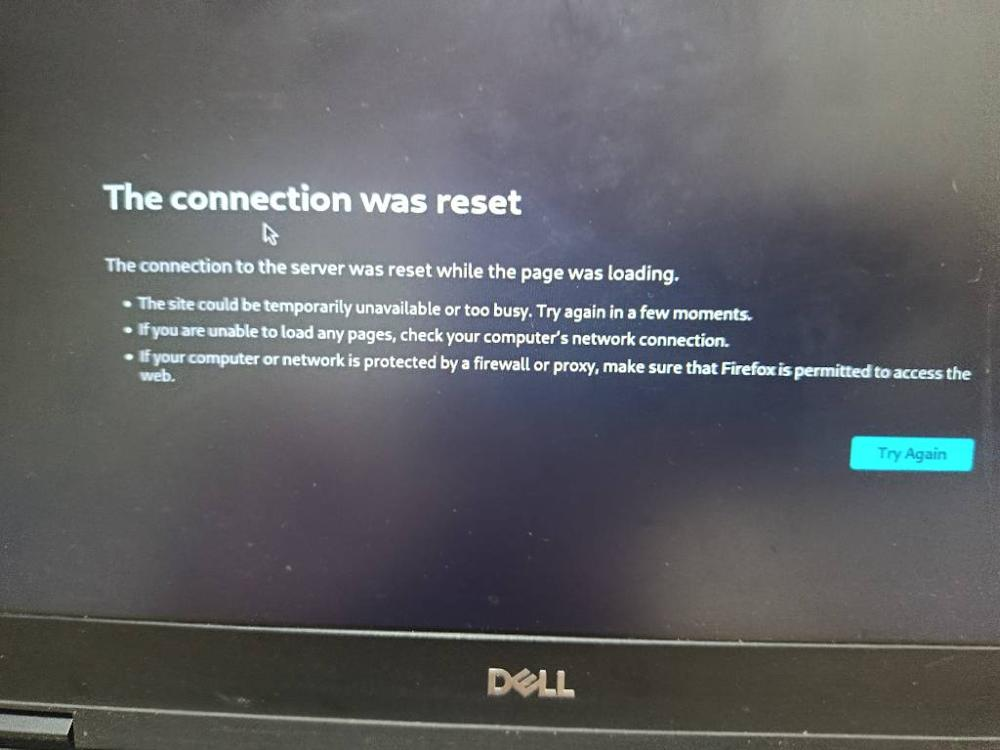
Hello Firefox Support Team,I am facing a persistent issue where Firefox is unable to open or connect to any Public IP addresses, resulting in a "Connection Reset" error. This issue happens simultaneously on two different operating systems: Windows and Linux (on the same network).Interestingly, the same Public IP addresses open completely fine and without any issues on Google Chrome.I have already tried the following troubleshooting steps, but none of them resolved the issue:Disabled HTTPS-Only Mode completely.Disabled Secure DNS (DNS over HTTPS).Changed Network Settings to "No Proxy".Set "security.tls.version.min" to 1 and enabled deprecated TLS.Disabled HTTP/3 and HTTP/2 in about:config.Performed a full Firefox Refresh (Safe Mode / Default Profile).Since the issue persists across different OS platforms only on Firefox, it seems to be related to how Firefox handles direct IP handshakes compared to Chromium-based browsers.Please advise on how to resolve this. Thank you.
Všetky odpovede (4)
Can you connect to any unrelated service? Like https://1.1.1.1/ or http://97.77.230.146:8088/ …?
Yes , I can connect these service Like https://1.1.1.1/ and http://97.77.230.146:8088/
So it's not a universal issue on client end, more likely the server or some networking appliance on the line rejects the connection.
If you change your user agent header (there's addons for that, e.g.: addons.mozilla.org/firefox/addon/uaswitcher/ …) from Firefox to e.g. Chrome's one, does the connection succeed?
I tried changing the Firefox User-Agent to Chrome as suggested. It fixed the issue on Windows, but the problem still persists on Kali Linux. Could you please help?