


Problems when opening xml local file with firefox

Sometimes I need to open XML files on my PC or in a network folder. If I open the file in the first tab in Firefox, it displays a neat and formatted rendering that makes it easier to read. However, if I open yet another tab, it displays a sequential text file that's difficult to read. How can I apply the style of the first tab to all open tabs? I've attached explanatory images (I hope). The second image shows how I'd like the XML file to always be displayed, regardless of the tab's position. Firefox 149.0.2 on windows 11
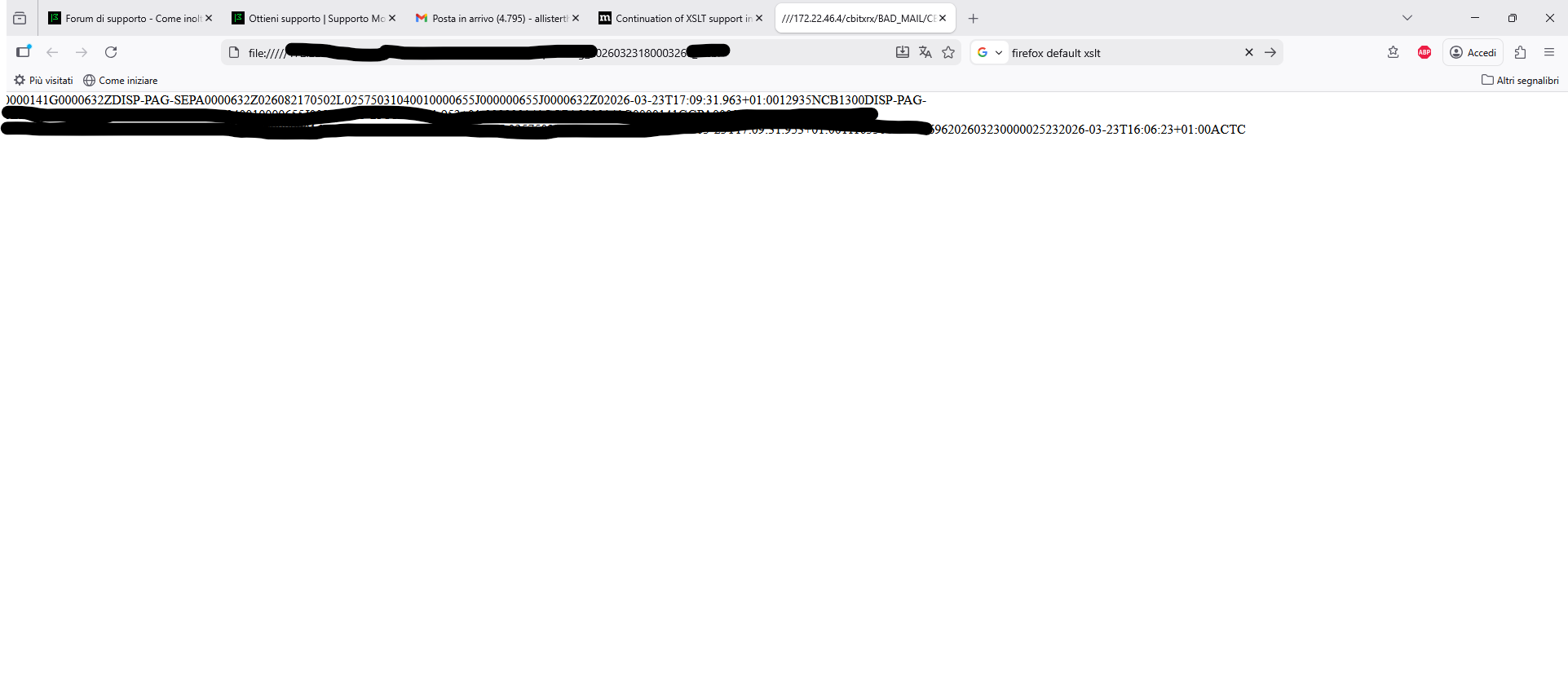
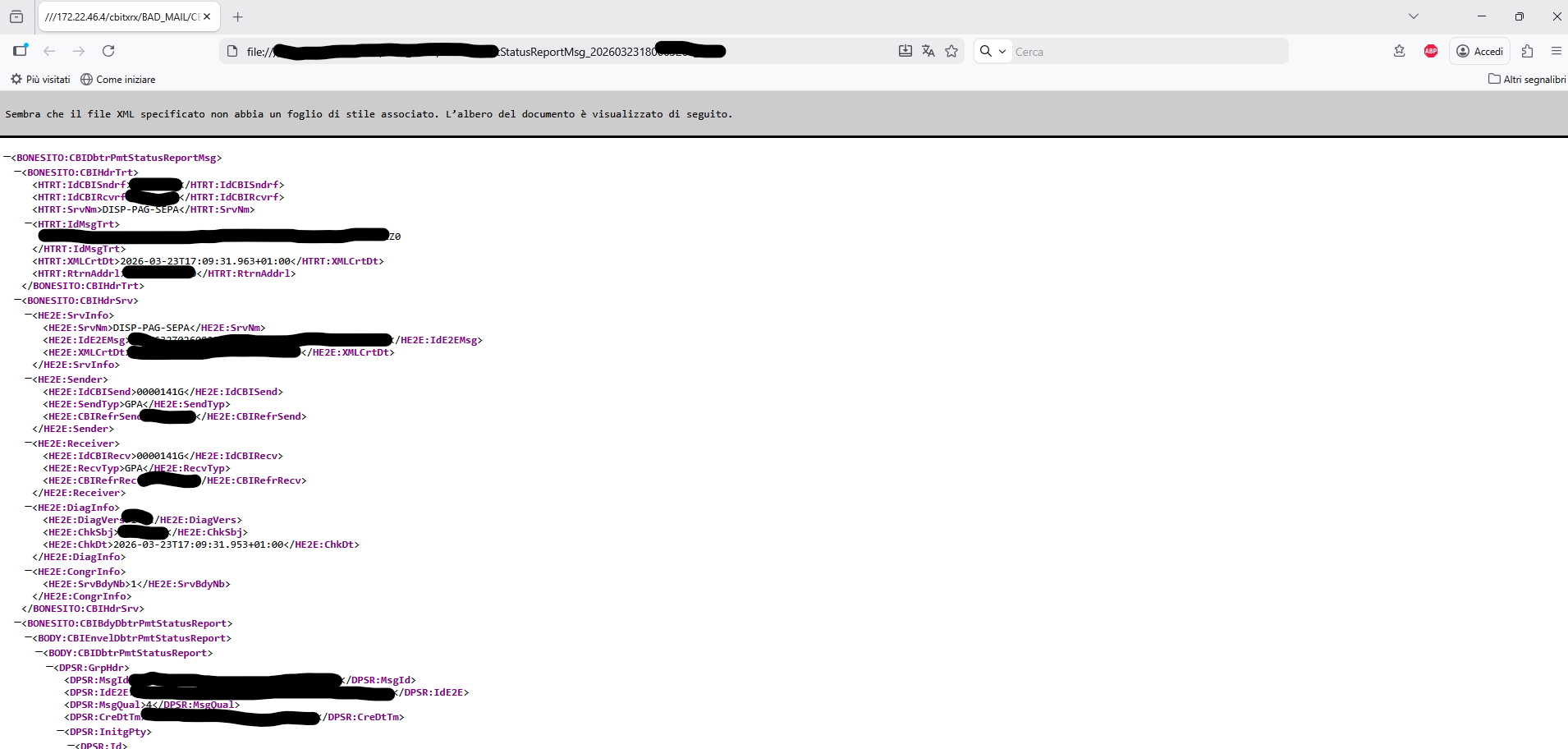
Všetky odpovede (4)

Hi! What you’re seeing is usually related to how Firefox applies its built-in XML viewer vs. plain text rendering depending on how the file is opened or the context of the tab. Sometimes it can also be affected by session state or how the file is being loaded (local file vs. repeated openings).
One thing you could try is consistently opening the XML via “Open With Firefox” or checking whether view-source or an extension is interfering with the rendering mode. Also, resetting file handling behavior or testing in a clean profile might help confirm if it’s profile-related.
I recently came across an interesting read on AI call agents and business process automation
which touches on how automation systems handle structured data differently depending on context — which is somewhat similar to how browsers switch rendering modes based on input context.
In both cases the file is opened with "Open with" from the right mouse button menu inside the file explorer view.
This first one doesn't look like a valid XML file. Paste it to https://reqbin.com/xml-parser and check if there are any errors.
In both images there is the exact same xml file which is also a perfectly and legitimately formatted file