


How Can I Revert the "Clear Browsing Data"/"Clear Recent History" Dialogue?

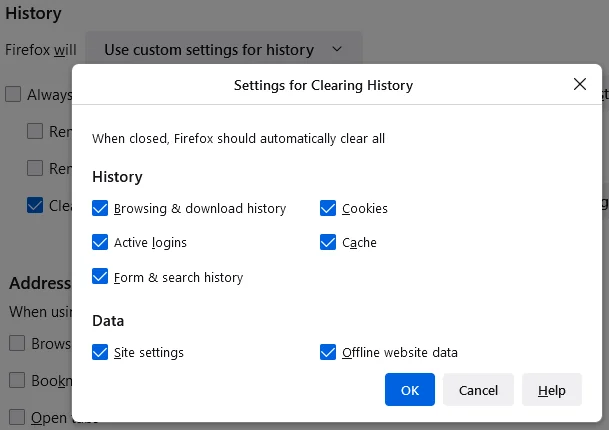
There used to be a much more useful interface for clearing specific browsing data (the landscape-oriented one). The new interface is far less detailed to the point of strictly limiting its functionality. There used to be a config setting ("privacy.sanitize.useOldClearHistoryDialog") that could toggle which interface to use, but as of an update in the last week (I've been away without a computer for a while), that toggle does nothing. Is there any other setting that can make this feature actually useful again?

Všetky odpovede (1)

kalutoganiq, looks as though they have fully removed the old clear history interface? See Comment 6 here: https://bugzilla.mozilla.org/show_bug.cgi?id=1856418#c6
If so, then this might mean that using Firefox ESR is the only supported way to continue using the original dialogue box? (for a while at least)
Or perhaps there are clear history add-ons with similar functionality? For example, I found this one that offers more categories: https://addons.mozilla.org/en-GB/firefox/addon/clear-browsing-data/
Upravil(a) TechHorse dňa