Windows 10 reached EOS (end of support) on October 14, 2025. If you are on Windows 10, see this article.

Vyhľadajte odpoveď

Vyhnite sa podvodom s podporou. Nikdy vás nebudeme žiadať, aby ste zavolali alebo poslali SMS na telefónne číslo alebo zdieľali osobné informácie. Nahláste prosím podozrivú aktivitu použitím voľby “Nahlásiť zneužitie”.

Ďalšie informácie

Firefox profile deletion advice and questions

  • 1 odpoveď
  • 0 má tento problém
  • Posledná odpoveď od sweet0670

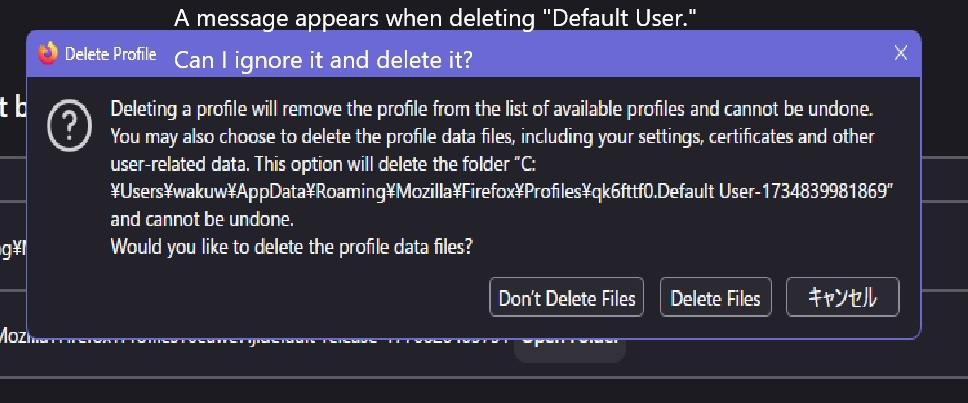
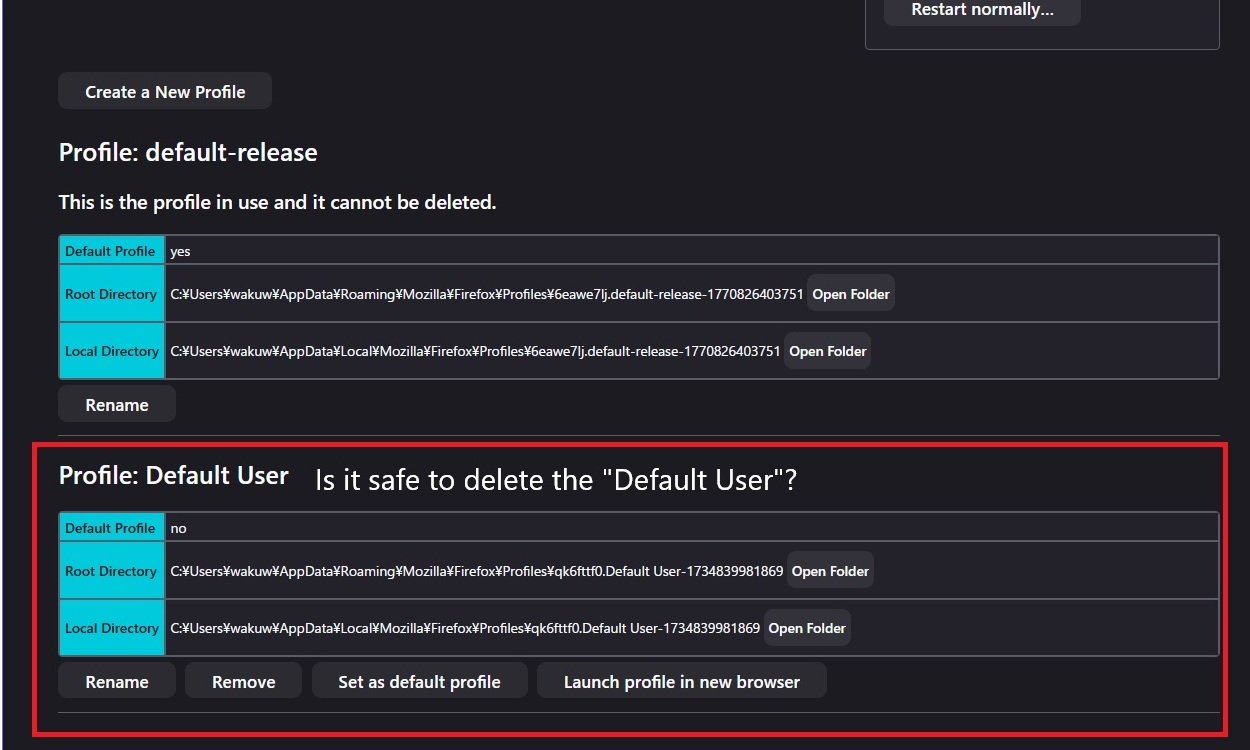
I have a question about deleting a Firefox profile. When I access the profile screen via "about:profiles," I see two profiles: "default-release" and "Default User." The "default-release" profile is fine because it displays the message "This is the active profile and cannot be deleted." But is it okay to delete the "Default User" profile? Should I also delete the files in the root directory of the C: drive and the local directory? If I delete the "Default User", will it be deleted as well?
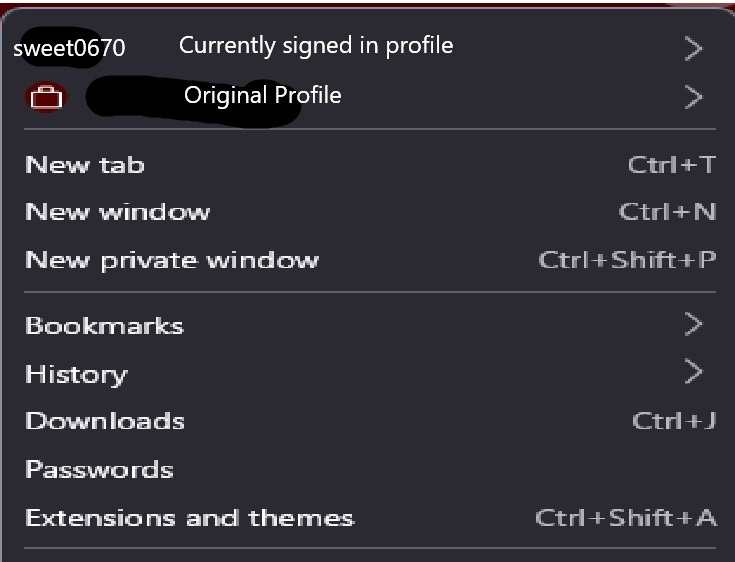
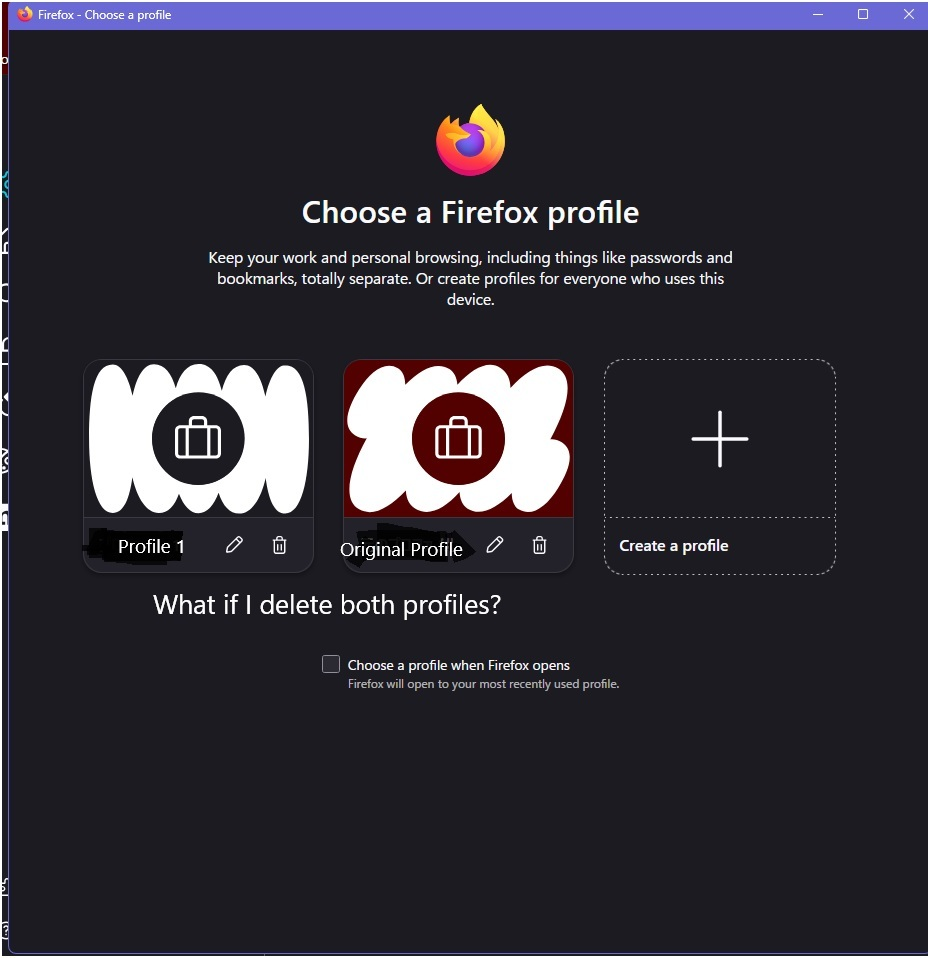
I have a question about deleting a Firefox profile. When I access the profile screen via "about:profiles," I see two profiles: "default-release" and "Default User." The "default-release" profile is fine because it displays the message "This is the active profile and cannot be deleted." But is it okay to delete the "Default User" profile? Should I also delete the files in the root directory of the C: drive and the local directory? If I delete the "Default User", will it be deleted as well?
Priložené obrázky

Všetky odpovede (1)

Regarding your question/consultation regarding Firefox profile deletion advice and questions, I deleted the "Default User" profile. After investigating, I realized I had overlooked the information in Mozilla Support. It provided detailed information, so I used it to manage and delete my profile. We regret to inform you that we have resolved your question/consultation.

Položiť otázku

Ak chcete odpovedať na príspevky, musíte sa prihlásiť do svojho účtu. Ak ešte nemáte účet, položte novú otázku.