


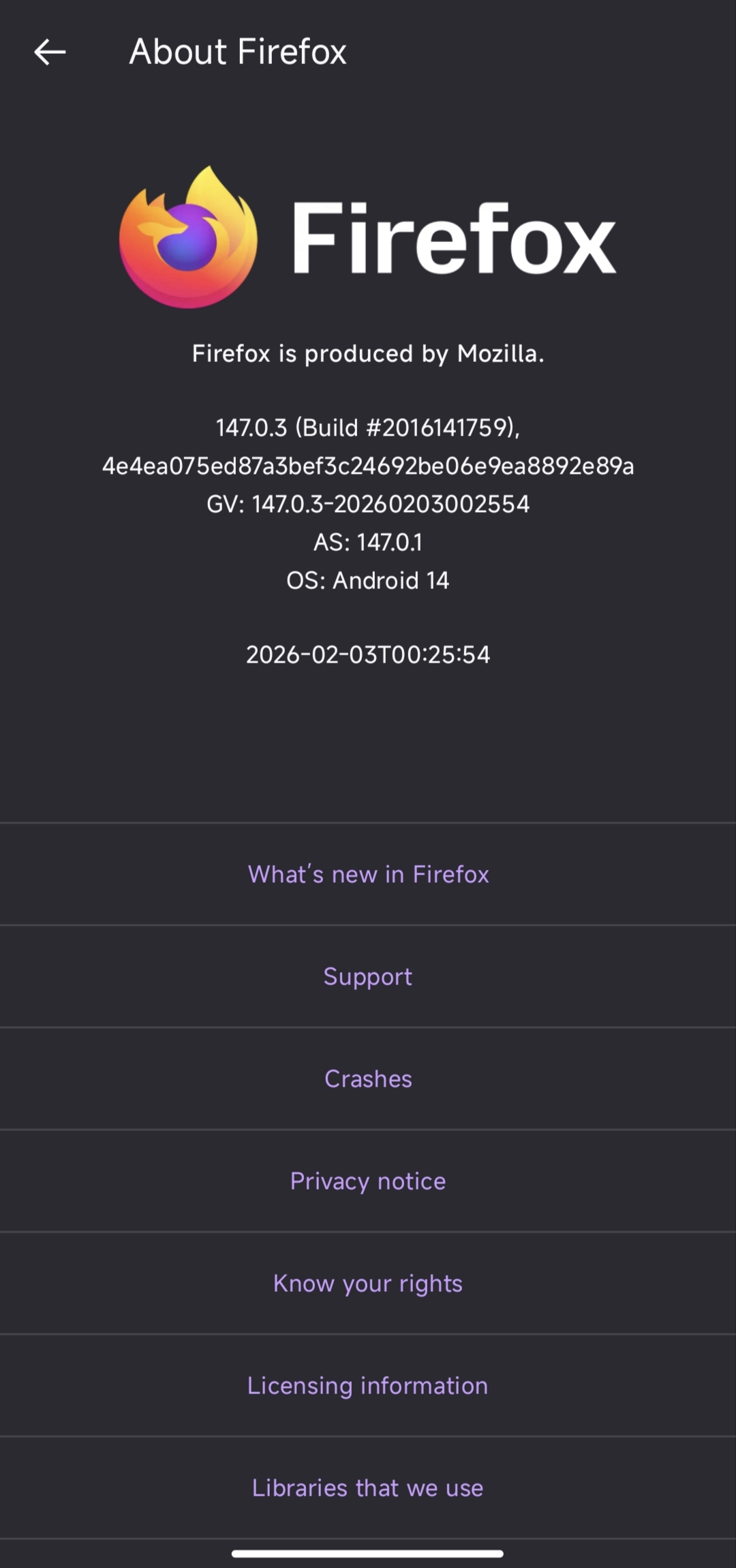
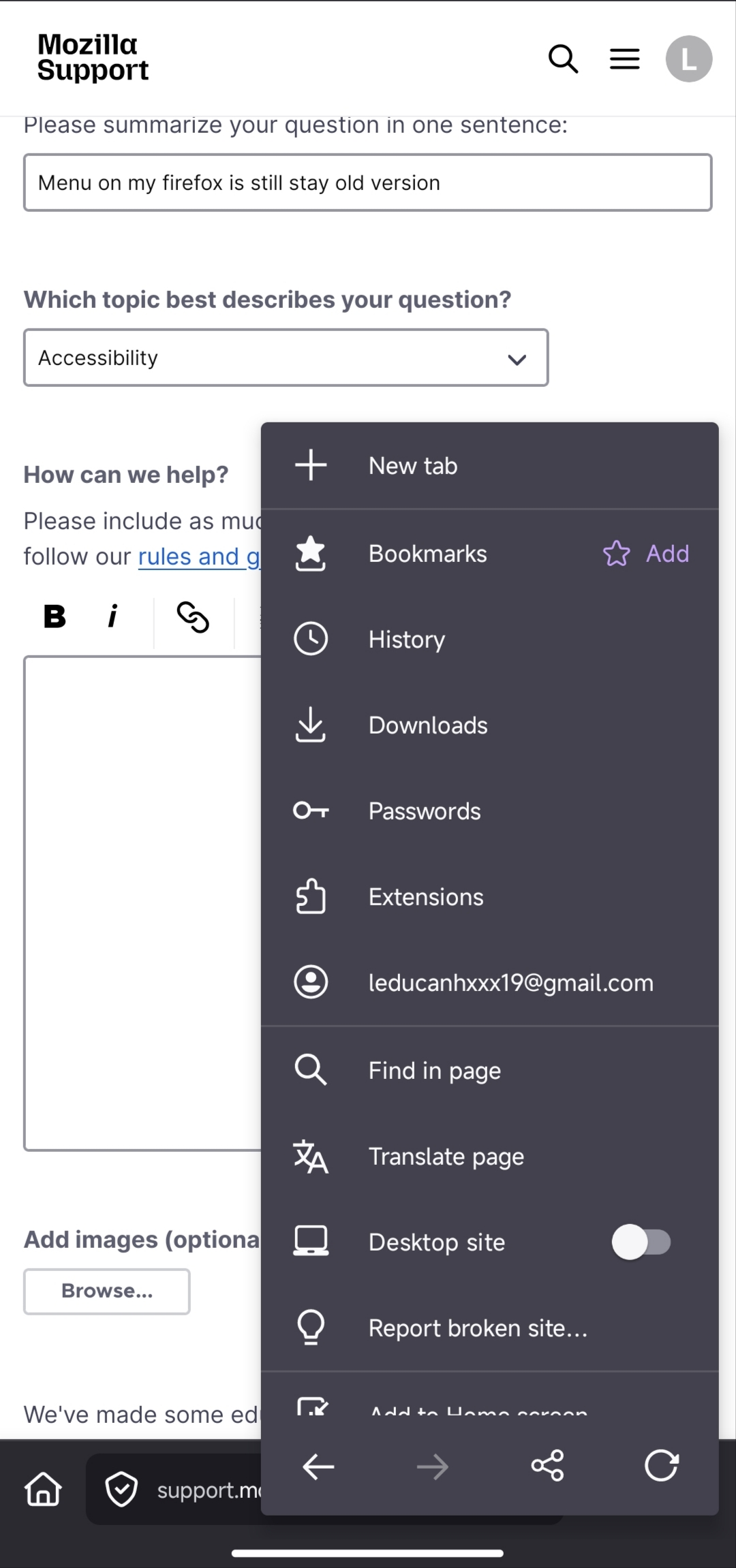
Menu on my firefox is still stay old version

Before that, I had encountered this case as well. After reinstalling, the new menu was applied, but today it reverted to the old one again, and reinstalling no longer works.
Všetky odpovede (2)

Hi,
That’s strange. It sounds like Firefox might be switching between different UI versions or experiments on your account. Sometimes updates roll out gradually, and the menu can revert if a feature flag changes on the server side.
If reinstalling doesn’t help anymore, you might want to check if you’re logged into a Firefox account and whether Sync is enabled. Also try clearing the app cache (not just reinstalling) and then restarting the device. In some cases, UI changes are controlled remotely and can revert without any action from the user.
Hopefully the developers can clarify whether this is part of a staged rollout or a bug.
Hi
This is part of a staged rollout that is currently underway. I have not got the new interface myself and am very much looking forward to it landing very soon.