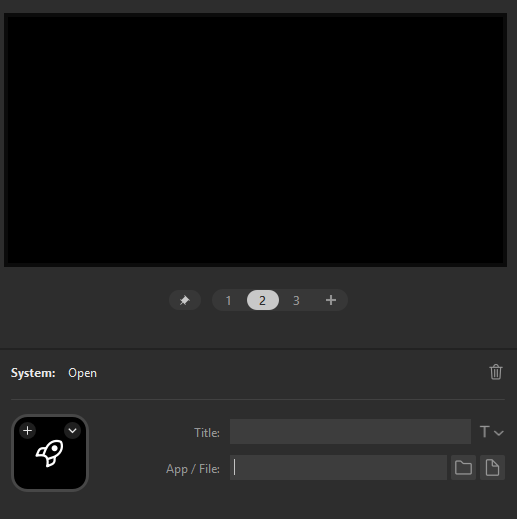
How to open a specific Firefox Profile in StreamDeck

With the new profile manager your have to choose a Profile that you have to open on system start. That is okay, but I often change between two main profiles, "Homelab" and Personal. That means if I close Firefox and open it again it defaults to open in the last profile use. When I get an idea, I like to start researching and testing before i get side tracked
Is there a way to specify to open a link in a particular profile, like with Edge you would do something like: "C:\ProgramData\Microsoft\Windows\Start Menu\Programs\Firefox.lnk" -profile-directory="Profile 2"
Thing I have tried:
- "C:\ProgramData\Microsoft\Windows\Start Menu\Programs\Firefox.lnk" -profile-directory="Profile 2"
- C:\Users\%USER\AppData\Local\Mozilla\Firefox\Profiles\vlfrd90t.default
- "C:\ProgramData\Microsoft\Windows\Start Menu\Programs\Firefox.lnk" -P [also -profile] "[Alpha-digits].Profile 1"
Any assistance would be appreciated.
With the new profile manager your have to choose a Profile that you have to open on system start. That is okay, but I often change between two main profiles, "Homelab" and Personal. That means if I close Firefox and open it again it defaults to open in the last profile use. When I get an idea, I like to start researching and testing before i get side tracked
Is there a way to specify to open a link in a particular profile, like with Edge you would do something like:
"C:\ProgramData\Microsoft\Windows\Start Menu\Programs\Firefox.lnk" -profile-directory="Profile 2"
Thing I have tried:
* "C:\ProgramData\Microsoft\Windows\Start Menu\Programs\Firefox.lnk" -profile-directory="Profile 2"
* C:\Users\%USER\AppData\Local\Mozilla\Firefox\Profiles\vlfrd90t.default
* "C:\ProgramData\Microsoft\Windows\Start Menu\Programs\Firefox.lnk" -P [also -profile] "[Alpha-digits].Profile 1"
Any assistance would be appreciated.
Všetky odpovede (1)
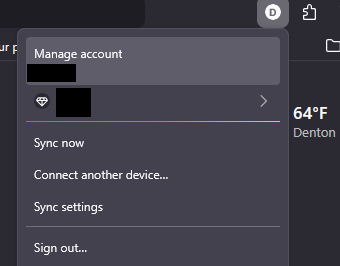
To Add, you normally have to go to the top right to switch your profile instance to the other one.