


Cannot log in to Outlook from Firefox (only)

Since latest upgrade (1/16/2026) I cannot log in to Outlook email. This is specific to Firefox 147.0.1 (Chrome and Pop Peeper logins to Outlook work fine). I tried clearing cache, updating, restarting, rebooting, trouble-shooting mode, private window etc. to no avail. I get 400 error from Outlook.

Vybrané riešenie
Great. Mark it as resolved and get back to it.

Všetky odpovede (14)
What security software are you running? Windows home or pro? Let me login...
Upravil(a) jonzn4SUSE dňa
I'm in with no issues. see screenshot When what the last time you changed your password? I assume you have the app on your phone. I would try changing your password.
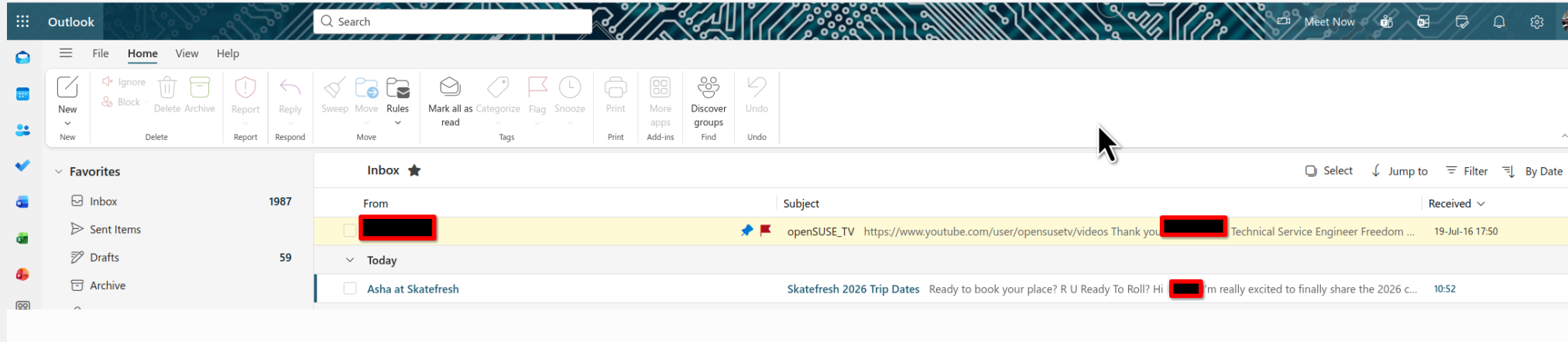
Also recommend you turn on 2FA because I get a few notifications a day that someone is trying to log into my account from several places. see screenshot
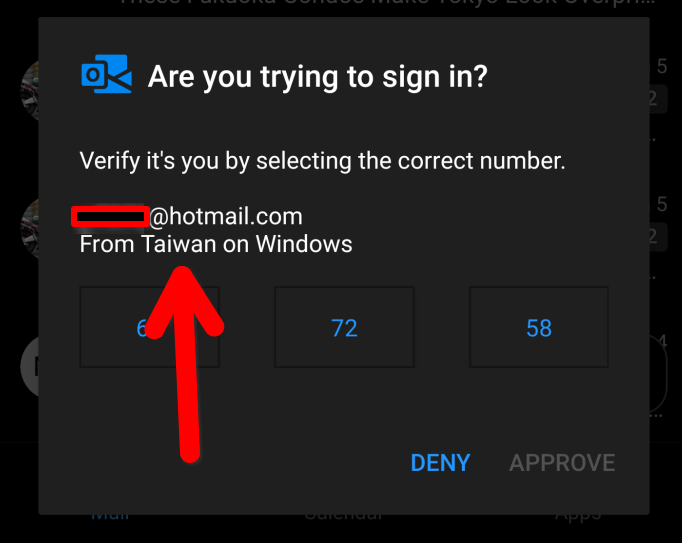
Thanks jonzn4SUSE. I am on a laptop, WIndows 11, only login to Outlook from Firefox is affected, only since latest update. My password is OK from ex. Chrome and Pop Peeper logins. I use Malwarebytes, but disabled it for testing the issue. Also tried all recommendations from past incarnations of this problem. I don't want to set up 2FA until this is resolved to avoid introducing further variables.
After entering Outlook credentials (username and password) I get a page with just this message:
Please retry with a different device or other authentication method to sign in. For more details, please see this link
and the link goes to a page starting:
Error 400 when signing in (followed by advice on logging in, none of which helped)
...again, only from Firefox, latest upgrade 147.0.1, as of today 1/16/2026
Yes, I was getting that a few weeks ago and finally changed my password(3yrs since last change) and now the process is smooth. I'm in it everyday, been using from 97. I know changing the password is a pain, but just add a few different things to update it.
Verified password works AOK in Chrome, Opera, Pop Peeper. Not a password problem, a Firefox problem, just since latest upgrade 147.0.1, today 1/16/2026
Okay. Post a screenshot. I just signed into my account. see screenshots
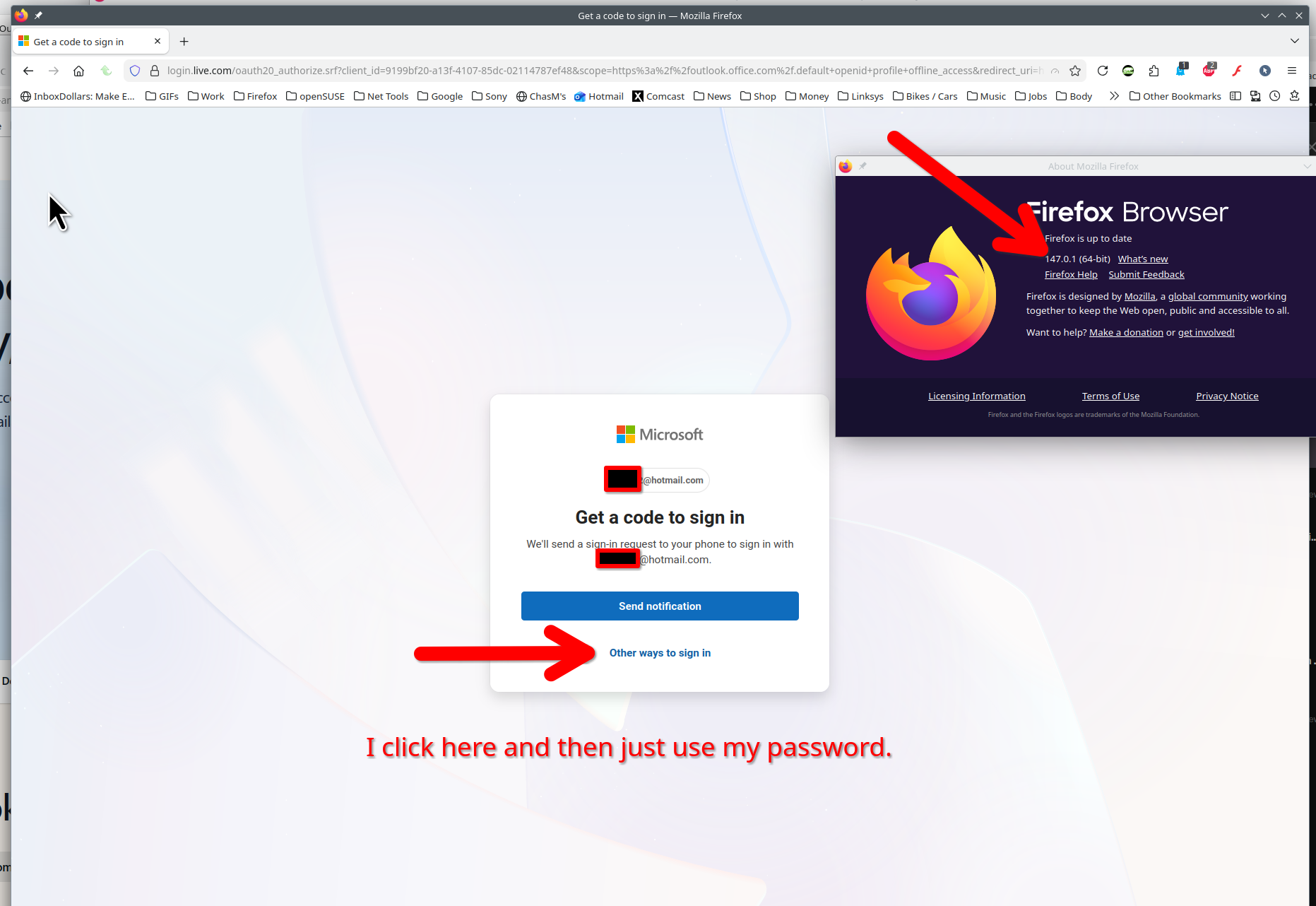
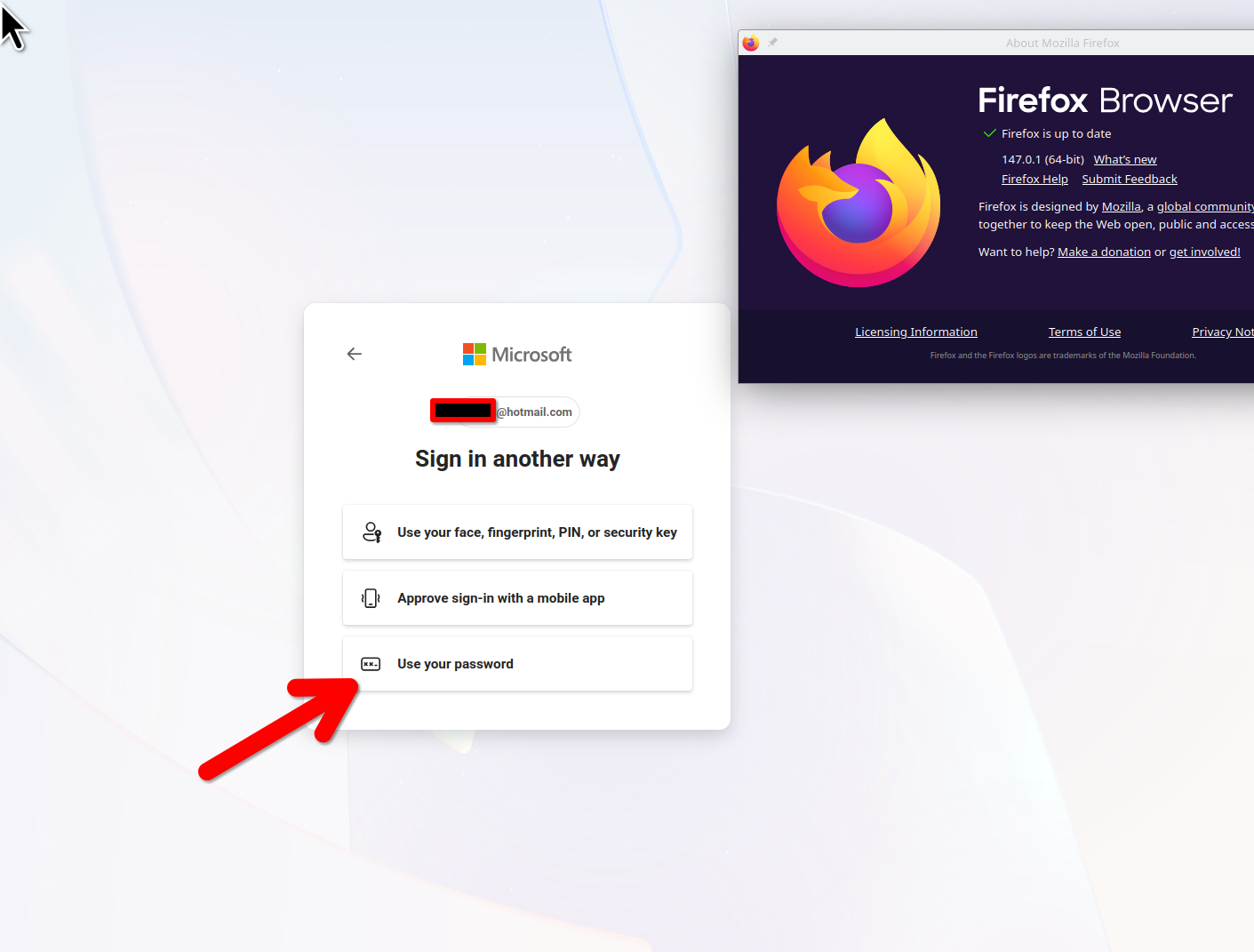
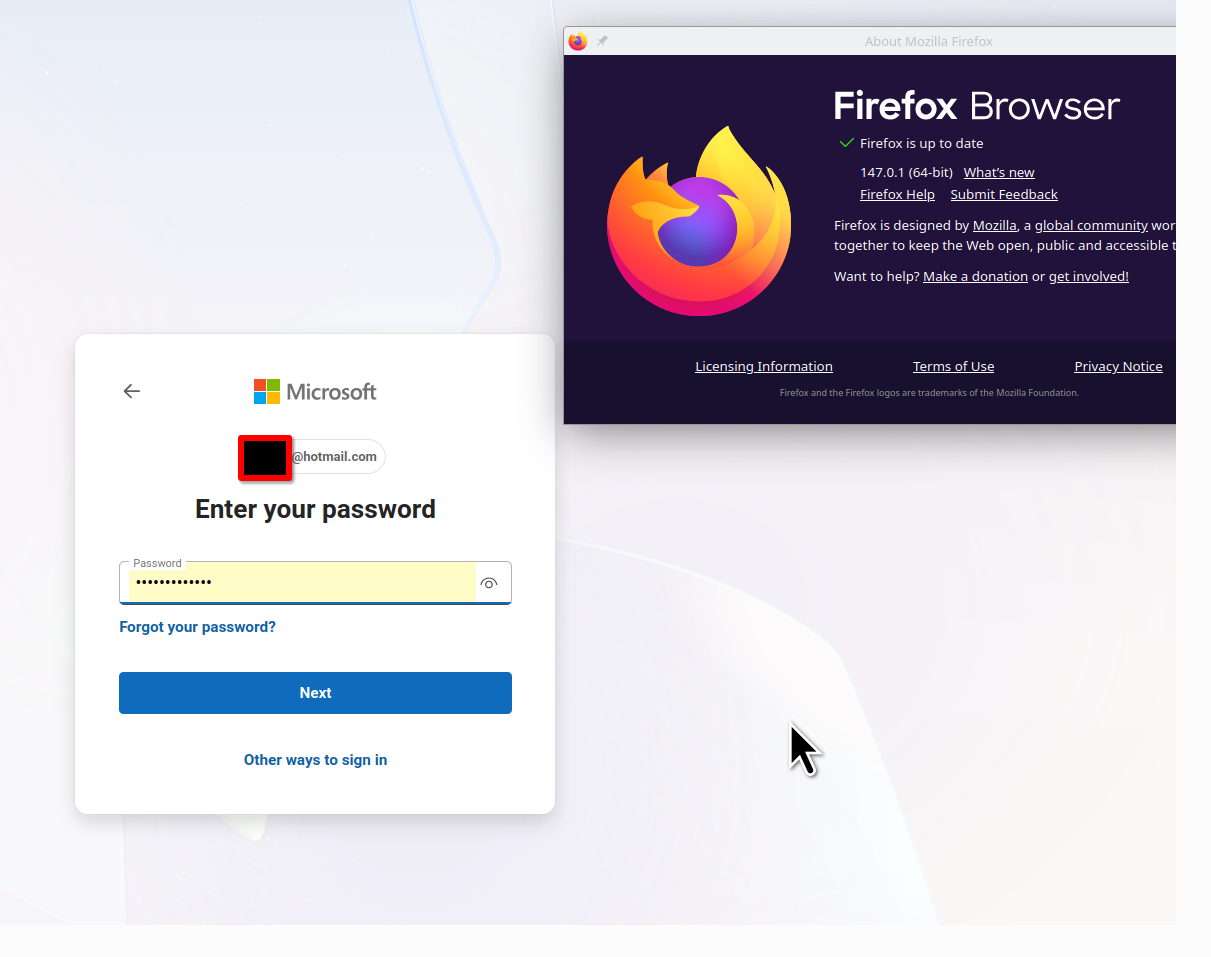
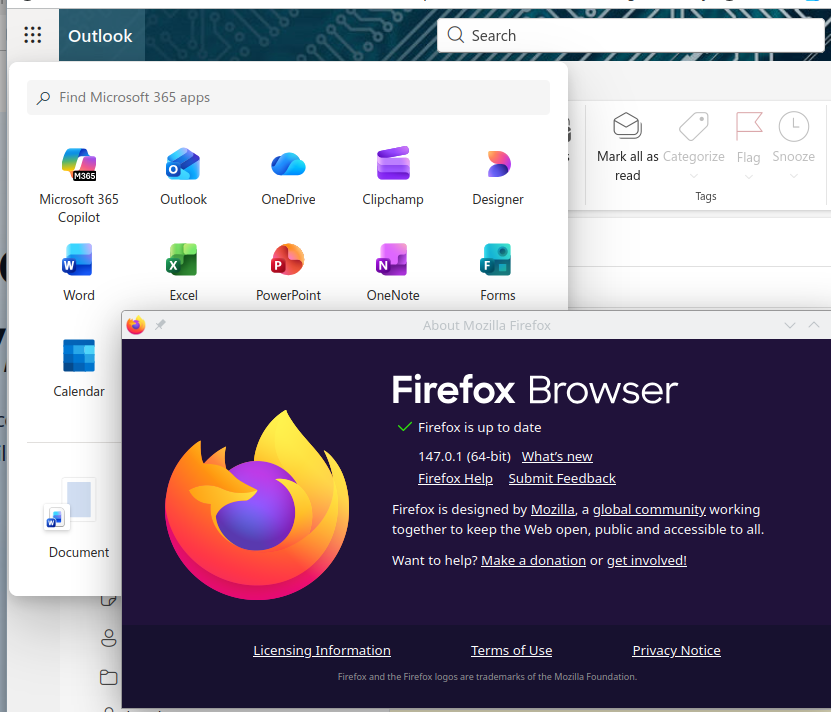
Upravil(a) jonzn4SUSE dňa
The login from Firefox started working again today. Always hard to say "what changed", but I installed Opera browser for testing (Opera worked fine, Firefox still didn't), and just waited a day. I might guess it was due to "too many logins", but that doesn't explain why the account was accessible from 3 other clients (Opera, Chrome, Pop Peeper) throughout, and not from Firefox. I had cleared Firefox cache many times in testing, ran CCleaner, turned Malwarebytes off (including Browser Guard), rebooted, no other extensions, etc. all without results. Thanks for your assistance with this problem, sorry if it took much time.
Vybrané riešenie
Great. Mark it as resolved and get back to it.
Guess what I saw today. LMAO Had to have the site send a notification to my phone using the app, but I was able to get in.
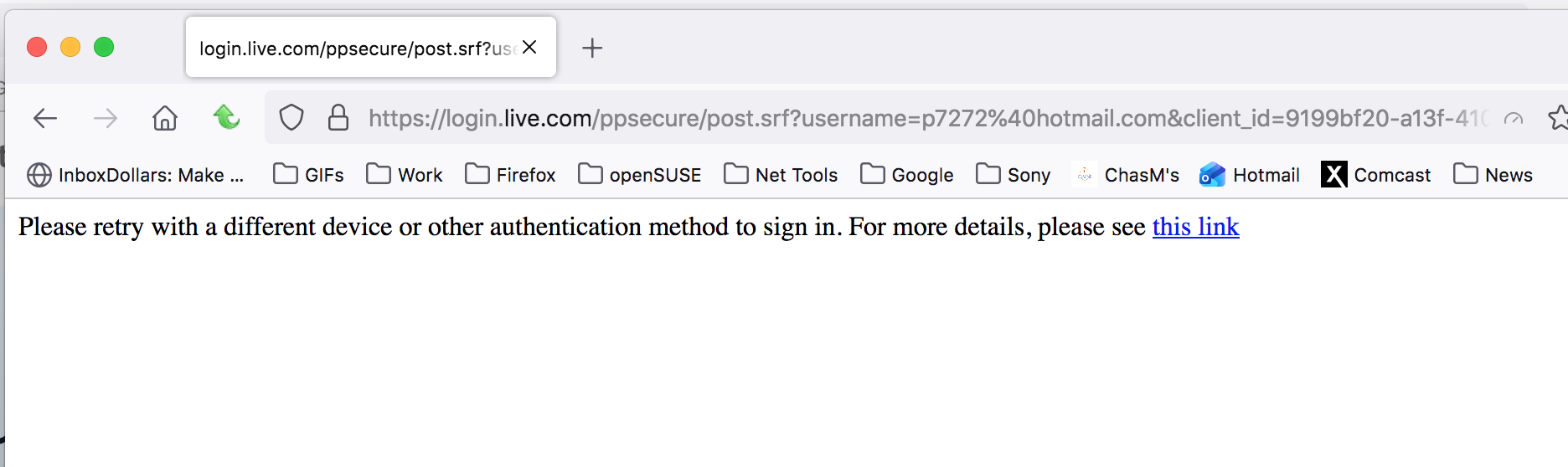
Upravil(a) jonzn4SUSE dňa
Just so :-) I believe if you wait 24 hours, the login will work again :-) It's still something specific to Firefox, the developers should have a look at it. Similar problems go way back.

Hi.
Were you ever able to get this resolved? I have been experiencing this issue with Firefox for the past couple of months and it's so frustrating. I can log in to my my personal Outlook mail just fine on Chrome and Edge, but not Firefox.
In Firefox, I get the same "Please retry with a different device or other authentication method to sign in. For more details, please see this link" every few days. I change nothing in my browser and then all of a sudden, it works again. I never have this problem with Chrome or Edge. I've tried updating, clear cache, etc., but nothing fixes it. I'm guessing the issue is with Firefox since the other browsers work fine.
Thank you.
Hi Chopstick80, Sorry I have nothing to add since 1/17/26, 7:33 AM posting above. The problem has not recurred since then, though many people have reported it for years. Suggest trying all those steps and waiting a day or so. Good luck !