Firefox PDF Editor Save to PDF not saving the changes

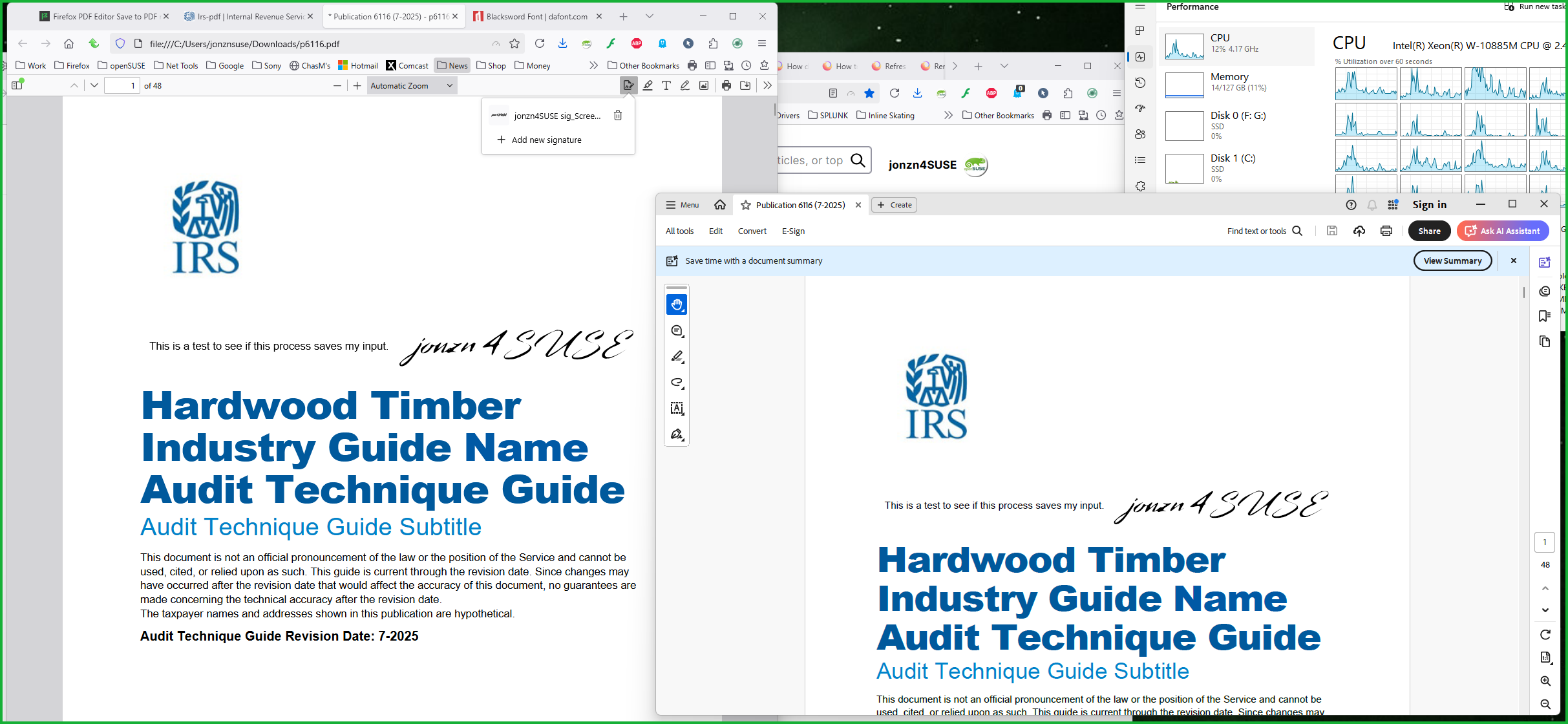
I am using the FireFox PDF Editor to annotate a PDF, however, no method of me saving the document (whether that is save as, or save as PDF) will allow me to save any annotations on the document. If I try doing save as PDF, the preview shows up as blank sheets of paper, when I click "save as" it only saves one page of the 31 as BLANK. If I try doing normal save as, the saved file is un-annotated.
Please help... thanks
I am using the FireFox PDF Editor to annotate a PDF, however, no method of me saving the document (whether that is save as, or save as PDF) will allow me to save any annotations on the document.
If I try doing save as PDF, the preview shows up as blank sheets of paper, when I click "save as" it only saves one page of the 31 as BLANK.
If I try doing normal save as, the saved file is un-annotated.
Please help... thanks
Všetky odpovede (1)
This is my first time using the option on just 1 page and it works for me. see screenshot Here is the site with pdf files that you can test. https://www.irs.gov/downloads/irs-pdf