


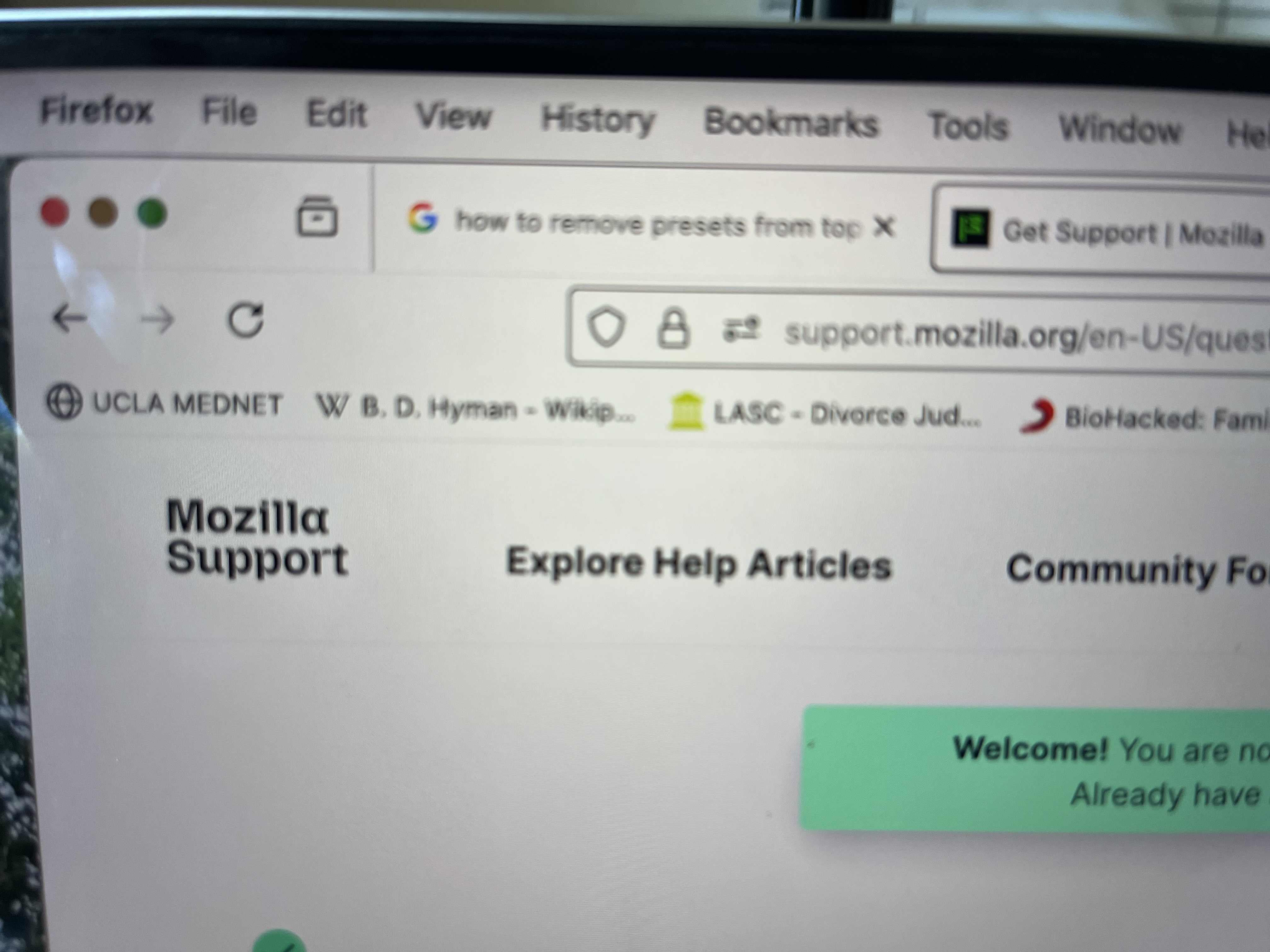
FireFox New Page "Presets" directly under browser

How to get rid of the half-dozen old search sites from very top of each new page, directly under browser box. Those sites are places I no longer use, e.g., from my old job; from a Wiki search done ages ago. I have searched for help. I never see "three dots" when I hover my cursor above the offending items.
I was using Chrome. My daughter recommended Fire Fox for my MacBookPro. I did. Now I need to clean up this problem.
Thank you.
PS: I don't know which topic best describes my question.
Všetky odpovede (2)
Vybrané riešenie
Hello,
Please see Bookmarks Toolbar - Display your favorite websites at the top of the Firefox window. You can also delete any bookmark you do not need by right-clicking it and selecting "Delete Bookmark" from the context menu.
Thanks, this helped me get rid of the Toolbar. Thanks for taking the time to help.
Upravil(a) Cynthia Whitham dňa