


Cannot Access Router thru Firefox

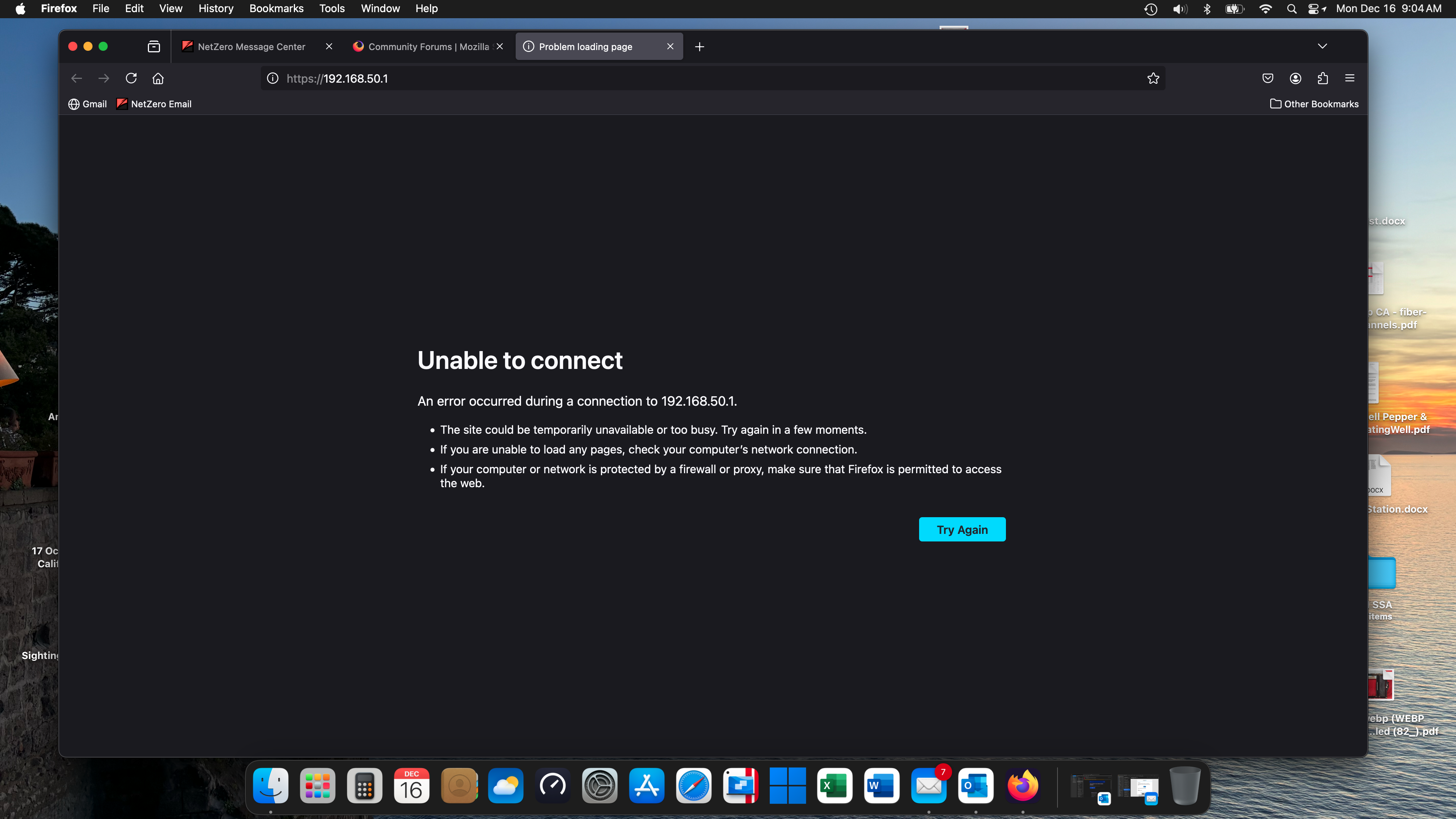
I am blocked from opening my Asus Router in Firefox for Mac. I added the router's address to every exception list I could find in Settings and still no luck. I can reach the router through Safari and through Firefox and Edge on a Windows 11 machine. I like my present Security settings on my Mac except for this annoyance. Can anyone suggest a workaround or a setting change that would fix this issue? Thanks in advance for your help.
Vybrané riešenie
Great. Mark it as resolved and have a nice day.
Čítať túto odpoveď v kontexte 👍 0Všetky odpovede (5)

Show the issue and block personal info. What router model?
Thanks jonzn4SUSE. The router is an ASUS RT-AX88U with the latest firmware. Screen shot attached.
Via wifi or lan? I have my router set to no access via wifi. Do you have an app for the router? If so, can it connect? Also show it working with other browsers. Can you ping that ip from the mac? Any windows computers in the house?
Upravil(a) jonzn4SUSE dňa
Problem resolved after I uninstalled and re-installed Firefox. Thank you L5IAHP001956
Vybrané riešenie
Great. Mark it as resolved and have a nice day.