Windows 10 reached EOS (end of support) on October 14, 2025. For more information, see this article.

Vyhľadajte odpoveď

Vyhnite sa podvodom s podporou. Nikdy vás nebudeme žiadať, aby ste zavolali alebo poslali SMS na telefónne číslo alebo zdieľali osobné informácie. Nahláste prosím podozrivú aktivitu použitím voľby “Nahlásiť zneužitie”.

Ďalšie informácie

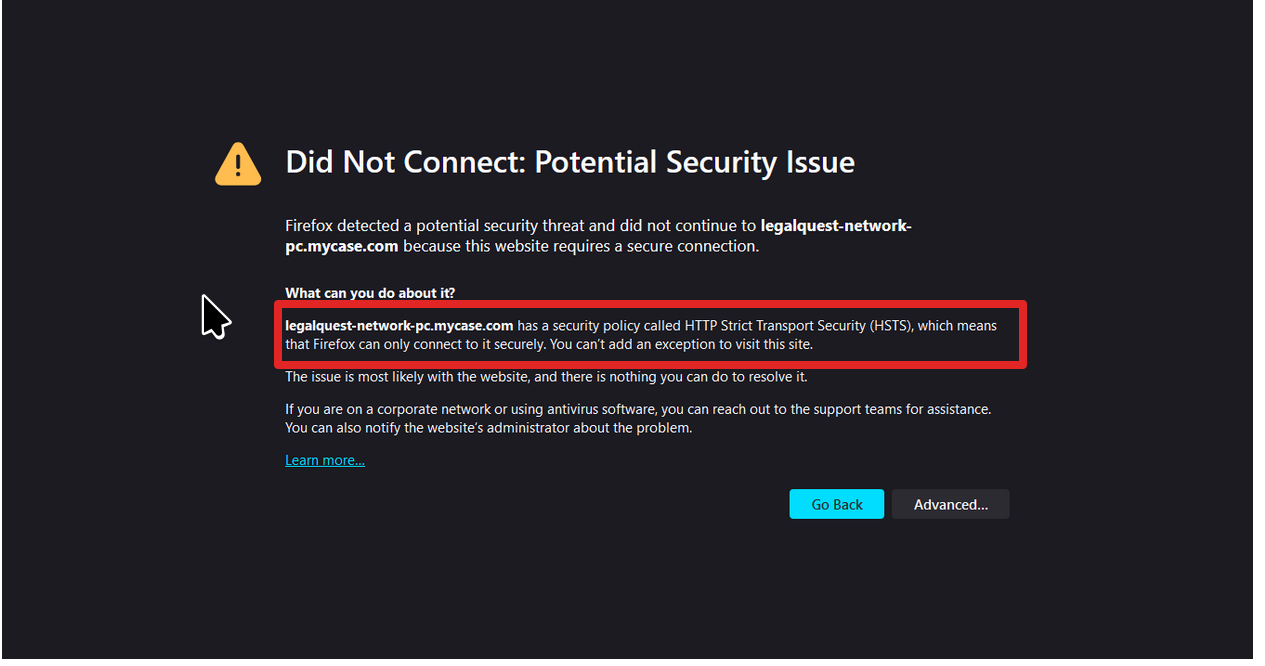
Did Not Connect: Potential Security Issue

  • 3 odpovede
  • 0 má tento problém
  • 42 zobrazení
  • Posledná odpoveď od jonzn4SUSE

I have been having this issue for a while now. I will get this message on different websites, and then if I try again later it might work. It seems like it's a random chance of me getting this error. I have tried "about:config" commands as suggested on other posts on this forum and they didn't work. I checked my licenses, proxy settings and still nothing. I got another web browser to see if it's my PC or Firefox, and the other browser worked just fine. I am guessing there is something I need to do within Firefox, but I am not sure what that is.
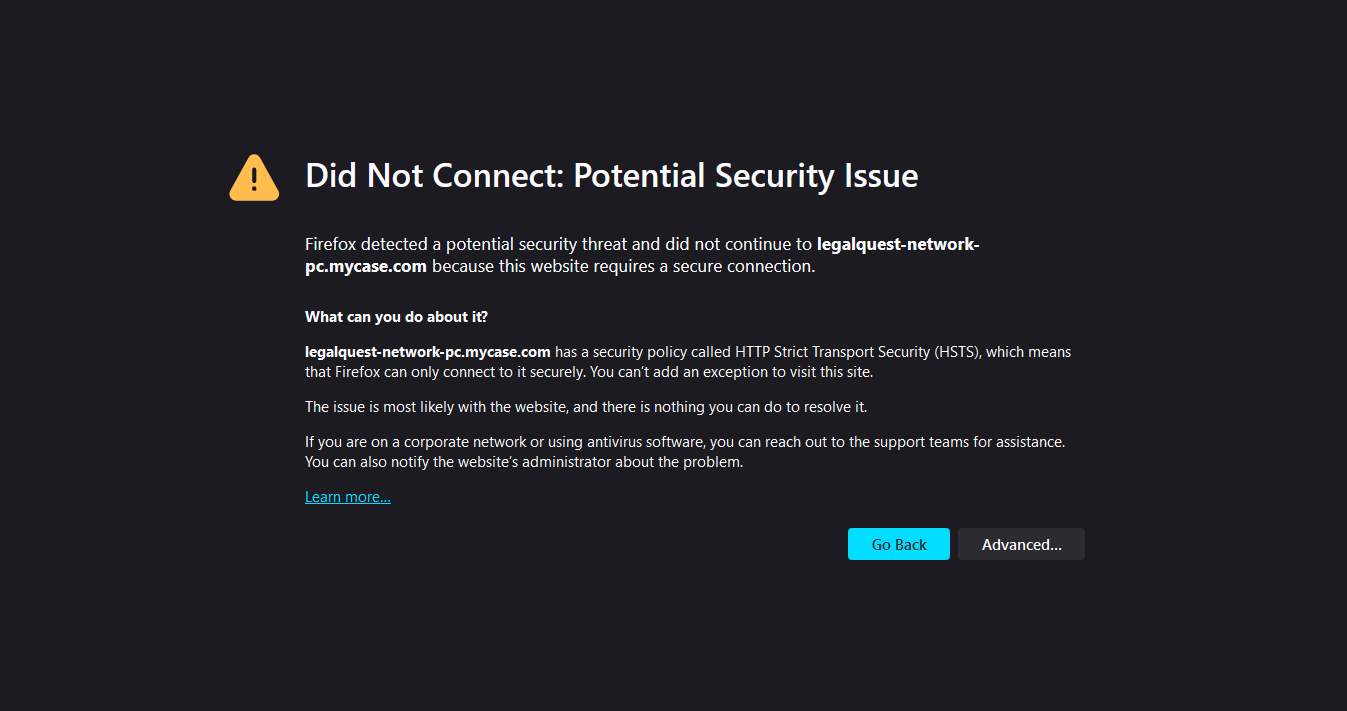
I have been having this issue for a while now. I will get this message on different websites, and then if I try again later it might work. It seems like it's a random chance of me getting this error. I have tried "about:config" commands as suggested on other posts on this forum and they didn't work. I checked my licenses, proxy settings and still nothing. I got another web browser to see if it's my PC or Firefox, and the other browser worked just fine. I am guessing there is something I need to do within Firefox, but I am not sure what that is.
Priložené obrázky

Všetky odpovede (3)

You need to post what site that is for other see and replicate the issue or not.

It isn't just specific sites. It happens even when I go to Twitch.tv or other major sites sometimes.

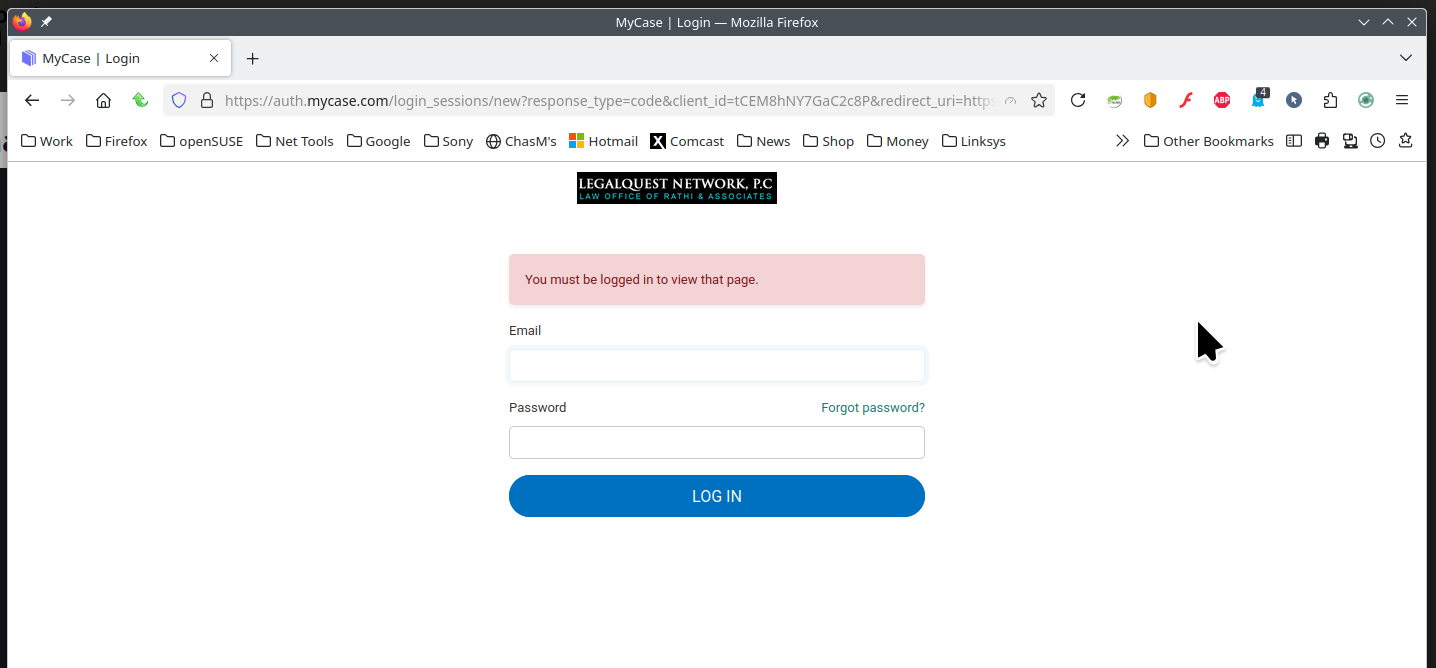
Reading you screenshot. See what it say about Firefox can only connect to it securely. I get no warning when visiting the site. What are your settings for https-only? see screenshots