


FF starts up with blank page when using Secure DNS

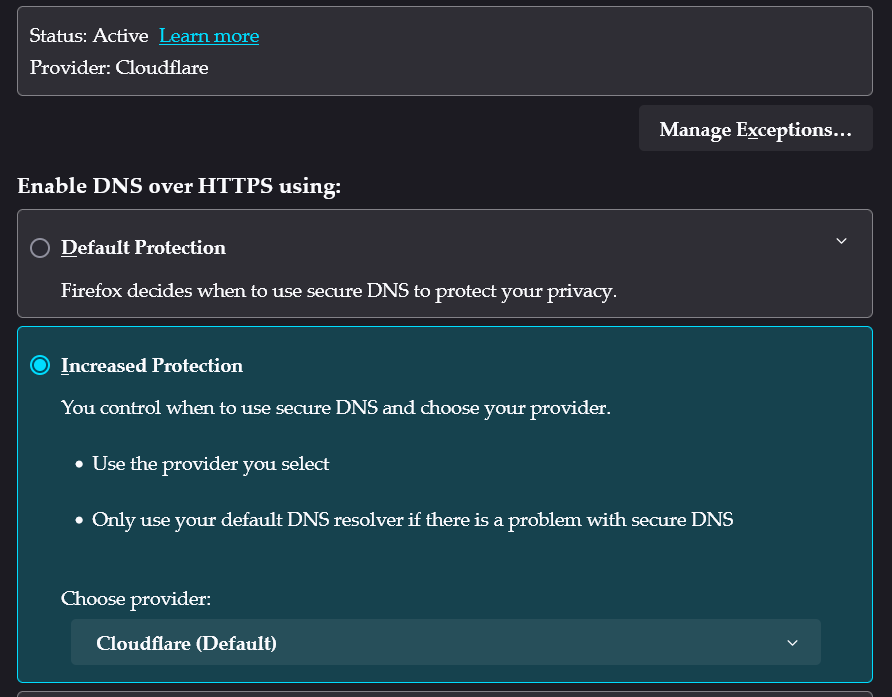
I am using VPN and have excluded FF using split tunnel, so I enabled Secure DNS in FF with Cloudflare. When I first launch FF, I get a blank page and nothing in the address bar. After that, I can open all webpages just fine. It's only that first page right when launching FF that doesn't work properly.
I am using VPN and have excluded FF using split tunnel, so I enabled Secure DNS in FF with Cloudflare. When I first launch FF, I get a blank page and nothing in the address bar. After that, I can open all webpages just fine. It's only that first page right when launching FF that doesn't work properly.
Vybrané riešenie
Resolved after I disabled IPV6 in FF about:config
Čítať túto odpoveď v kontexte 👍 0Všetky odpovede (1)
Vybrané riešenie
Resolved after I disabled IPV6 in FF about:config
Upravil(a) tzr916 dňa