


I can't disable ad blocker for a site I have dealt with and want to continue with them.

I've read through lots of instructions, and tried to list a site as an exception to the ad blocker, but it doesn't seem to work. The site that I want to be able to contact me is Rakuten.com. Please help. This seems so complicated.
Všetky odpovede (5)

Show the issue you're having with the site. Does the issue happen after you login or is it on the home page? Provide steps to replicate the issue. Let me see...
Upravil(a) jonzn4SUSE dňa
i got an email from Rakuten. If I want to go to their offer, I click to do that, and get a message that my ad blocker is "too strong". I have used them before and want to again, but I can't get in because I'm blocked. How do I delete Rakuten from being blocked?
Nobody can tell you how unless you tell us which ad blocker you are using.
I use μBlock Origin and to disable that I simply have to click the red shield icon at the top right of the screen and then a standby icon (⏻) that appears. Others will probably work in a different way though.
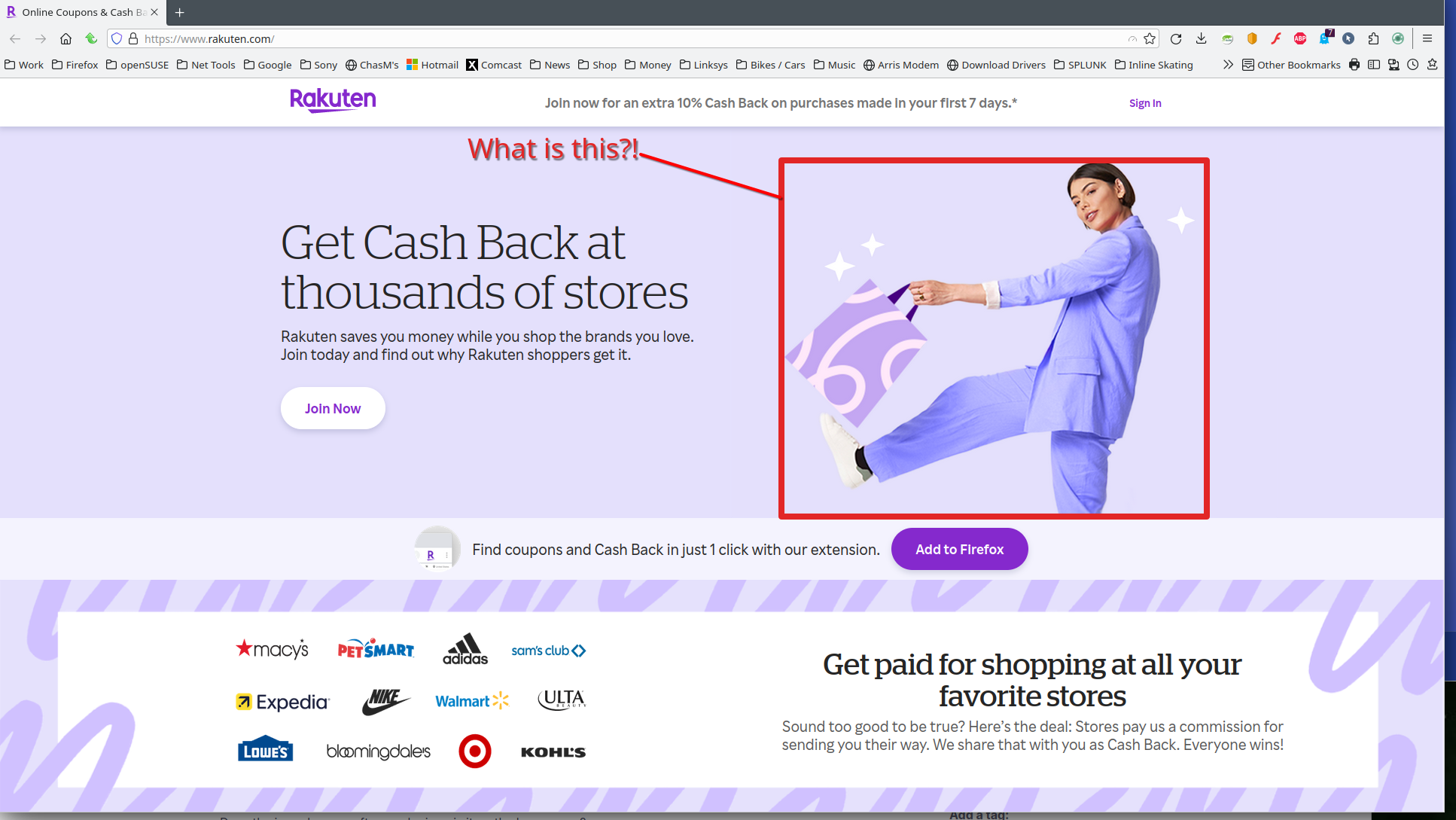
A screenshot would help us help you. Works for me. see screenshot
Upravil(a) jonzn4SUSE dňa
Thank you to everybody who is trying to help me. I don't know what ad blocker I am using; I thought it was something from Mozilla. When I got the Rakuten email I clicked on the link to go to Samsung to see what good deals they are having that I would be interested in. I took a screenshot of the page that pops up and that won't let me go to Samsung, but I don't know how to send it to you.
Mozilla has a help page that tells how to stop blocking a chosen site, but it doesn't work for me. I appreciate your sharing ideas, and that you realize I am not technically experienced.