


Restore Lost Window

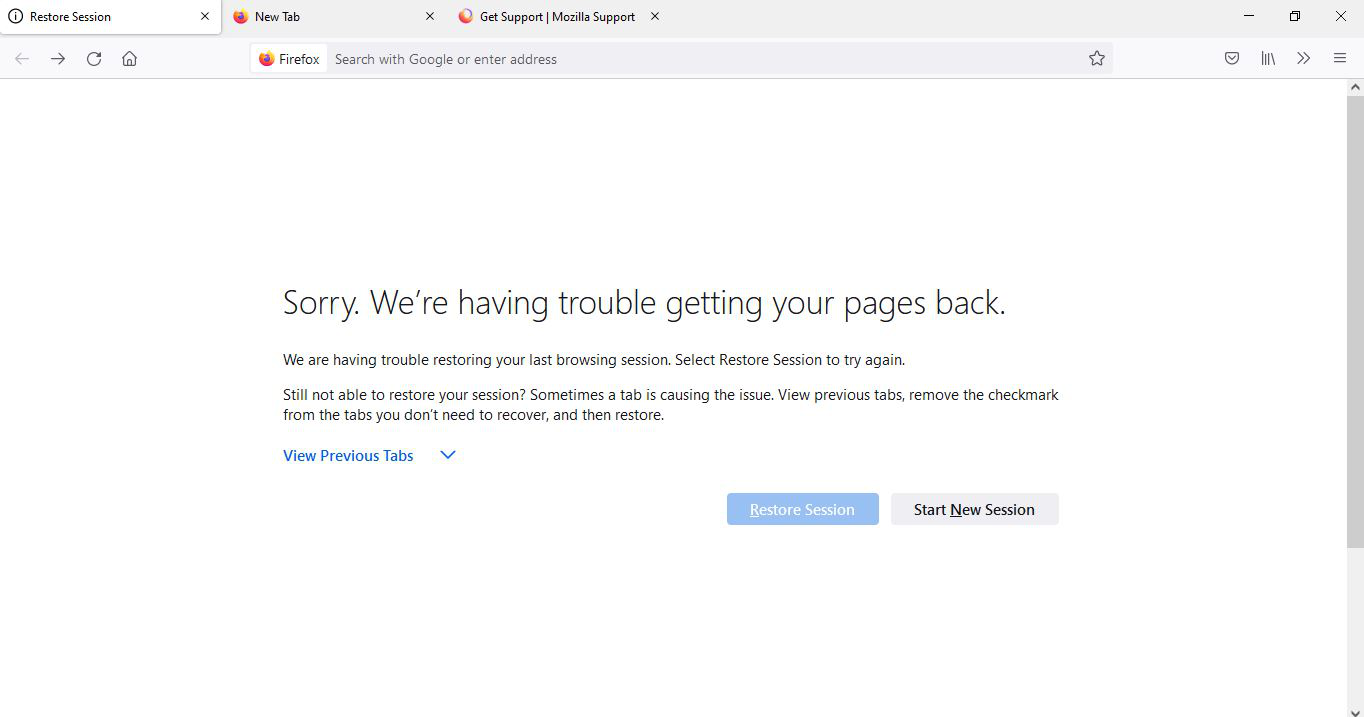
I lost a window containing 500+ tabs and really need it back. My computer had just restarted, and usually after that I would recover my tabs using either the "Restore Session" page that would come up or by doing "three-bar menu" > "History" > "Restore previous windows". However, this time, someone else used my laptop after it booted up and started a new tab on the "session restore" page. This window was then closed. When I opened up the window again and navigated back to the original "Restore Session" page, the "Restore Session" button didn't work. Is there any way I can restore my original window with the 500+ tabs? I have a lot of important information that I would be very sad to lose. Thank you.

Vybrané riešenie
I don't know if this will help; If you need to rescue any data from them, just move them out of the profile folder to some location where Firefox doesn't look for them. You can try to read out their contents using this tool: https://www.jeffersonscher.com/res/scrounger.html
Všetky odpovede (4)

Hello there I have another option for you or you can try this link as well this will work too I hope this helps
https://support.mozilla.org/en-US/questions/1258487
Wes
The "recently closed windows" tab is grayed out for me -- is there any other way to recover this lost window?? Thanks.
Hello there that was the only way I know how to recover a previous window!! Is that article I gave you I am sorry!!
Wes
Vybrané riešenie
I don't know if this will help; If you need to rescue any data from them, just move them out of the profile folder to some location where Firefox doesn't look for them. You can try to read out their contents using this tool: https://www.jeffersonscher.com/res/scrounger.html