


Manage Exceptions
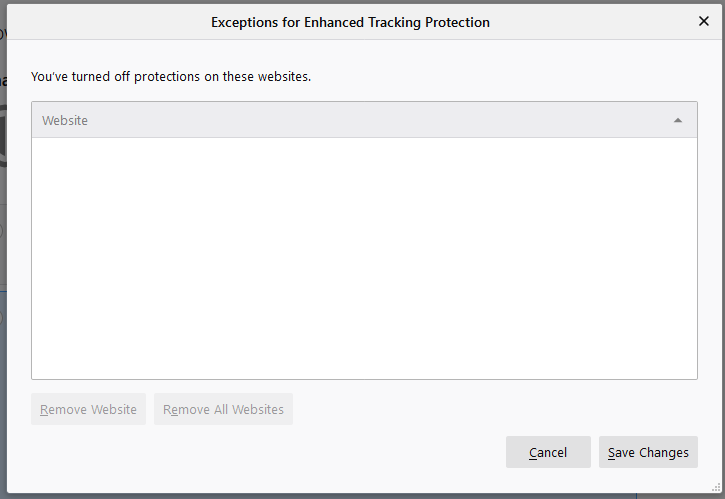
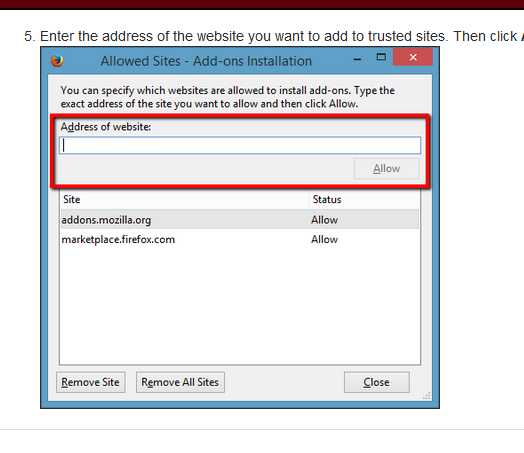
In MY computer, the window "Exceptions for enhanced tracking protection" is missing the box "Address of Website:" and the description above it. So there is not a way to add exceptions.
In MY computer, the window "Exceptions for enhanced tracking protection" is missing the box "Address of Website:" and the description above it. So there is not a way to add exceptions.
Všetky odpovede (1)
You can't add an exception manually via that window in "Options/Preferences -> Privacy & Security". The only way to add an exception is by clicking the shield in the location bar and move the slider to the left position to disable ETP for this page.