


How can I disable suggested websites from new FF v75 address bar?

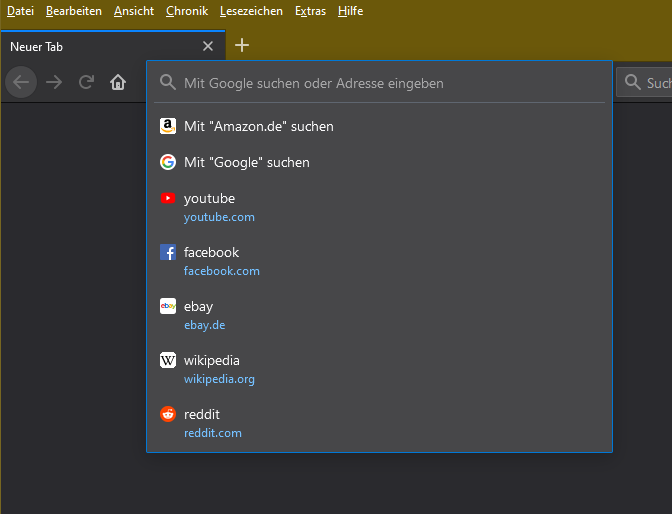
Firefox v75 comes with a new address bar, promoting some popular websites in the drop down list.
I don't want want to be inclined by these suggestions. So, how can I disable these?
Všetky odpovede (2)
hi, these entries are coming from the top sites on the new tab page, which you can adjust like explained in https://support.mozilla.org/en-US/kb/customize-new-tab-page#w_customize-your-top-sites
Hello Alman,
This is a temporary fix (so I'm told), but I am optimistically
hoping that they will come to their senses …..
Would you do this please :
Type in the address bar about:config and press Enter. (ignore the warning)
Type in the search bar and look for the preference :
browser.urlbar.openViewOnFocus
and set its value to false
Do the same with these preferences :
browser.urlbar.update1
browser.urlbar.update1.interventions
browser.urlbar.update1.searchTips
Then close and restart Firefox.
(if it's only the Top Sites suggestions that you want to get rid of :
setting the value of first preference to "false" will do that)