


Since Mac upgrade to Sierra, can't turn off notifications via System Preferences

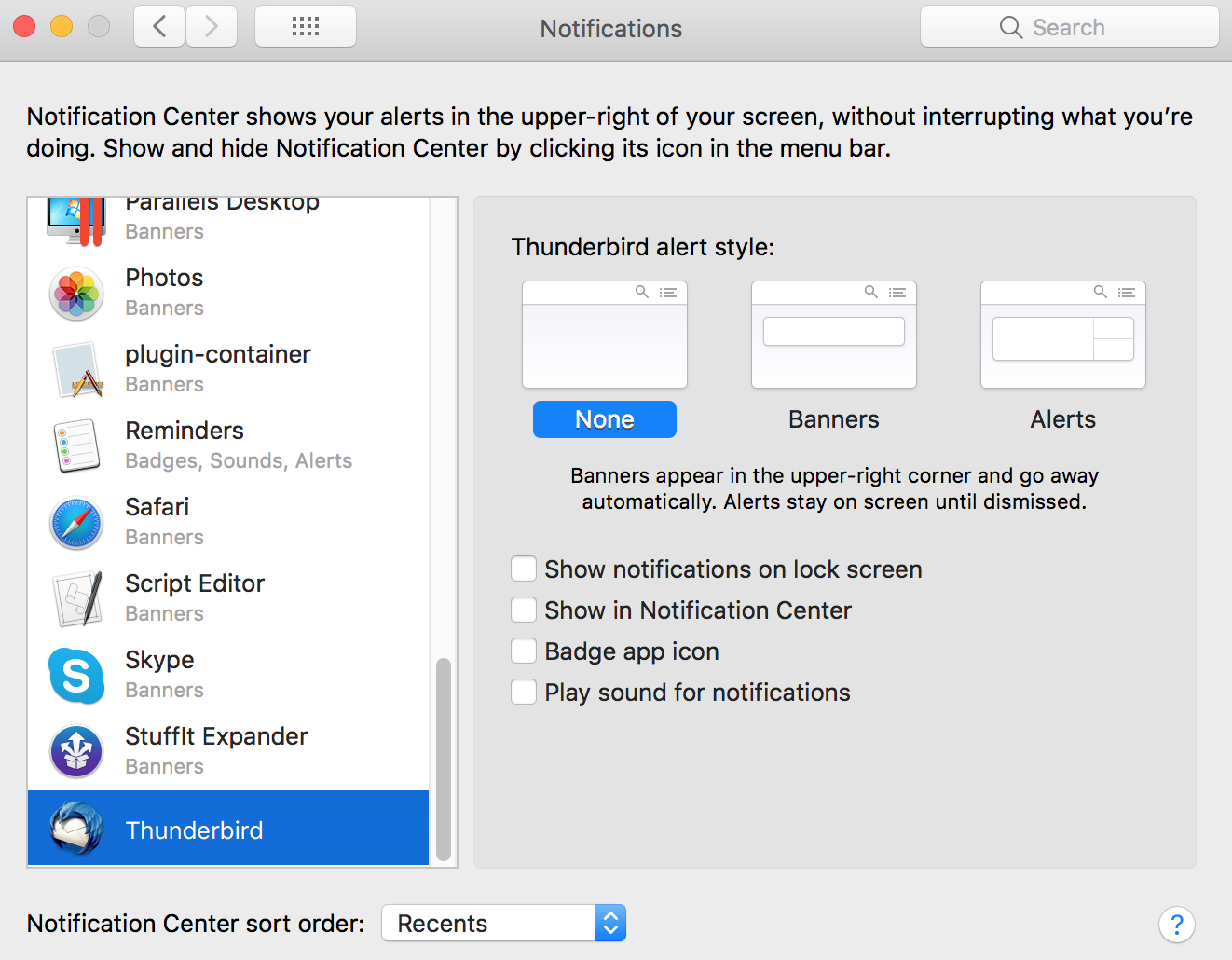
I upgraded to High Sierra recently and since then, Thunderbird has been driving me mad with popup notifications. I went to Thunderbird's Preferences->General but a notice there pointed me use System Preferences -> Notifications. There I unchecked all the boxes, as seen in the screenshot, but they notifications still keep coming. I would rather not use the "Do Not Disturb" option to turn off all notifications, because I would like to keep calendar alerts.
Thunderbird v52.8.0 (64-bit) MacOS v10.13.4 (17E199)
Is there a fix for this? Thanks for your help!
I upgraded to High Sierra recently and since then, Thunderbird has been driving me mad with popup notifications. I went to Thunderbird's Preferences->General but a notice there pointed me use System Preferences -> Notifications. There I unchecked all the boxes, as seen in the screenshot, but they notifications still keep coming. I would rather not use the "Do Not Disturb" option to turn off all notifications, because I would like to keep calendar alerts.
Thunderbird v52.8.0 (64-bit)
MacOS v10.13.4 (17E199)
Is there a fix for this?
Thanks for your help!
Všetky odpovede (1)
The last mac user that had this issue found it was their mac issuing the alert. If you turned it off in Thunderbird it is off.