How to hide the title bar in the Linux version?

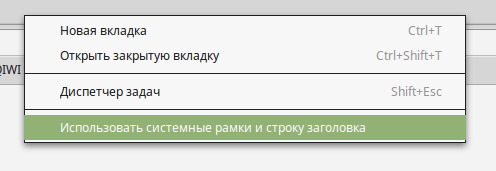
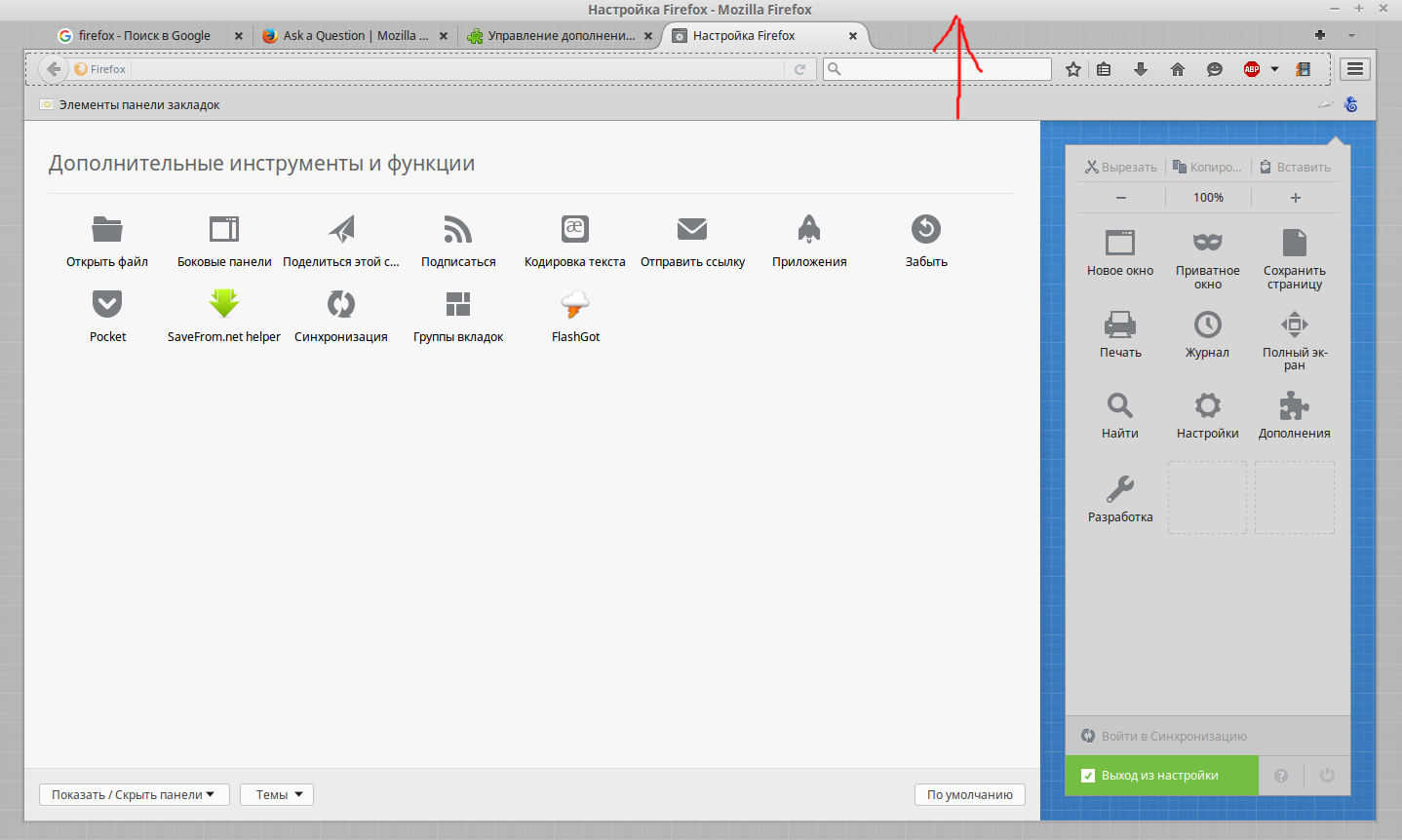
In google chrome for Linux there is a button to hide the title bar (attached screenshot). And in firefox for windows system has the ability to hide the top panel. But in linux version of firefox not. It is unfortunate that there is no such function. Please add it to the new version of firefox
Všetky odpovede (4)
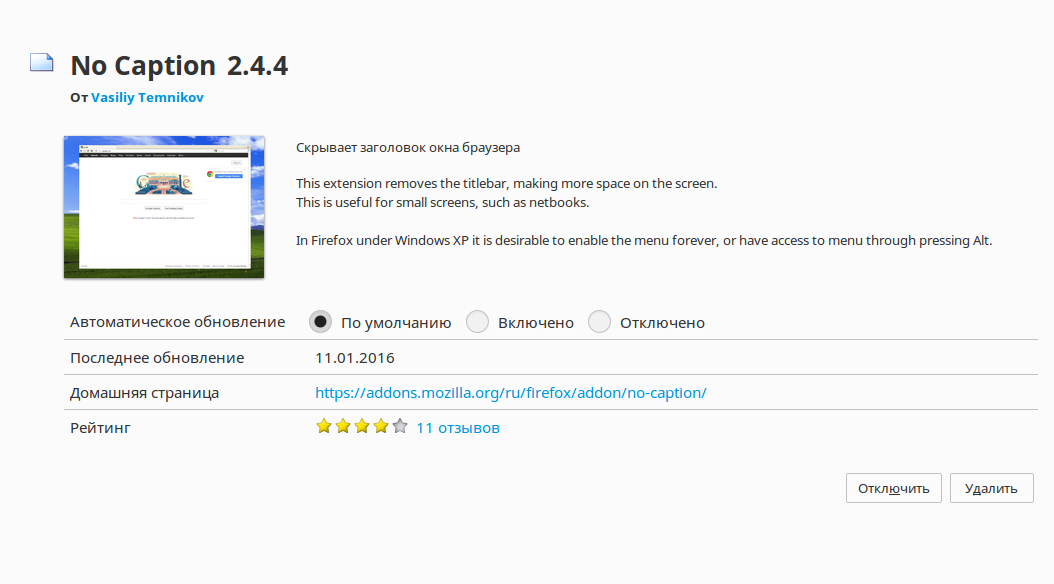
There are, of course, that such a crutch: no caption But it's a crutch, but want a built-in browser in windows-version
This is more of a thing you do in the Window manager settings on Linux.
I use XFCE and I can go in Window Manager Tweaks and select "Hide title when maximized" for example.
James said
Window Manager Tweaks and select "Hide title when maximized" for example.
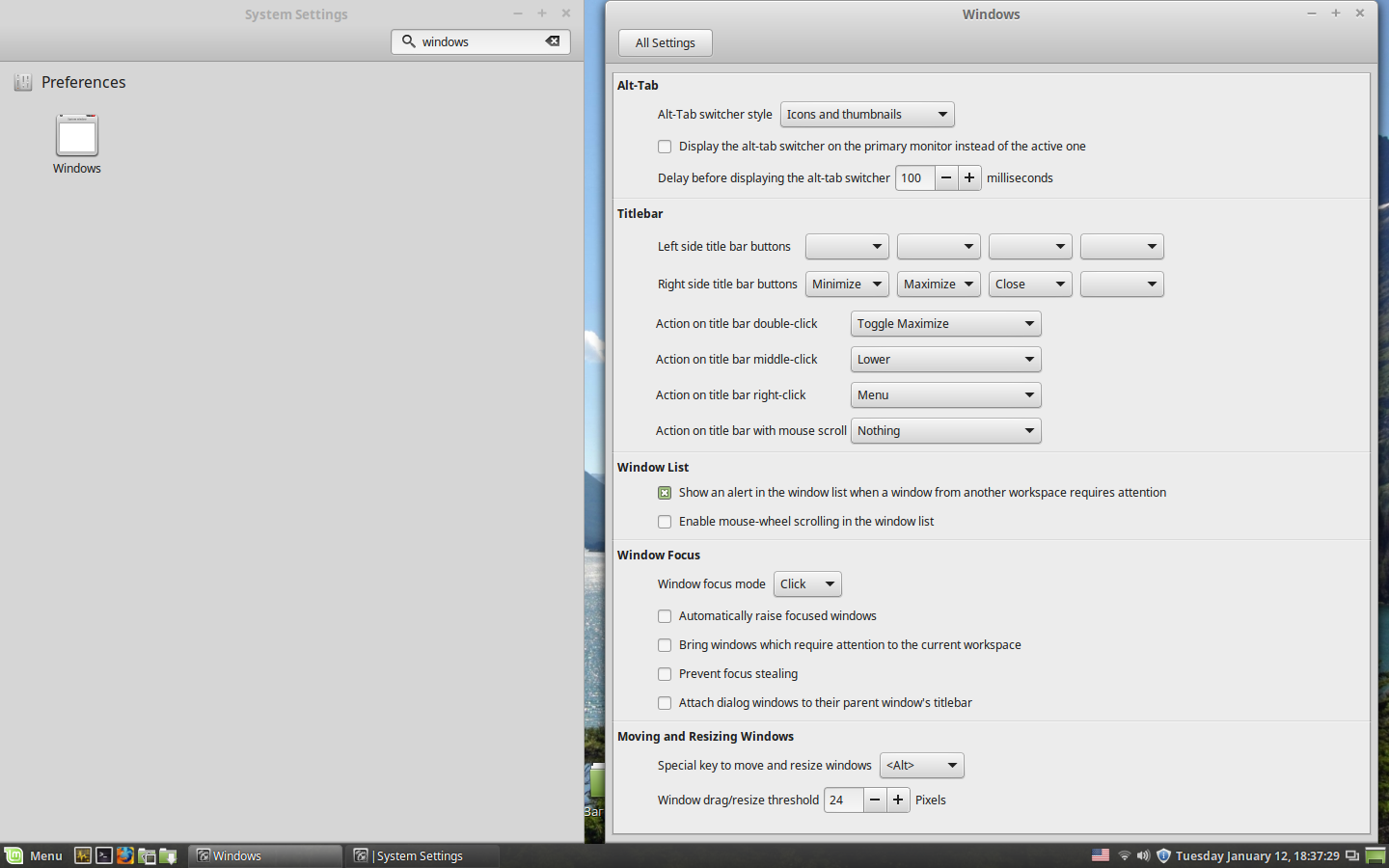
I see. I shell cinnamon, but it is not so important. I will look at this setting. It turns out that the title will be hidden in all programs, not only in firefox. Just Google chrome as there is a button right in the browser. That's like the same button in firefox. Okay, thank you at least for a Council
I looked at the settings, I have no such clause, as you say. Here is a screenshot.