


I have Java 8 update 45, build (1.8.0_45-b14) not showing in Firefox

I have Java 8 update 45, build (1.8.0_45-b14) installed on a Windows 8 machine. Java is showing enabled in Firefox's About:config. When I look at Java's control panel the "enabled in browser" box is checked. But when I go test on Oracle's site it says java isn't installed or enabled.
I need Java to work because it is used by Paypal international shipping to print labels.
Any help is appreciated.
Vybrané riešenie
In case you installed the 64-bit version of Java, you will also need the 32-bit version for Firefox, since it is a 32-bit application.
https://www.java.com/en/download/faq/java_win64bit.xml
Čítať túto odpoveď v kontexte 👍 1Všetky odpovede (5)
The about:config pref is for Javascript, which is totally different and unrelated to Java. If you go to about:addons, and then go to plugins, do you see Java there? How to allow Java on trusted sites
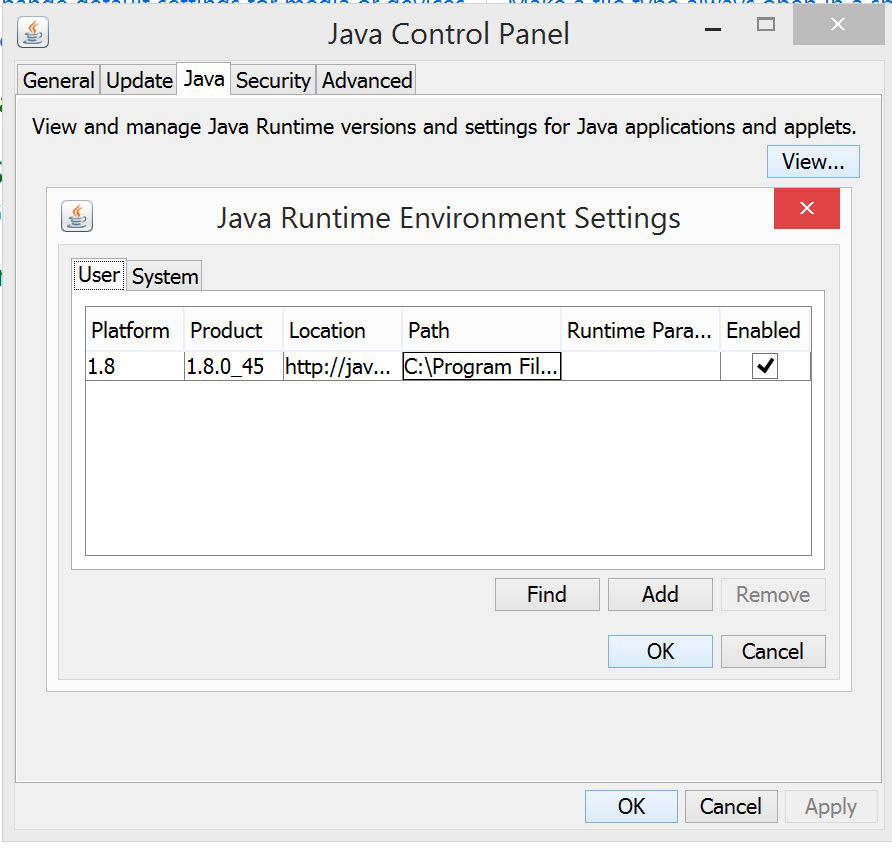
Ahhh, I have been to that place from the "Add Ons" menu and no, Java is not there. I've uploaded the Java control panel showing that it is checked as enabled.
Do you know how do I get Firefox to recognize it?
Thanks for your time!
Jeff G.
Vybrané riešenie
In case you installed the 64-bit version of Java, you will also need the 32-bit version for Firefox, since it is a 32-bit application.
You rock!
Indeed I just needed the 32 bit version of Java. On the Oracle page, the correct download selection doesn't say anything about being 32 bit but the 64 bit version does so just pick the one that says nothing about it.
Most appreciated,
Jeff G.

jeffgoin said
I have Java 8 update 45, build (1.8.0_45-b14) installed on a Windows 8 machine. Java is showing enabled in Firefox's About:config. When I look at Java's control panel the "enabled in browser" box is checked. But when I go test on Oracle's site it says java isn't installed or enabled. I need Java to work because it is used by Paypal international shipping to print labels. Any help is appreciated.
Upravil(a) grannygeek dňa