


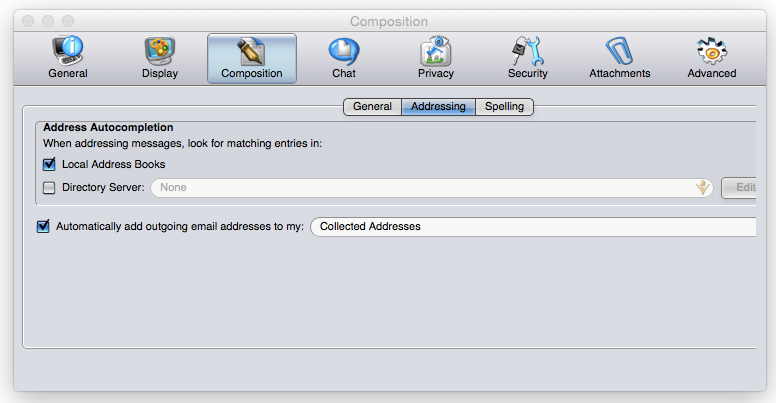
When I open up the preferences menu, I can't see some of the options. There isn't a way to resize the box, to see the rest of the menu.

I can't see all of the options, in the preferences menu. I can't resize the menu box, to reveal the covered up menu options.

Všetky odpovede (5)
Please check your graphics driver is up to date and report back.
That didn't have an effect.
Can you check your screen resolution.
Lowering a screen resolution can increase fonts, icons etc, so as a test, can you increase the screen resolution to see if this effects the display in the Preferences window and then report back. What screen resolution are you using?
What OS are you using? What version of Thunderbird? Current version is 31.5.0
Was this something you've only just noticed, so have no idea how long this issue has been going on? Do you know if the Preferences window looked ok before? Did this occur after the recent update?
Does it occur if you run Thunderbird in Safe Mode? Help > Restart with Addons disabled
I have the latest version of Thunderbird. I am using Yosemite, on a Macintosh. I've noticed this ever since I started using Thunderbird. I don't know of any other software that has this issue. It has been this way, before the recent update.