Изменение внешнего вида групп вкладок
Здравствуйте, как поменять внешний вид иконок групп вкладок? Мне не нравится как они выглядят, я хочу чтобы они выглядели +- как в хроме.
Wszystkie odpowiedzi (1)
Bonjour
Is it this subject
Oddly shaped teardrop
https://support.mozilla.org/en-US/questions/1610560
A space for users to give product feedback https://support.mozilla.org/en-US/kb/what-mozilla-connect
If you wish to try userChrome.css
Introduction, please read. Firefox is a work in progress and, to allow for continuous innovation, Mozilla cannot guarantee that future updates won’t impact these customizations, https://support.mozilla.org/en-US/kb/firefox-advanced-customization-and-configuration, https://support.mozilla.org/en-US/kb/contributors-guide-firefox-advanced-customization
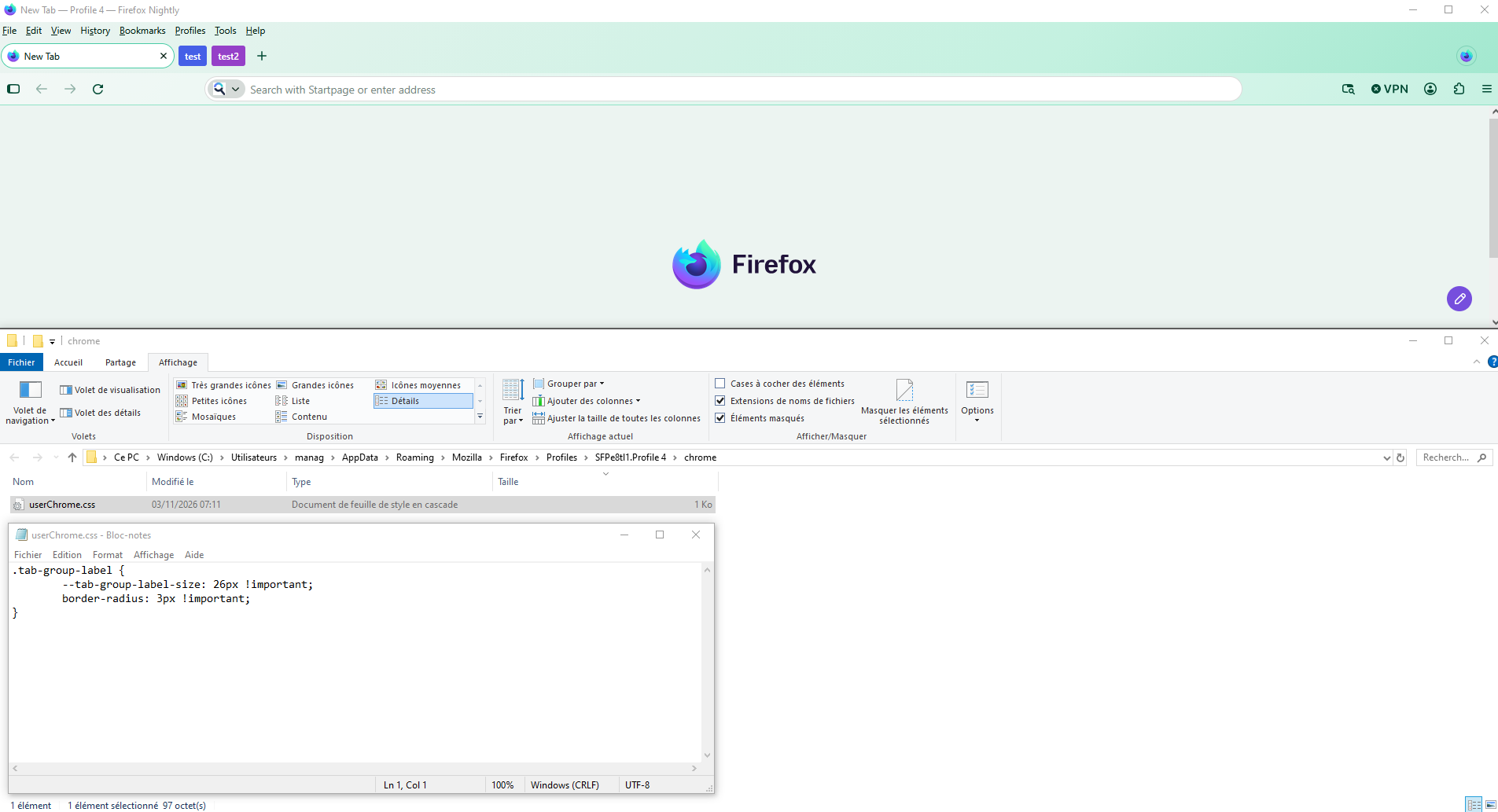
.tab-group-label { --tab-group-label-size: 26px !important; border-radius: 3px !important; }
Copy/paste the code into your notepad Save Type: All files userChrome.css
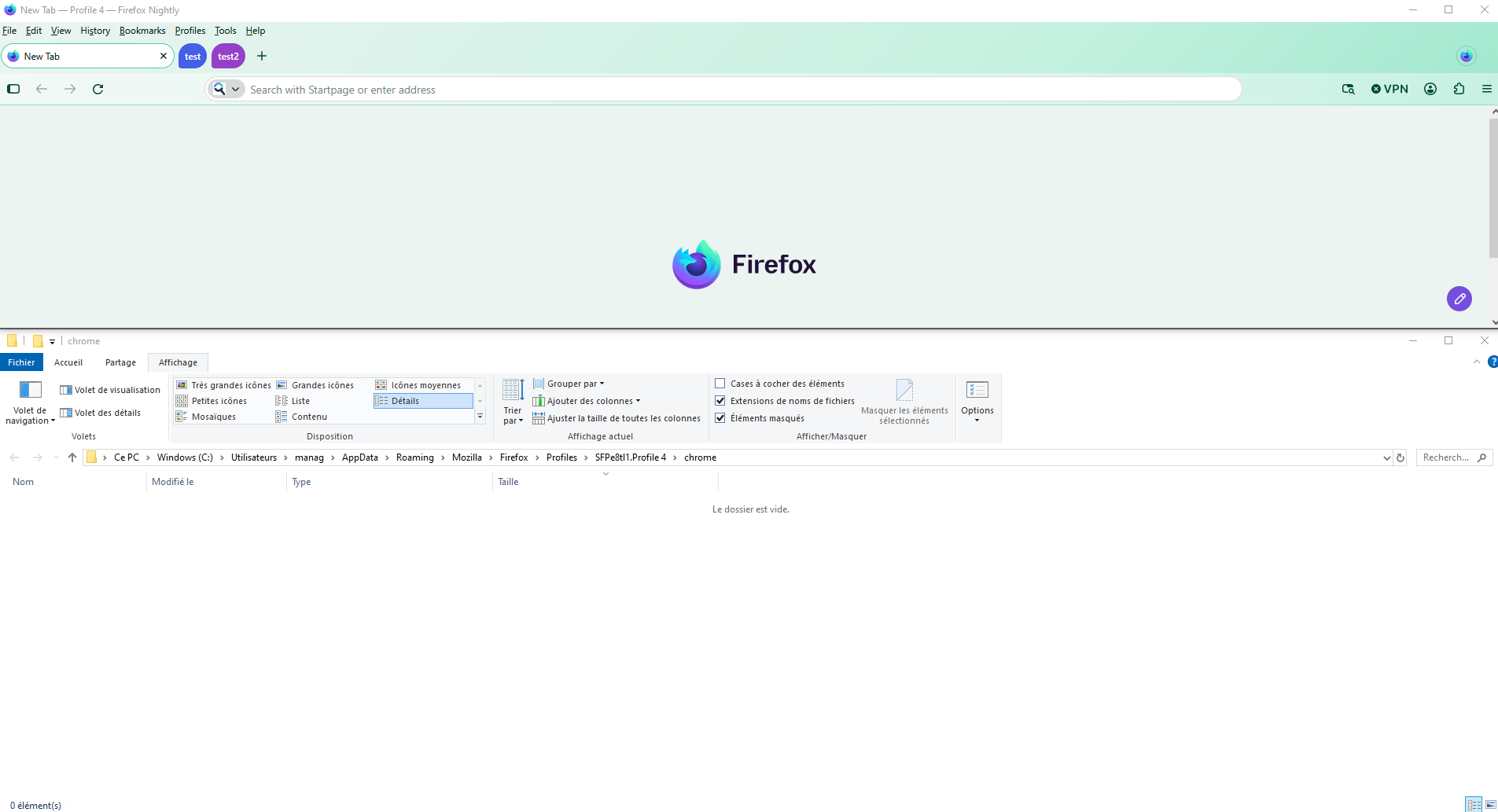
Create a chrome folder Move userChrome.css to your chrome folder
Go to your profile folder https://support.mozilla.org/ru/kb/profili-gde-firefox-hranit-polzovatelskie-dannye
Move your chrome folder to your profile folder
Go to configuration editor https://support.mozilla.org/en-US/kb/about-config-editor-firefox Enter a search term toolkit.legacyUserProfileCustomizations.stylesheets Double-click on the preference, to set its value to true
And restart Firefox
Just to see. Without userChrome.css - With userChrome.css