


Developer Tools
Have searched a dozen time for how to enable Development Tools
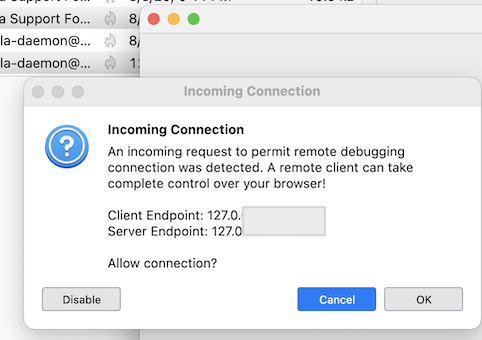
From the menu, select Developer Tools. An incoming connection prompt will appear.
Important! To allow the developer tools to connect to Thunderbird, you must approve the connection in the prompt. The prompt window may be hidden behind other Thunderbird windows.
So I gather it may not be connecting as there is no prompt.
Ideas if there are any would be appreciated.
AND
I can't edit the first post of a new query, is that the default ??
Wszystkie odpowiedzi (7)
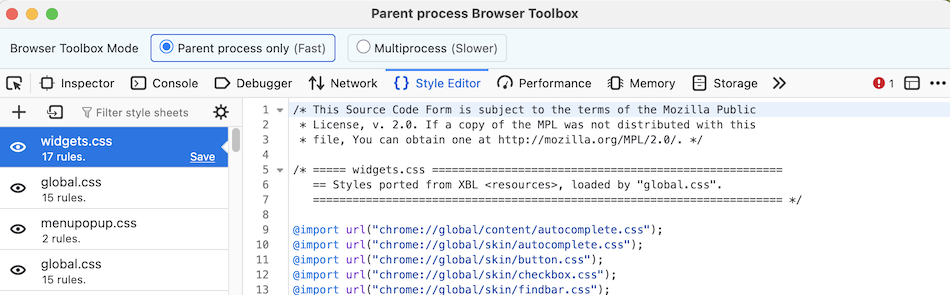
In Thunderbird go to menu Tools > Developer Tools > Developer Toolbox... You'll get a popup box prompting to allow the incoming connection (1st image). Click OK to open the Developer Toolbox window (2nd image)
Thanks Mapenzi, but a) I'm using Windows and maybe a bit different there.
I can click on Developer Tools, but that is it. The screen does not change.
Thank you again for being here :)
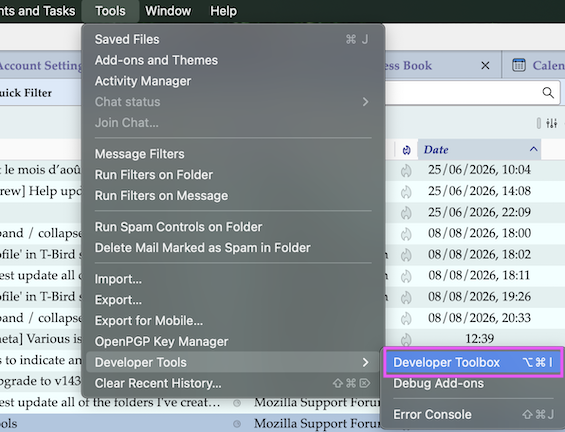
Is there no "Developer Toolbox" item in the menu (see image)? I don't see what should be different in the Windows Thunderbird version. Do you use a VPN? Otherwise you'll have to wait that a Windows user is coming by ...
Zmodyfikowany przez Mapenzi w dniu
Hi Mapenzi
No :) No option as in your image
Thanks again for your consideration
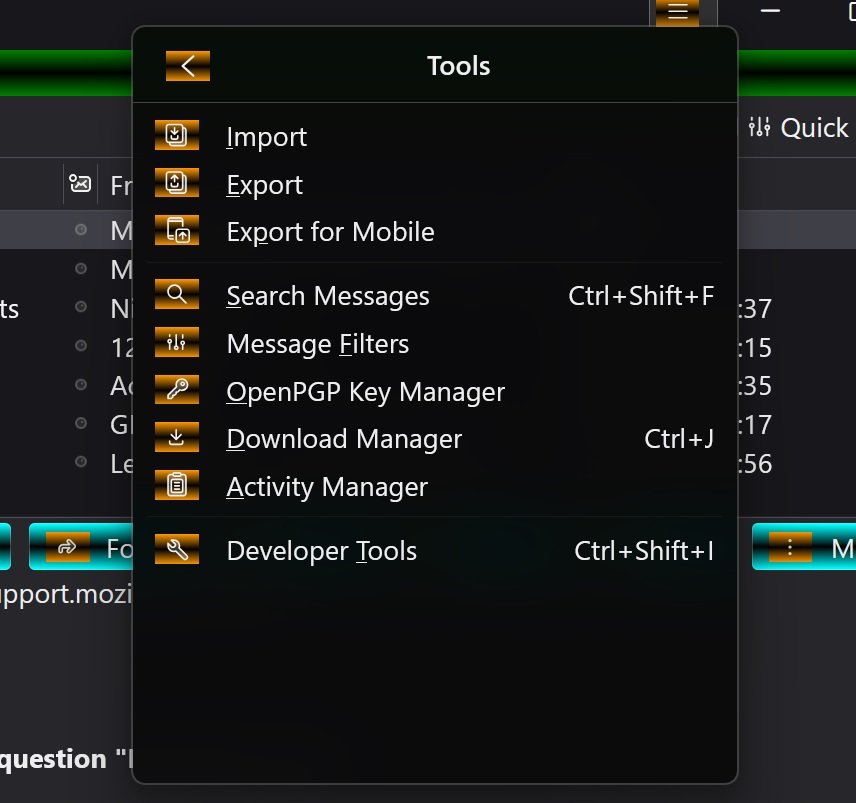
Your image shows a strange theme which I have never seen in a Thunderbird installation on Windows. Is the Developer Toolbox item also missing when you start Thunderbird in 'troubleshoot mode'?
Is the Developer Toolbox item also missing when you start Thunderbird in 'troubleshoot mode'?
Yes
On the 'theme' it is just some formatting I did via userChrome.css
In the 'troubleshoot' mode my css didn't show, a bit concerned, but when starting up as normal all my formatting was back phew!
Anyway UK time here so logging off.
All the best
Zmodyfikowany przez amoun w dniu
No danger, userChrome.css is temporarily disabled in troubleshoot mode. Good night!