


Cannot access websites using Mozilla Firefox 151.0.2
Beginning today, I suddenly cannot access numerous websites when I use Mozilla Firefox 151.0.2. Examples include Amazon, and Google, et al. Attempts to do so consistently fail at the point of performing a TLS handshake, when I am advised that "secure connection failed". Kindly refer to the attached screenshots. I have no difficulty whatsoever accessing the same websites when I use other browsers, such as Google Chrome and MS Edge. I previously had Mozilla Firefox enabled as my default browser, but I have had to change this, given these "challenges". Please advise how I can fix this. Best regards and many thanks.
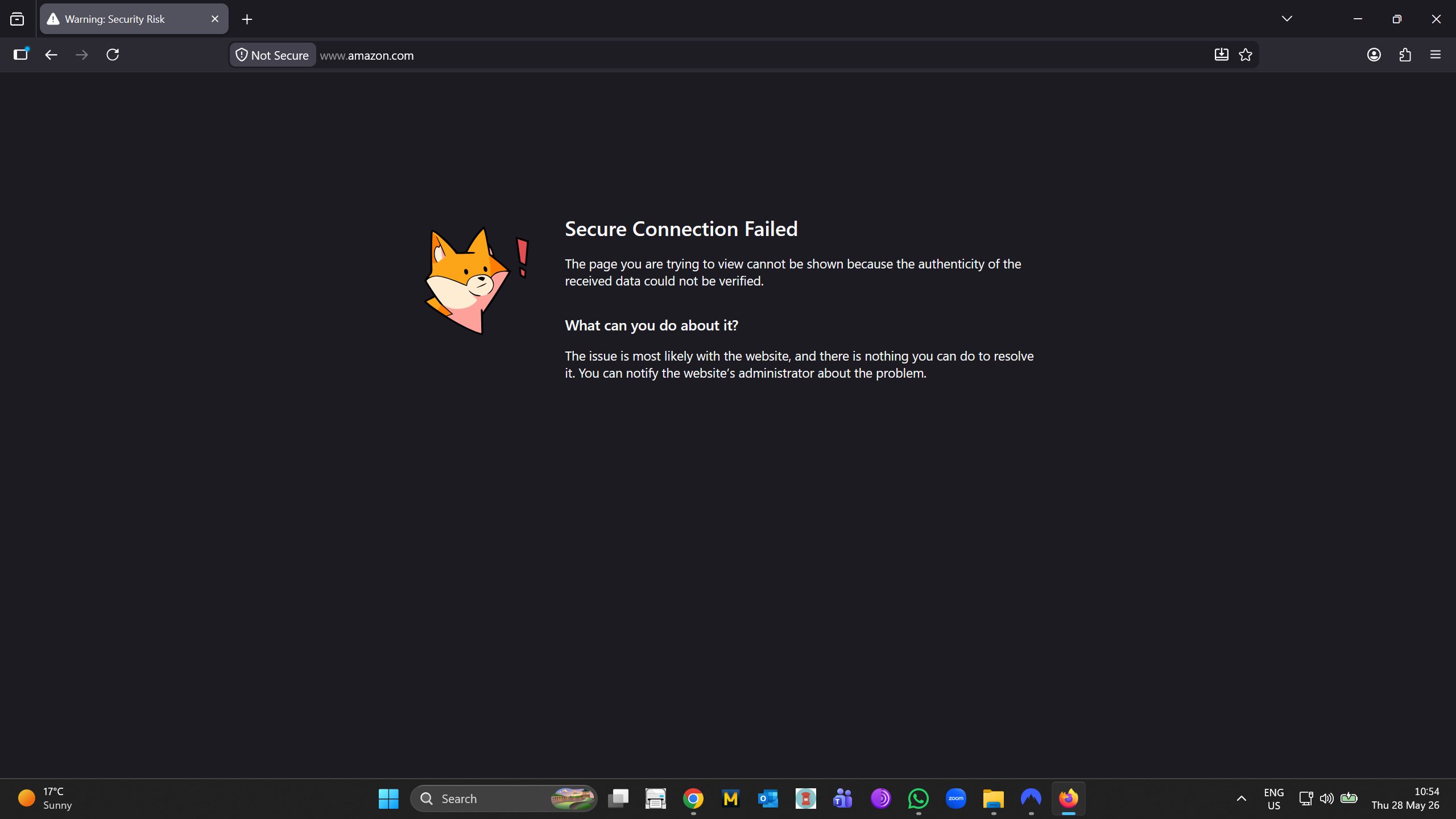
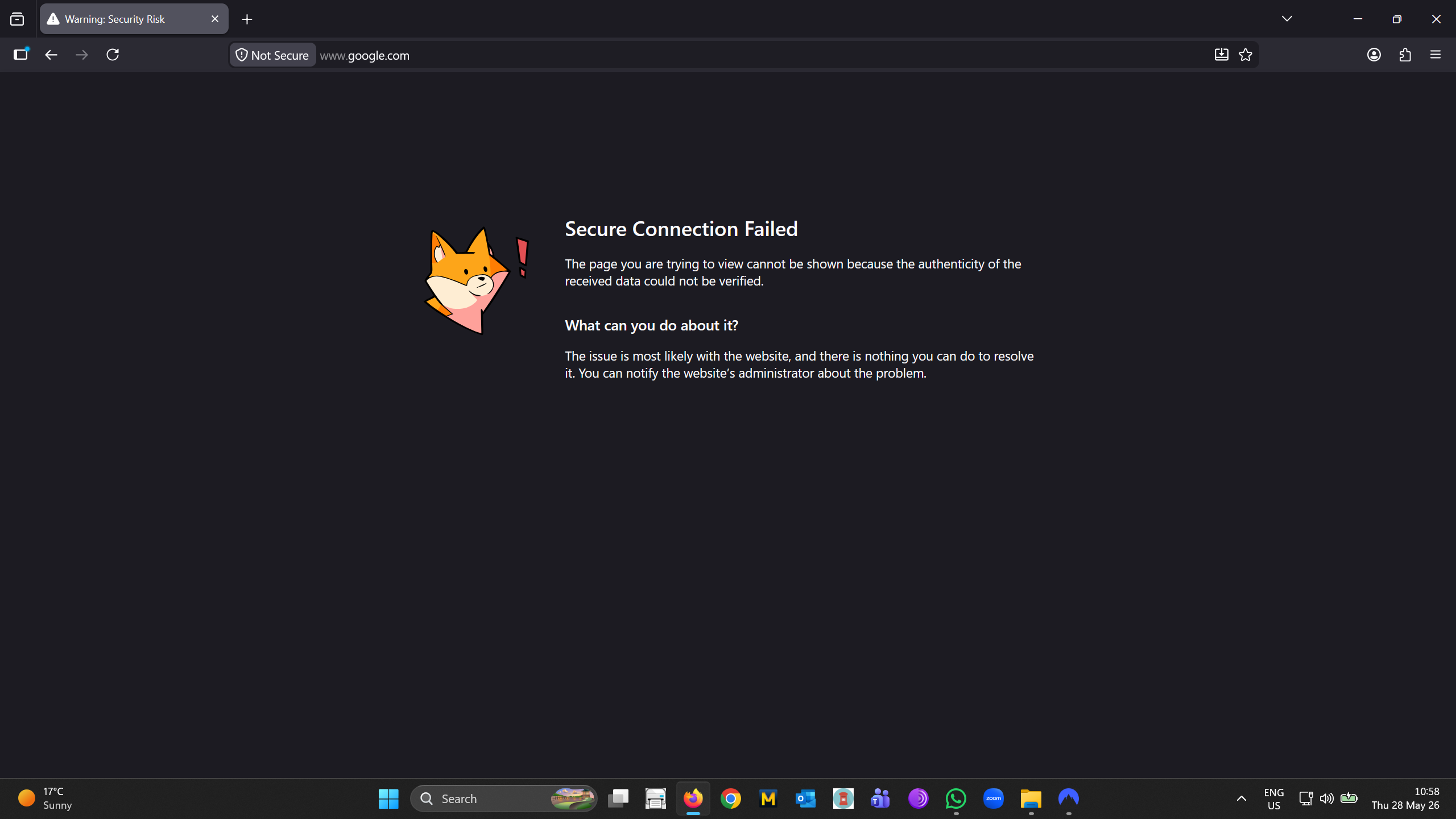
Wszystkie odpowiedzi (3)
Any anti-virus, malware or phishing protection security software, or using VPN?
Hi. Many thanks for the prompt reply - much appreciated. Yes: I have Nord VPN running. I have just tried the affected sites again, with VPN deactivated, and all works fine. Maybe there's an incompatibility, now that Mozilla Firefox has its own VPN? Best regards.
Thank you for the report! That's definitely not intentional, as these appliances are supposed to work over established standards so there should be no interoperability issues for the primary networking purposes.
It might be the case however that NordVPN bundles more features into its offering and some of the tracking/malware/phishing protections interfere with the secure connection. Maybe a future NordVPN update fixes that, or you might be able to check its settings if there's a way to disable similar "safe browsing" or "web threat" protections to see if the issue persists?