Windows 10 reached EOS (end of support) on October 14, 2025. If you are on Windows 10, see this article.

Przeszukaj pomoc

Unikaj oszustw związanych z pomocą.Nigdy nie będziemy prosić Cię o dzwonienie na numer telefonu, wysyłanie SMS-ów ani o udostępnianie danych osobowych. Zgłoś podejrzaną aktywność, korzystając z opcji „Zgłoś nadużycie”.

Więcej informacji

Sidebar bookmark in use is now 'highlighted in BRIGHT blue'

  • 4 odpowiedzi
  • 1 osoba ma ten problem
  • 98 wyświetleń
  • Ostatnia odpowiedź od Denys

I'm using W11 & Firefox/Mozilla 'Version 146.0 (64-bit)' in ‘Dark Theme’ - my sidebar bookmark in use is now 'highlighted in BRIGHT blue' which is VERY ANNOYING - can I get rid of this feature? Is there a way to adjust the highlight color/intensity? Please let me know. If there is no adjustment possible, please take care of this in your next version. Thanks, John
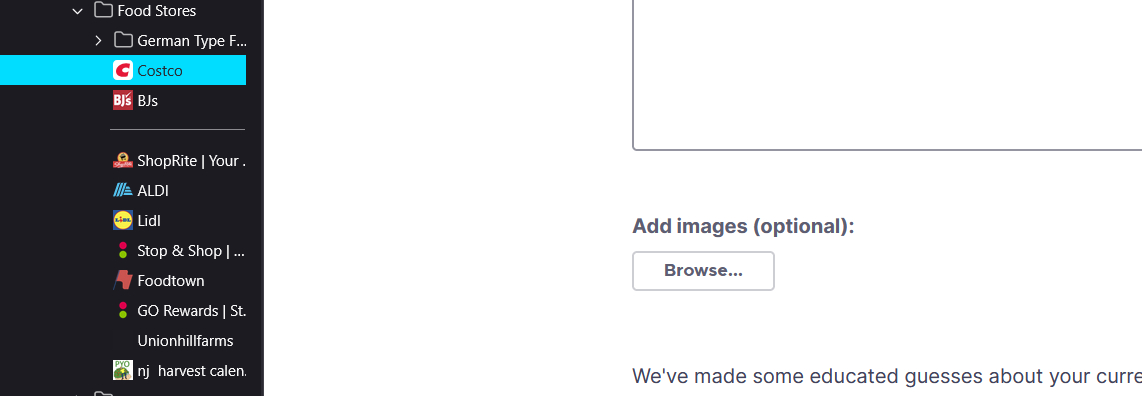
I'm using W11 & Firefox/Mozilla 'Version 146.0 (64-bit)' in ‘Dark Theme’ - my sidebar bookmark in use is now 'highlighted in BRIGHT blue' which is VERY ANNOYING - can I get rid of this feature? Is there a way to adjust the highlight color/intensity? Please let me know. If there is no adjustment possible, please take care of this in your next version. Thanks, John
Załączone zrzuty ekranu

Wszystkie odpowiedzi (4)

Hello

For information purposes.

Firefox advanced customization and configuration options. https://support.mozilla.org/en-US/kb/firefox-advanced-customization-and-configuration

Colors. https://www.w3schools.com/colors/default.asp

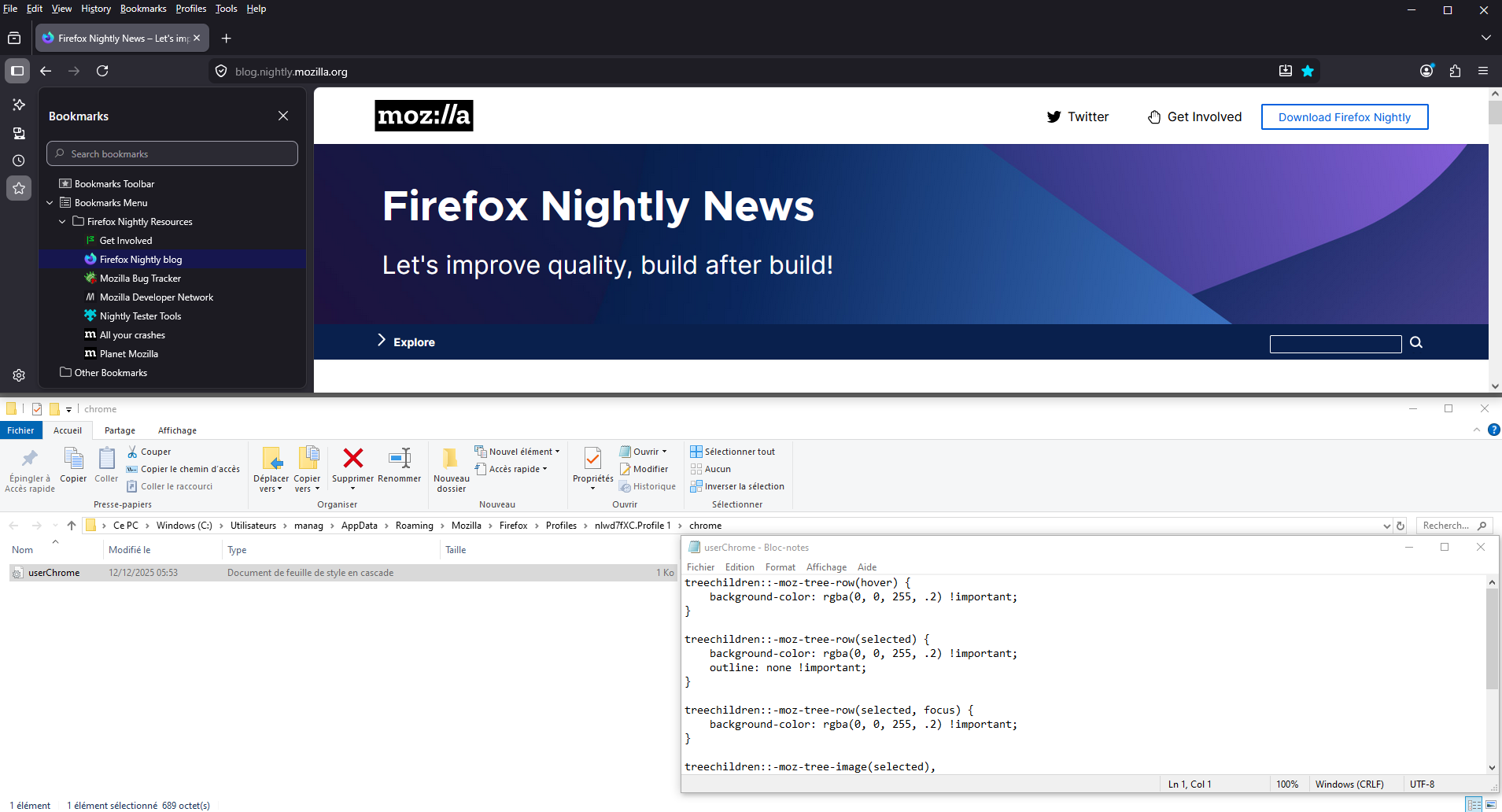
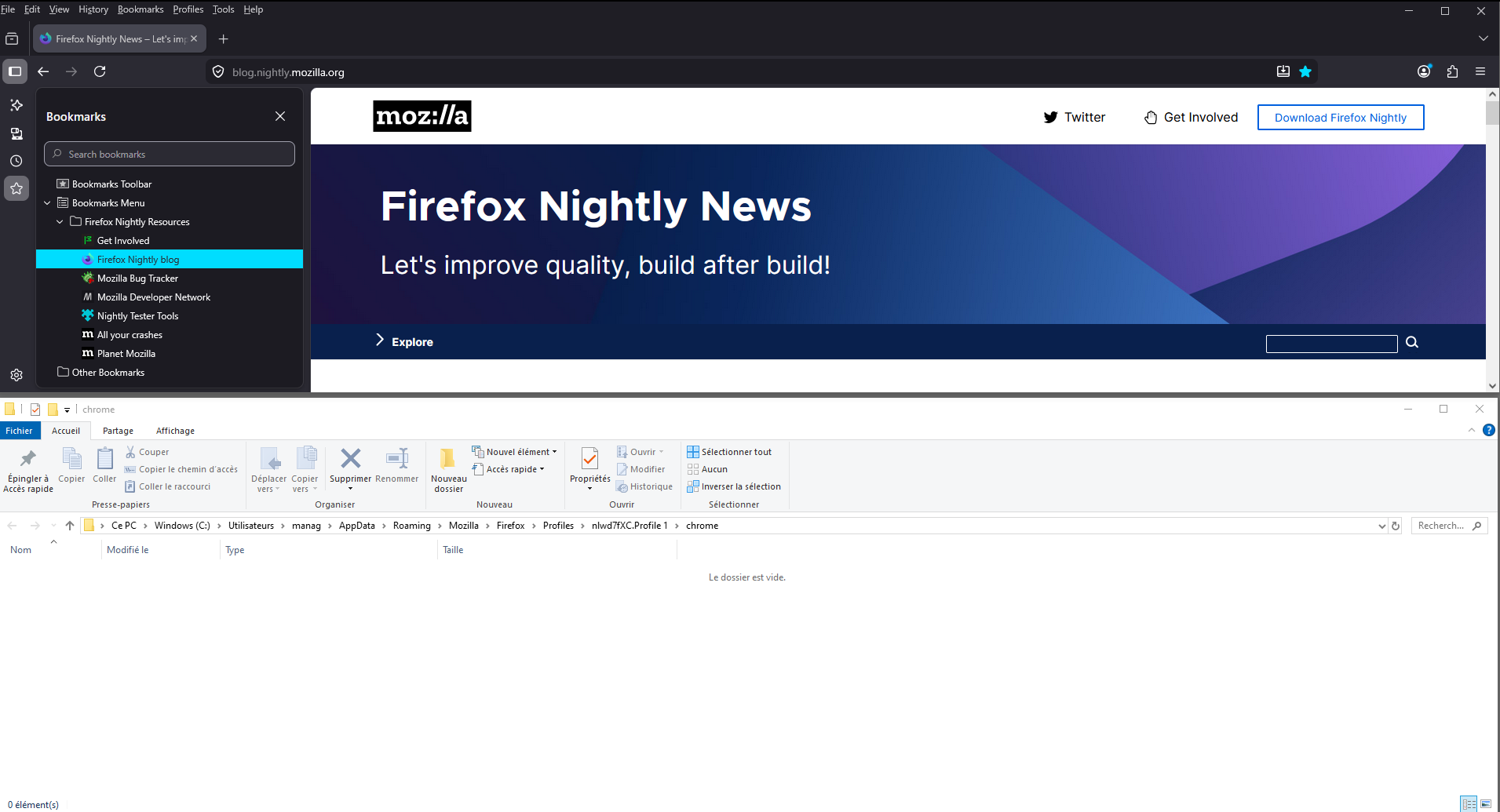
Community. https://www.reddit.com/r/FirefoxCSS/comments/1pjbo8l/how_to_get_rid_of_this_blue_highlight_that You can perform tests userChrome.css and restart Firefox.

A test, userChrome.css, at the right.
Hi John,

Thank you for reaching out! This issue is tracked under bug 2005430. Currently, the plan is to switch to a softer color.

Should be already fixed in 146.0.1.

TyDraniu is wrong, the fix will not land before v147 at least.

Zadaj pytanie

Aby odpowiadać na posty, musisz zalogować się na swoje konto. Zadaj pytanie, jeśli nie masz jeszcze konta.