


typo in saved email address in pre-fill

Sometime ago I must have made a typo when entering my email address into a pop-up window in Firefox. Firefox continues to find and use this wrong address in pre-fills but I can't find anyway to correct it. I've worked through Settings/Privacy & Security with no luck. Can someone help please? (Windows 10 Firefox 145.02)
Wybrane rozwiązanie
Click on "Manage addresses and more" and you should see the same.
Przeczytaj tę odpowiedź w całym kontekście 👍 0Wszystkie odpowiedzi (11)
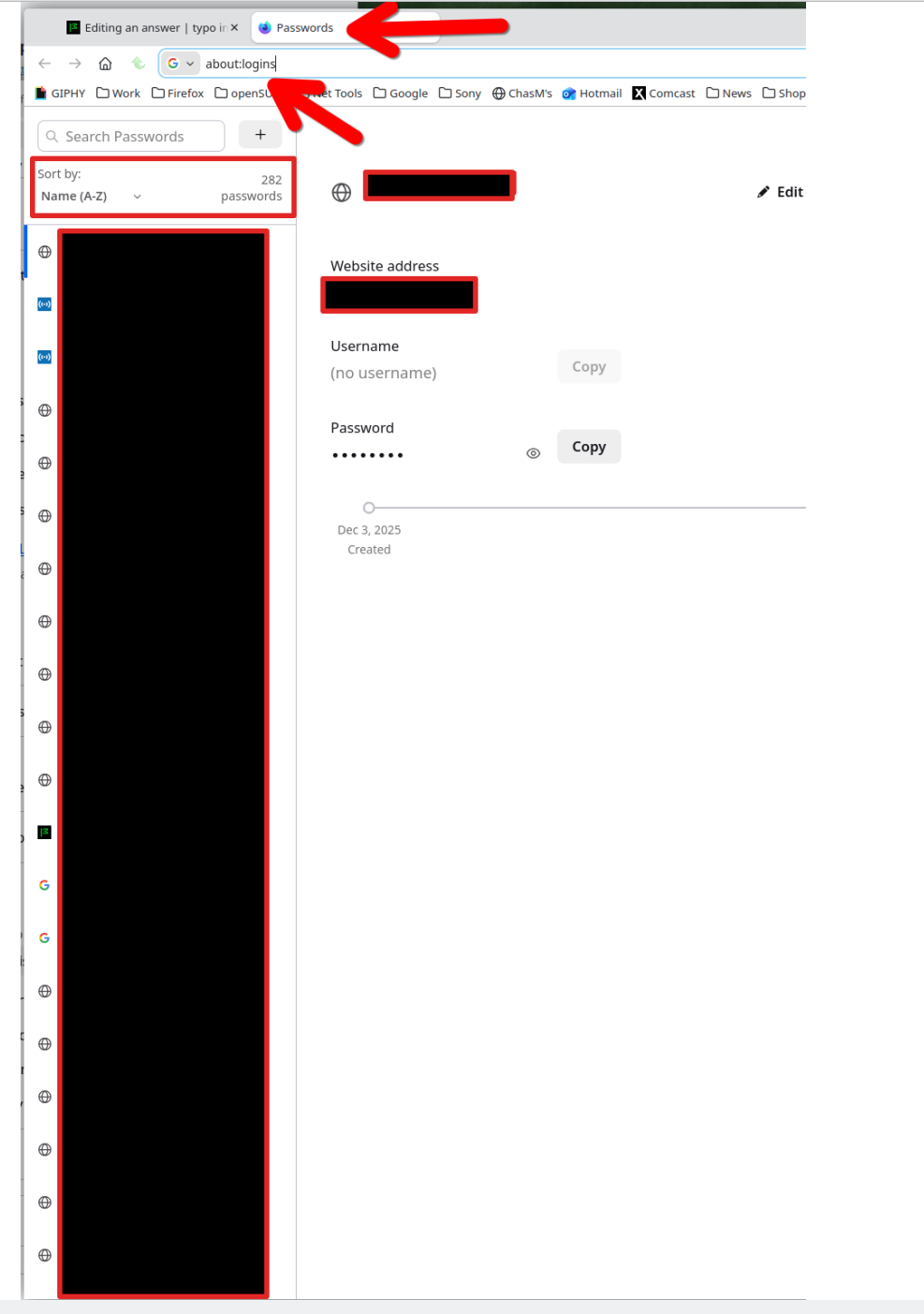
In the browser, go here ---> about:logins Or click on the menu and go to passwords.
Zmodyfikowany przez jonzn4SUSE w dniu
sorry, but could you be a bit more explicit please? Whereabouts is, about:logins? Doesn't appear in Settings or Tools, and Passwords in Settings refers to logins to external web-sites, and how does it relate to Firefox prefilling online forms with the wrong email address for me? thanks
I think I may have found the solution but only time will tell if it's right. Go to : Settings / Privacy & Security - Addresses & More, click on right arrow and it brings up a list of what looks to be post addresses (but is truncated). Select each address in turn and Edit, This brings up a list that includes organisation, full postal address, and an email address. I found one of the email addresses contained the typo so by correcting it I hope to have resolved the problem, but it'll need time to cover all the functions that pre-fill the email address.
mike741 said
I think I may have found the solution but only time will tell if it's right. Go to : Settings / Privacy & Security - Addresses & More
That's not for login information. Here's your login info. see screenshot
Zmodyfikowany przez jonzn4SUSE w dniu
thank you but my question was never about logins. It was for pre-fills, ie when purchasing online and postal address/phone number/email address are requested.
mike741 said
typo in saved email address in pre-fill
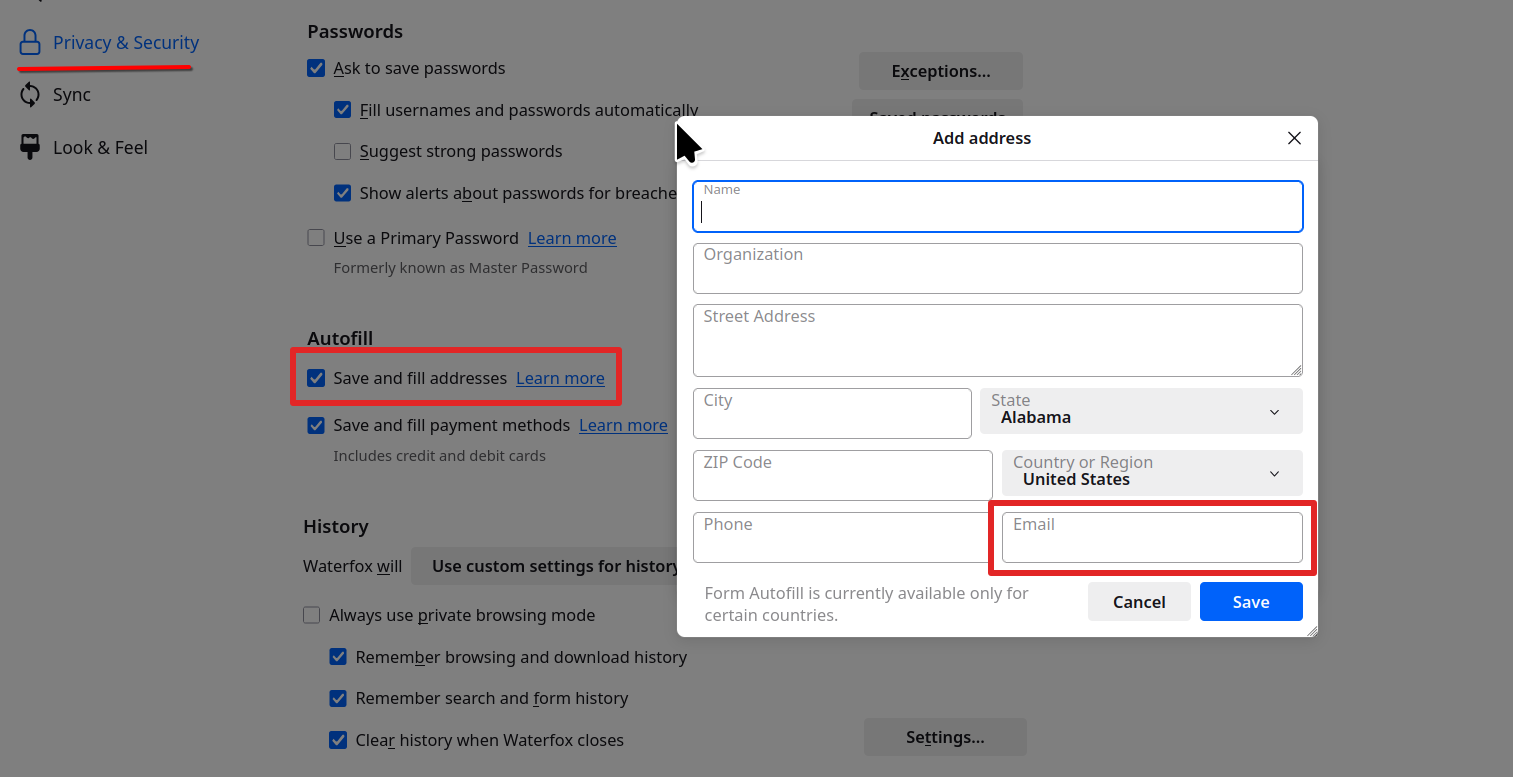
That's where email addresses are saved to autofill.
So the autofill in a form is wrong. see screenshot Gotcha. Issue resolved???
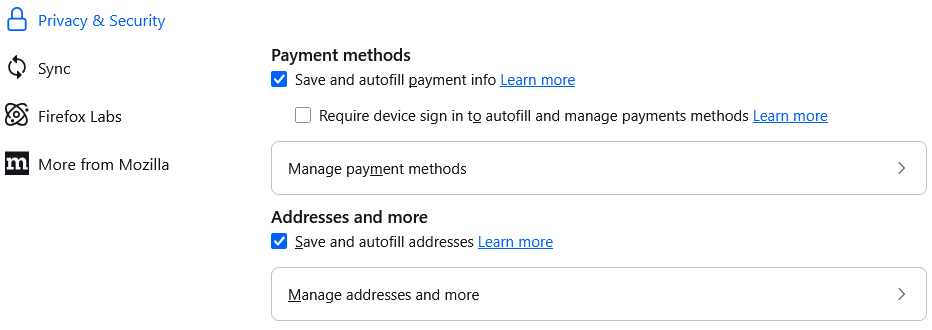
looks like we have differences in Firefox as mine doesn't have a Prefill option - my email addresses for prefill are as I described above, in Addresses and More - looks like this:-
Wybrane rozwiązanie
Click on "Manage addresses and more" and you should see the same.
been there, done that - see my entry of the 4th above which fixed the problem.