


Thunderbird can not connected to hotmail

I’m using Thunderbird to connect my Hotmail account. The setup shows as “successfully added,” but an error message appears:
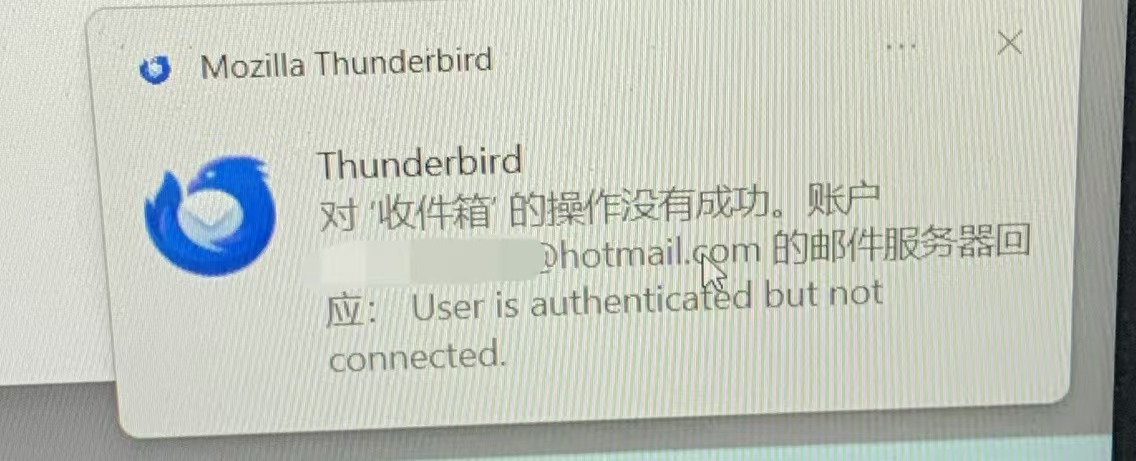
“The operation on Inbox did not succeed. The mail server for account responded: User is authenticated but not connected.”
Previously, the connection worked perfectly, but starting this week, Thunderbird can no longer access or sync the hotmail mailbox.
How to fix this problem!!???
Wszystkie odpowiedzi (2)
I have already checked all the settings, including:
Server type (IMAP)
Server name: outlook.office365.com
Port: 993
Connection security: SSL/TLS
Authentication method: OAuth2
Everything is configured correctly, and it used to work fine until this week. The issue suddenly appeared without any changes on my end.
Could you please advise how to fix this connection problem or whether there have been any recent changes to Microsoft or Thunderbird’s authentication system?

I reckon it is a deeper problem - see my post: https://support.mozilla.org/en-US/questions/1569084
In my. case - and possibly yours, TB is failing because it is using, what has become a legacy protocol. Microsoft now requires the OAuth2 token to have:
a) Audience: https://outlook.office.com/ b) Scope: IMAP.AccessAsUser.All c) Client classification: must be recognized as a “native mail client” for IMAP.
For example, on (a), currently, I believe TB uses a generic public client registration and unable to handle passkey authentication.