


Logging in with second Gmail in TB
When attempting to add a second email address to Thunderbird, I get the same error message every time. I have tried updating TB and restarting my computer, here are the steps I follow, please let me know if I should include any diagnostic logs/how to get them as well.
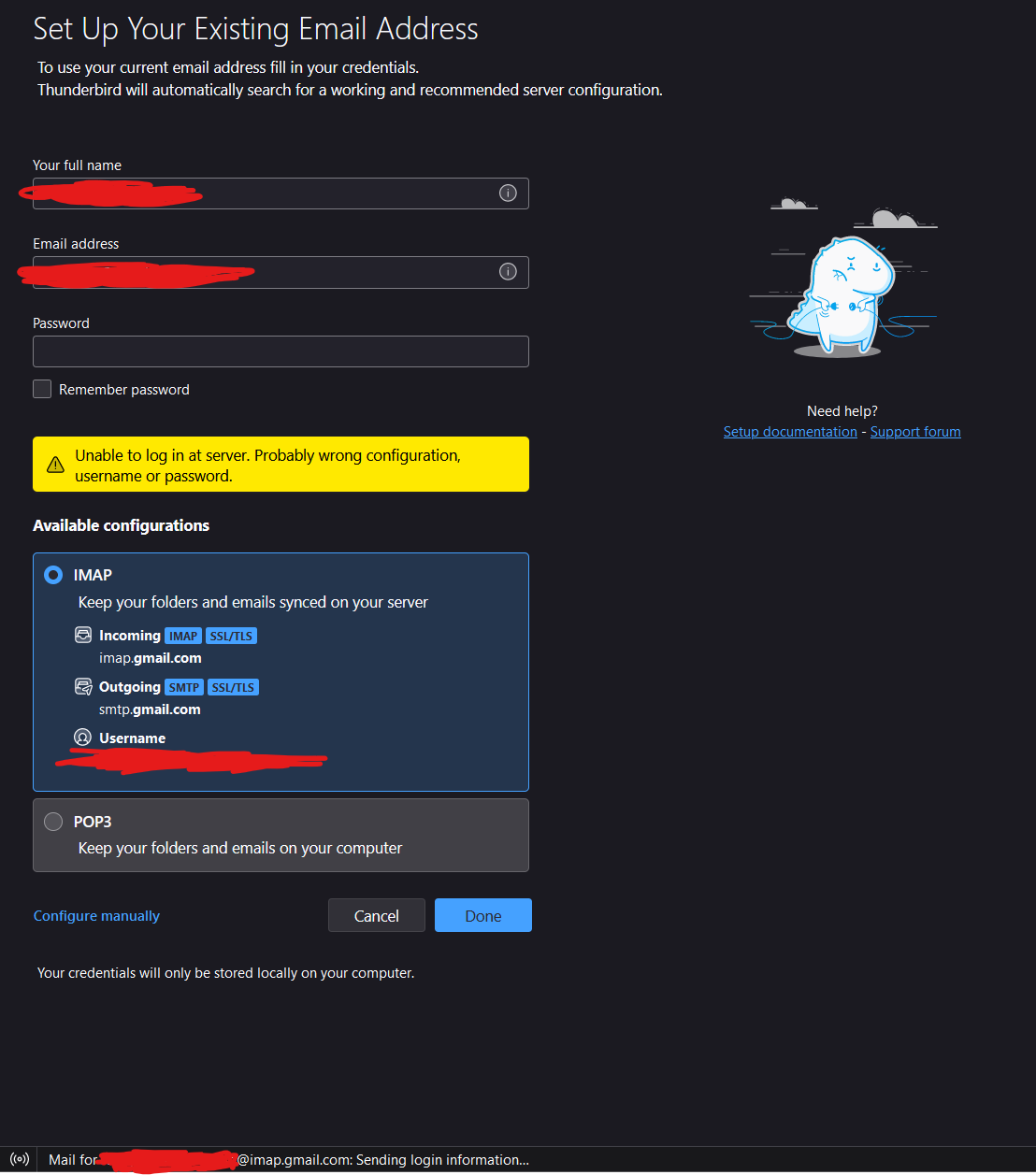
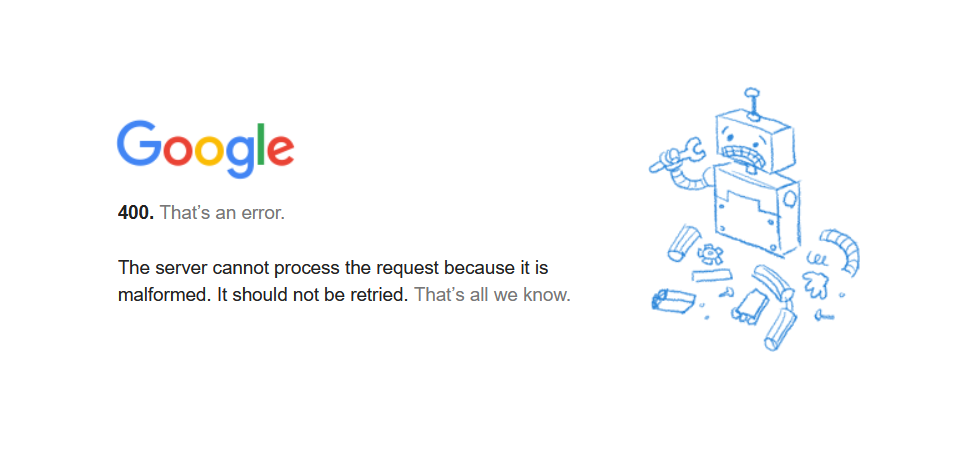
Please note that I already have an account set up that actively works, both sending and receiving gmail. Settings > Account Settings > Account Actions > Add Mail Account Enter my full name, and email address, but leave the password field blank according to other advice on this forum, although I have also tried with entering the address. Press Continue, receive the "Configuration found in Mozilla ISP database." message. Select IMAP > Done. See a google sign in page, with my email already filled in. Select Next. Then I get a Google 400 error page, reading: "400. That’s an error. The server cannot process the request because it is malformed. It should not be retried. That’s all we know." If I close that popup window, there is now a message in Thunderbird saying "Unable to log in at server. Probably wrong configuration, username or password."
Images with more details are attached below, note that this issue persists after both an update and a restart. Please ask any questions that can help you help me. Thanks in advance.
Wybrane rozwiązanie
Solved! Was watching a completely unrelated YouTube video and it made me think of a possible solution, which worked.
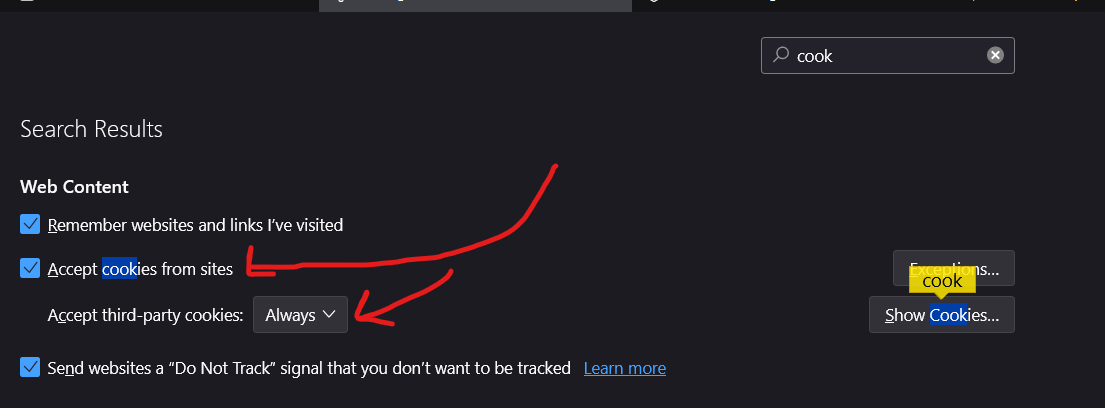
SOLUTION: Go into the settings page for TB, and enable "Accept Cookies From Sites" then set the drop-down connected to it to "Always."
Przeczytaj tę odpowiedź w całym kontekście 👍 0Wszystkie odpowiedzi (2)
Wybrane rozwiązanie
Solved! Was watching a completely unrelated YouTube video and it made me think of a possible solution, which worked.
SOLUTION: Go into the settings page for TB, and enable "Accept Cookies From Sites" then set the drop-down connected to it to "Always."
Thanks for posting your solution.