


Suddenly I have no credit card autofill option.

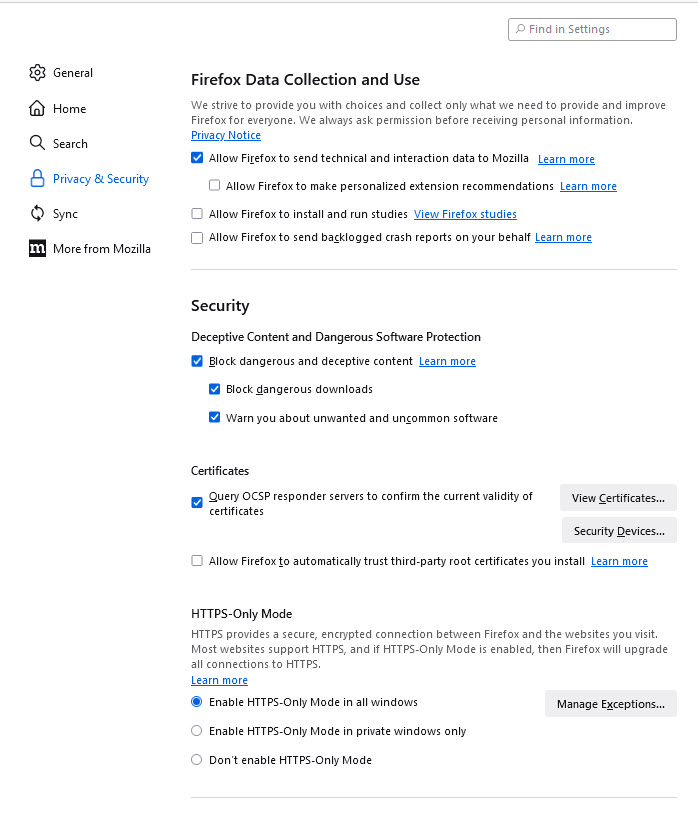
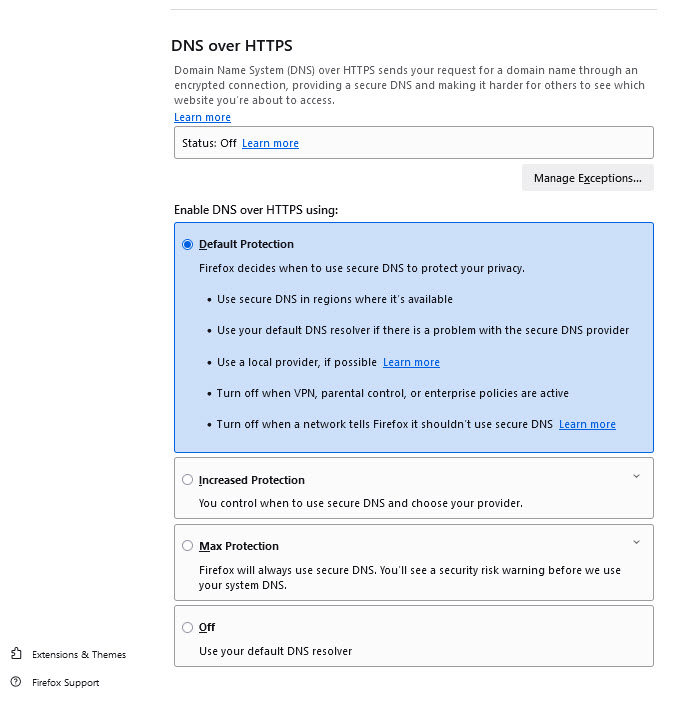
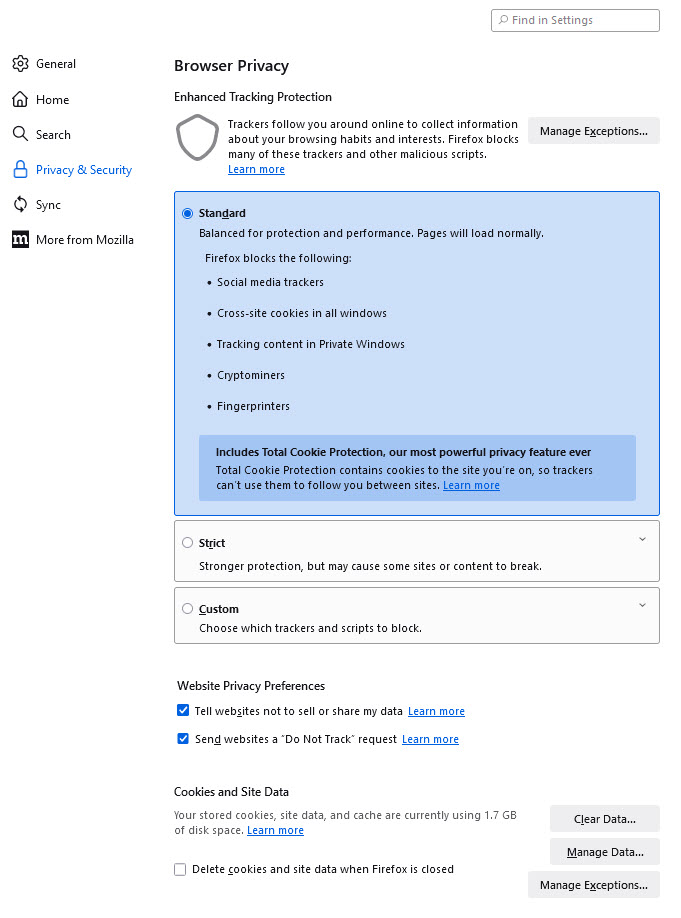
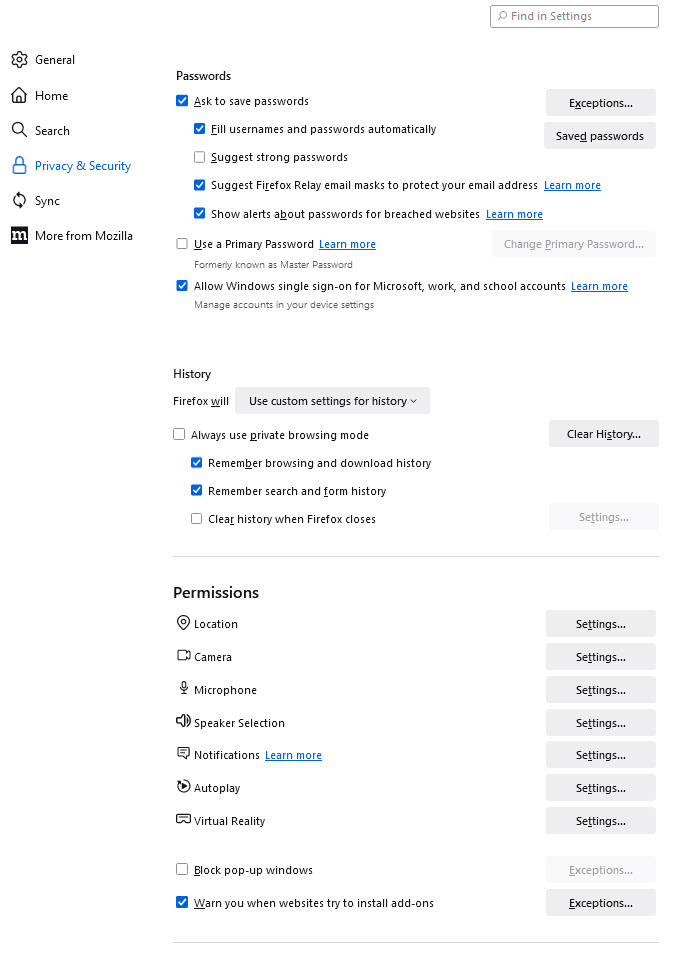
When I go to Settings > Privacy & Security the only "autofill" setting is to import data from another browser. I am signed in, in the US, and my VPN is set to Seattle.
When I go to Settings > Privacy & Security the only "autofill" setting is to import data from another browser. I am signed in, in the US, and my VPN is set to Seattle.
Wszystkie odpowiedzi (1)
You can enable the form autofill and credit card autofill feature by modifying some extensions.formautofill prefs in about:config, but no guarantee that this works properly. You can set extensions.formautofill prefs that have a value of "detect" to "on" in about:config. Close and restart Firefox after modifying these prefs.
- extensions.formautofill.creditCards.available => "on"
- extensions.formautofill.addresses.supported => "on"
- extensions.formautofill.creditCards.supported => "on"
You can open about:config via the location/address bar. On the warning page, click "Accept the Risk and Continue" to open about:config.