


Setting up a second laptop
I have bought a new laptop and want to install Firefox. I have attempted to duplicate the version on my first laptop, with the intention of scrapping it, this would already have been duplicated all my details on the new laptop. Clearly I am simple creating a big mess. Please could someone put me straight? Brian
Wszystkie odpowiedzi (2)

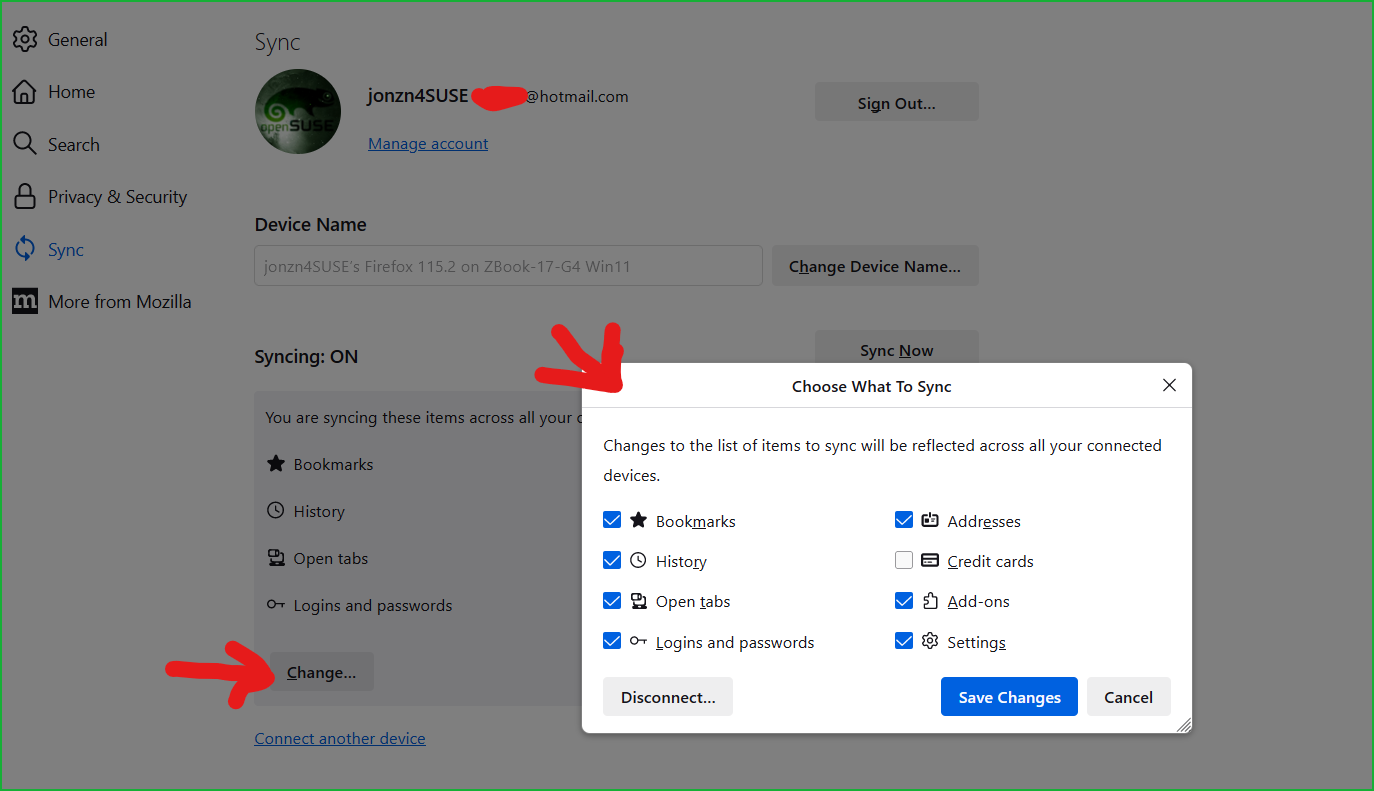
You should use sync to get your Firefox data on the new computer. https://support.mozilla.org/en-US/kb/how-do-i-set-sync-my-computer https://support.mozilla.org/en-US/kb/how-do-i-choose-what-information-sync-firefox
1. Sign into sync on old computer and select what to sync. 2. Then do the same on the new computer and then the data from old should sync to new computer.
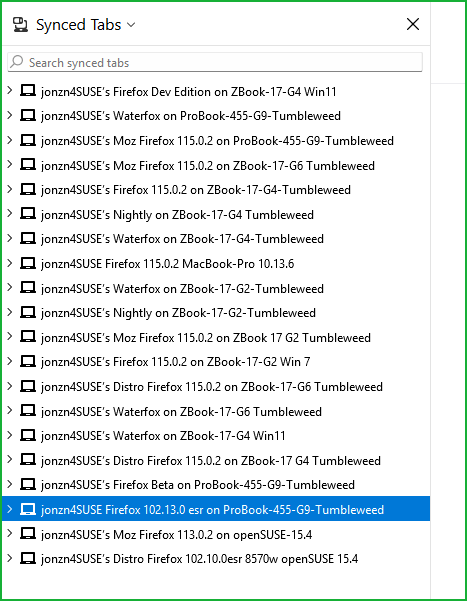
Remember... Sync is not a back-up. It allows you to sync data between devices or versions of Firefox and Waterfox.