


Thunderbird 102.2.2 on Mac has 80% cpu usage when idle

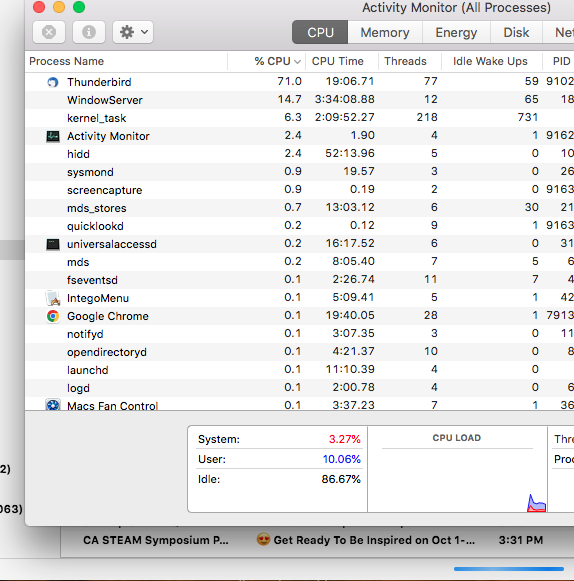
After the upgrade to TB 102.2.2 on my Mac (OSX 10.13.6), Activity Monitor shows 70-80% (or greater) cpu usage when TB is idle. There is a blue status bar at the bottom of the window that is totally blue, but never "finishes".
How do I fix this?
Thank you
Wszystkie odpowiedzi (4)
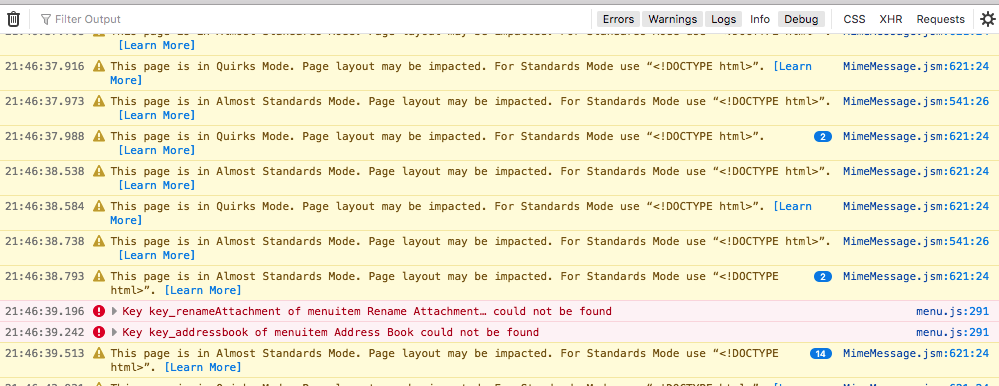
There are also MANY error messages in the Error Console, such as seen in the attached image.
It's as though it thinks that every email message is in the "Quirks mode". Is there some way to "fix" all these errors?
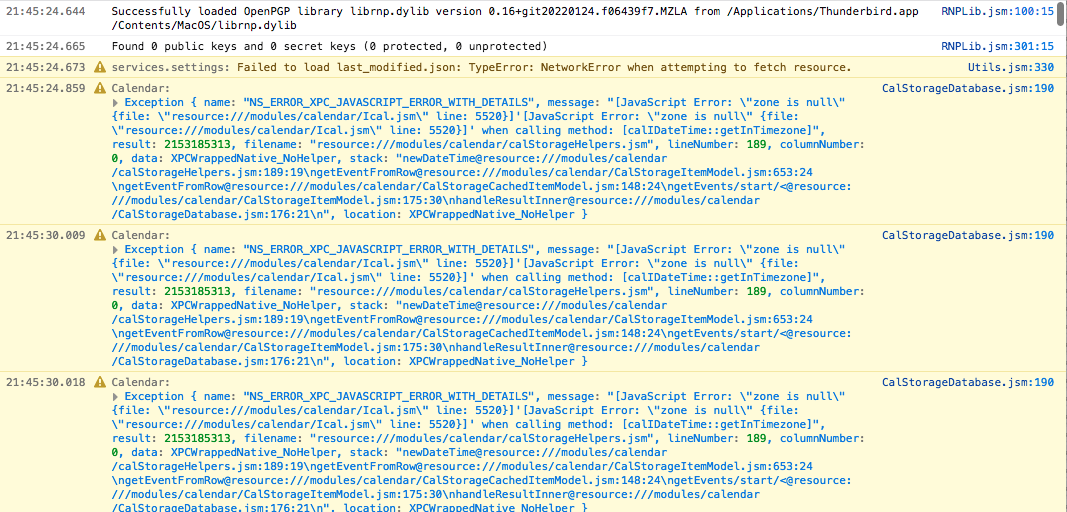
Also, at startup, it is rather unhappy with the Calendar (that I don't use). See attached screen capture of the beginning of the log.
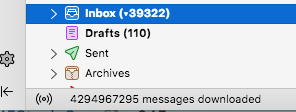
Also, the lower-left corner of the Thunderbird window has a message that says 4 trillion messages have been downloaded.
You can ignore the quirks mode warnings.
102.3.0, available in the next couple days, has a fix which may help you. Please post your results.
If it doesn't help, please post your AV software and mail provvider.