

Wątek został zarchiwizowany.
Jeśli potrzebujesz pomocy, zadaj nowe pytanie.

Rozwiązane
Zarchiwizowany
cannot disable google document viewer
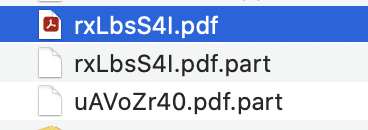
I cannot disable google document viewer in Google Drive. Every time I go to open a recently downloaded PDFs in Google Drive, it invokes Document Viewer unless I specifically right click and tell it to open with Acrobat. I have disabled everything thing I know in both Chrome and Firefox, cleared the caches, rebooted, and the default behavior persists. Worse, the Document Viewer REQUIRES a complicated, infuriating sign in process that has only worked ONCE in dozens of sign in attempts. Please help with this.
I '''cannot disable''' google document viewer in Google Drive. Every time I go to open a recently downloaded PDFs in Google Drive, it invokes Document Viewer unless I specifically right click and tell it to open with Acrobat. I have disabled everything thing I know in both Chrome and Firefox, cleared the caches, rebooted, and the default behavior persists. Worse, the Document Viewer REQUIRES a complicated, infuriating sign in process that has only worked ONCE in dozens of sign in attempts. Please help with this.
Wszystkie odpowiedzi (1)
Wybrane rozwiązanie
Never mind. i found the answer in Google Drive Settings. Can be disabled there and there only.