


Homepage is not displayed when Firefox is started
Hi everybody.
Firefox version 77.0.1 (64-bit) Windows 10 Home Version 1909 Device Surface Pro 7
To start with I'm a long time Firefox user so I tried the obvious things
The issue is that the homepage wouldn't start when I start up the browser (it shows a blank page with no address), however if I click on the homepage icon it would go to homepage. another case where it would work is if I start a browser window and then start a newer window (with the first window still open) It'll go to the homepage automatically as it should on the newer window
This started to happen about a week or two ago (maybe with the new windows update, not positive though)
Any idea that might work would be appreciated
Thank You people!
Talal
Wszystkie odpowiedzi (6)

Experiencing the exact same thing. Firefox 77.0.1, Bodhi Linux 5.1.0 (64 bit).
Could not find anything out of place.
Hey wimc, yeah it's weird right everything in place same here
Anyway, today the issue got solved without me taking any action, how about you
hello talal23k,
Clear all cookies, site data and cache
- Click the menu button. and select Options. Preferences.
- Select the Privacy & Security panel and go to the Cookies and Site Data section.
- Click the Clear Data… button. The Clear Data dialog will appear. ...
- Click Clear.
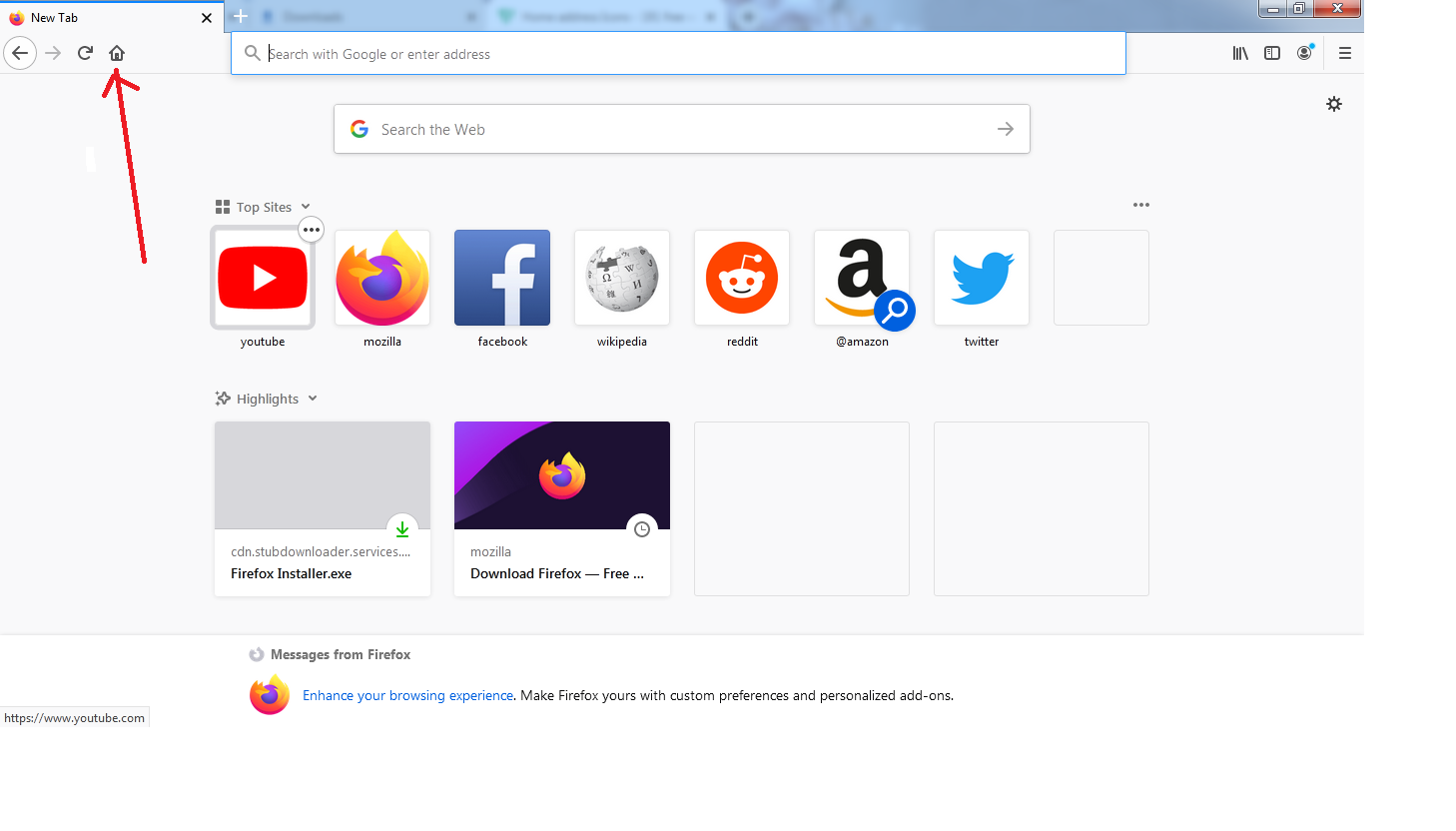
- click home icon on the browser. i have attached images.
Important:Restart browser and your computer both.
i hope resolved your problem then reply back to me.
Thank you and regards,
Arman khan
Sadly the issue came back
Thanks a lot ARMAN KHAN, I'll try this out and I'll let you know if it works for me
Unfortunately, it just worked for the very first window I opened after following the steps, but then it went back to starting a blank page
Thanks anyway ARMAN KHAN for trying
Sorry took so long to reply. Nope, no change whatever is done.