


A strange font is being used with some web sites

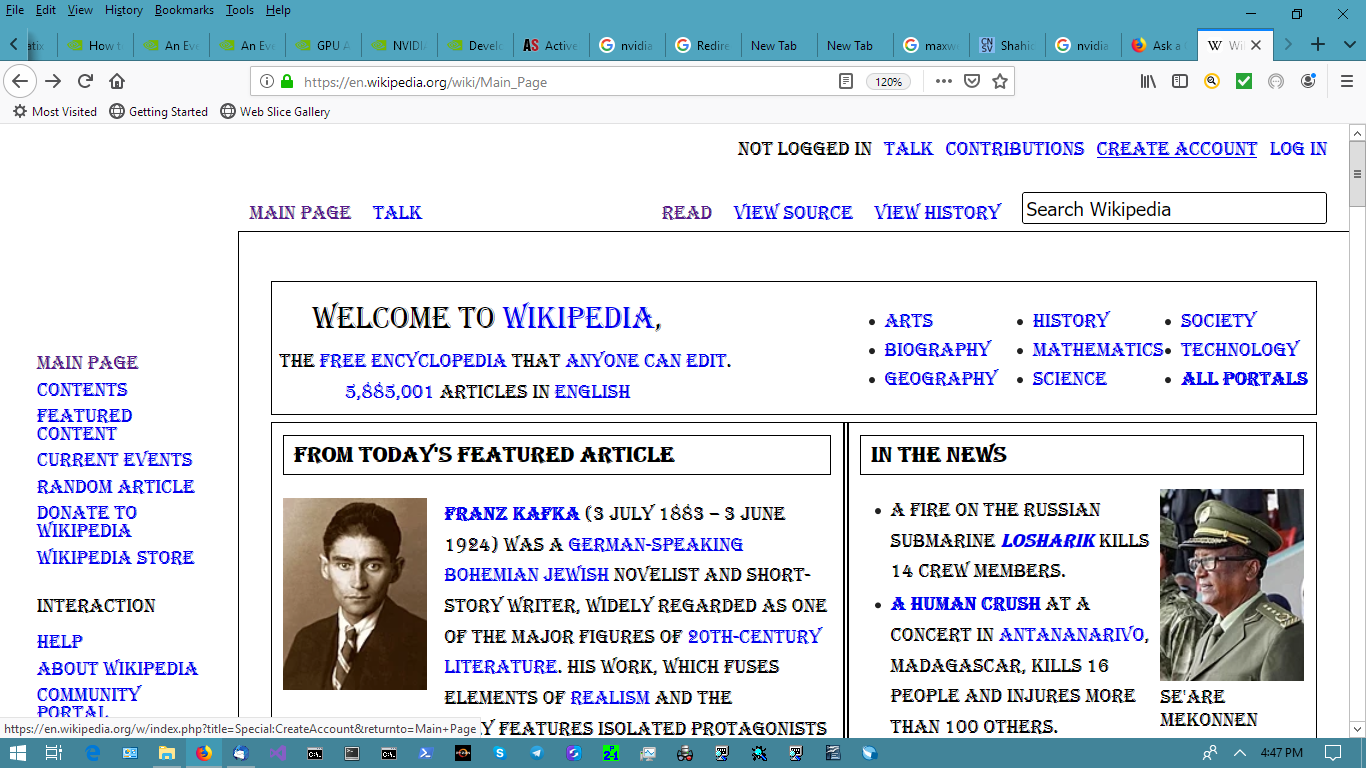
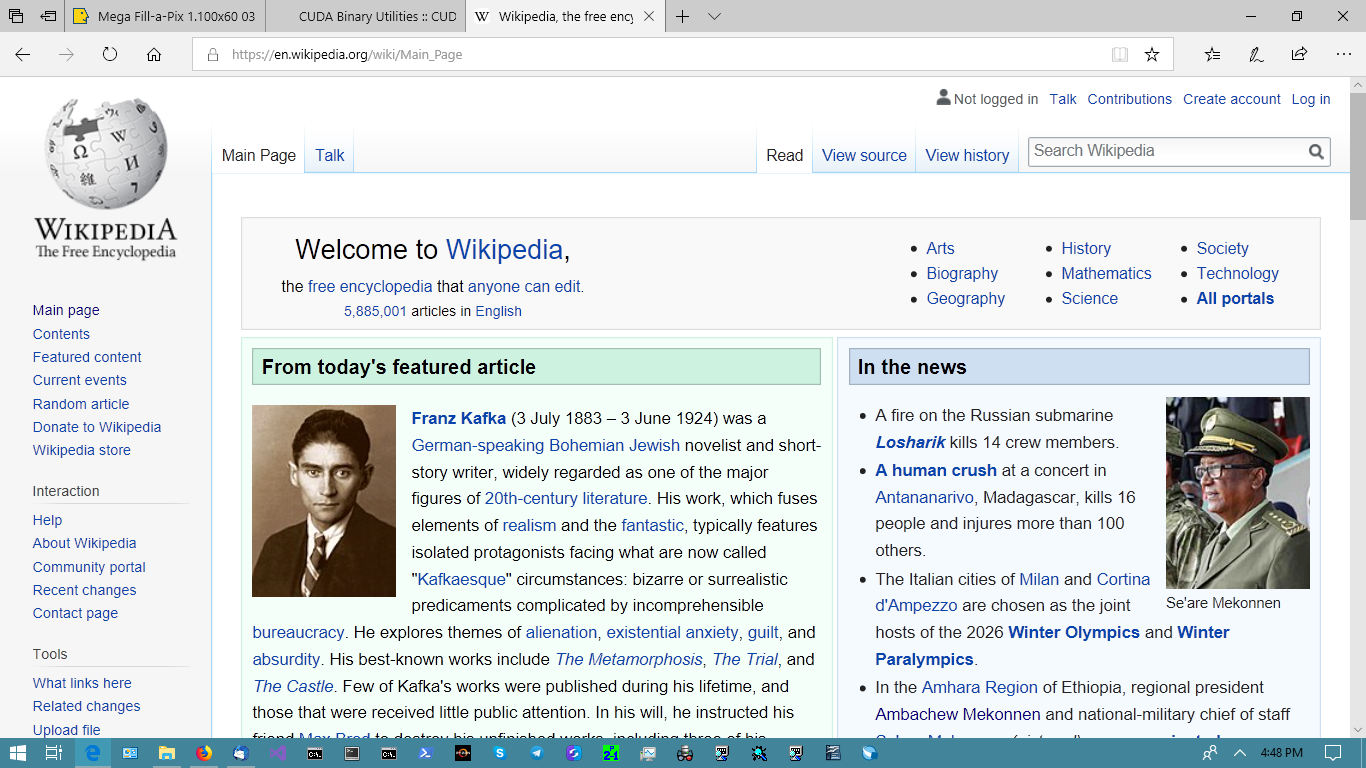
Some sites, for example https://en.wikipedia.org/wiki/Main_Page, display a strange font. See screen shot. I have my default font option set to Verdana. I don't know what this font is or how to use Verdana or whatever font the page itself specifies. Works fine in Edge (see second screen shot). My Firefox is version 67.0.4 64-bit (Windows).
Wszystkie odpowiedzi (3)
Problem solved. In the Advanced page, via the Fonts and Colors section under Options, I saw that I had chosen Algerian as the default sans-serif font. I changed to Verdana and things are fine.
Wybrane rozwiązanie
You can right-click and select "Inspect Element" to open the builtin Inspector with this element selected.
You can check in the Font tab in the right panel in the Inspector what font is actually used because Firefox might be using a different font than specified by the website.
Interesting about the Inspect Element. I didn't know about that.